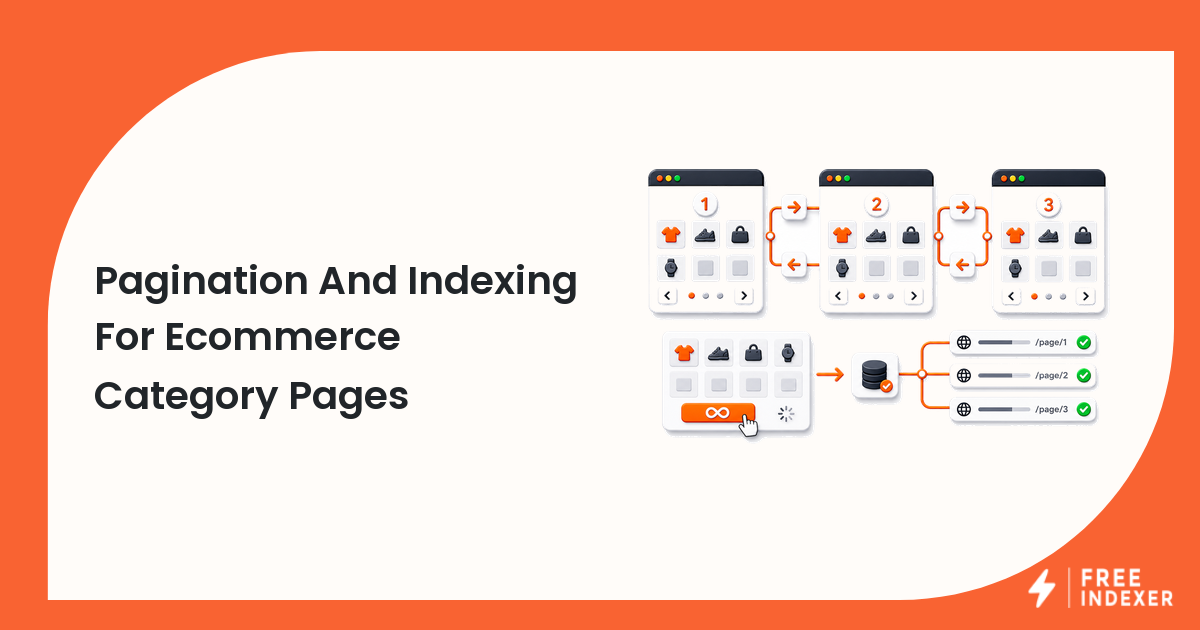
Ecommerce category pages are often more important for SEO than individual products. A category page can target broad demand, support internal linking, and guide shoppers through product sets. But category pages also create duplicate, thin, and filter-heavy indexing problems.
For the existing ecommerce workflow, read indexing workflow for ecommerce category pages. This guide focuses on the category page itself.
The Short Answer
An ecommerce category page is ready for indexing follow-up when it is crawlable, canonical, internally linked, included in the sitemap when appropriate, populated with useful products, and supported by content that matches the query.
Do not prioritize every category, filter, and collection URL equally. Start with category pages that have demand and business value.
Category Page Priority Table
| Page type | Example | Indexing priority |
|---|---|---|
| Main category | /collections/running-shoes/ |
High |
| Subcategory | /collections/trail-running-shoes/ |
High if demand exists |
| Seasonal collection | /collections/winter-running-gear/ |
Medium to high during season |
| Filtered URL | /collections/running-shoes?color=blue |
Usually low unless intentionally indexable |
| Search result page | /search?q=shoes |
Usually exclude |
Category Page Indexing Checklist
Check each priority category:
- The URL returns
200. - The category has enough products to satisfy the query.
- The page has unique copy or helpful buying guidance.
- The canonical tag points to the intended category URL.
- Filter, sort, and parameter URLs are controlled.
- The page appears in the XML sitemap if it is a priority.
- Internal links point from navigation, homepage sections, products, blog guides, or parent categories.
- Out-of-stock products do not make the page look empty.
- The title and H1 match the category search intent.
- Search Console does not show crawl blocks or canonical conflicts.
For sitemap details, use the sitemap indexing checklist.
Diagnostic Steps
- Export your category and collection URLs.
- Split main categories from filters, tags, sort URLs, and search pages.
- Inspect a high-value category in Search Console.
- Check canonical tags on the category and on filtered variants.
- Review internal links to the category from navigation and related content.
- Confirm product depth and unique content.
- Assign each URL to submit, improve, monitor, or exclude.
The technical SEO indexing audit is useful if the same issue appears across many templates.
Example Ecommerce Scenario
A store sells outdoor gear. These URLs exist:
/collections/hiking-boots//collections/waterproof-hiking-boots//collections/hiking-boots?size=10/collections/hiking-boots?sort=price-ascending
The first two may deserve indexability and discovery follow-up. The filter and sort URLs probably need canonical control or exclusion. Submitting all four equally would create noise.
FreeIndexer fits after the category audit, when the store has a clean list of priority category pages. It can help with submission and tracking, but it cannot make thin or duplicated category pages valuable.
Internal Linking Opportunities
Use internal linking for indexing to strengthen category discovery. Good ecommerce links include:
- navigation links to top categories
- parent category links to subcategories
- product detail links back to categories
- blog buying guides linking to relevant collections
- homepage modules for seasonal priority categories
Common Mistakes
- Letting every filter URL be indexable.
- Prioritizing product pages while ignoring category pages.
- Publishing empty or nearly empty collections.
- Using identical text across many category pages.
- Submitting category URLs before canonical and internal link checks.
Part Of This Series
This article is part of the Platform SEO Playbooks series.
Recommended path:
- Previous: WooCommerce Category Page SEO Workflow
- Current: Ecommerce Category Page Indexing Guide
- Next: Webflow SEO Indexing Guide
Series hub: Platform SEO Playbooks
Related guides from other workflows:
FAQ
Should ecommerce category pages be indexed?
Important category pages usually should be indexable if they target real demand and offer useful product depth. Duplicate filters and thin variants usually should not be prioritized.
Are product pages or category pages more important?
Both matter, but category pages often target broader search demand and support product discovery.
Should filtered URLs be submitted?
Usually no. Review filter and parameter behavior carefully before allowing those URLs into a priority queue.
Where does FreeIndexer fit?
FreeIndexer fits after the category audit, when qualified ecommerce category URLs need discovery follow-up and tracking.
Next Step
Prioritize ecommerce category pages by demand, crawlability, and business value. A category page should earn its place in the indexing queue.