Product launch pages often get plenty of internal attention before launch and very little discovery follow-up after launch. The page goes live, the campaign starts, and nobody owns the indexing checks.
For the basics, start with the indexing education hub. This workflow is for SaaS and product teams that publish launch pages, feature pages, integration pages, comparison pages, changelog posts, or documentation updates.
The Short Answer
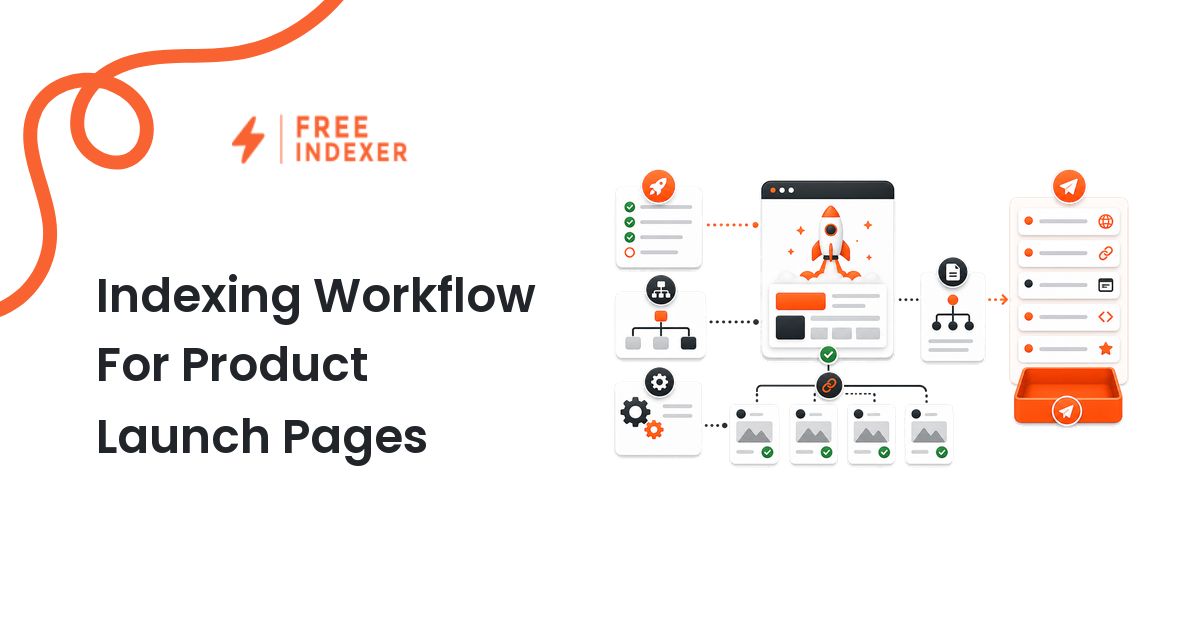
Add indexing checks to the launch checklist before the page goes live, on launch day, and after the first crawl window. The workflow should confirm that the page is crawlable, indexable, canonical, internally linked, included in the sitemap when appropriate, and assigned to a follow-up owner.
Submission is only one step. The stronger workflow connects product, marketing, docs, and SEO.
Pre-Launch Checklist
Before publishing a product launch page, confirm:
- The final URL is approved and will not change after launch.
- The page will return a final
200status. - The page is not blocked by staging rules, password protection, or
noindex. - The canonical points to the launch page itself unless there is a clear reason not to.
- The page has a complete title, meta description, heading, and body content.
- Product screenshots, pricing references, and feature claims are approved.
- The page is linked from a relevant product, solutions, resources, or docs page.
- The sitemap will include the canonical URL if the page should be discoverable.
- Analytics and conversion tracking are ready.
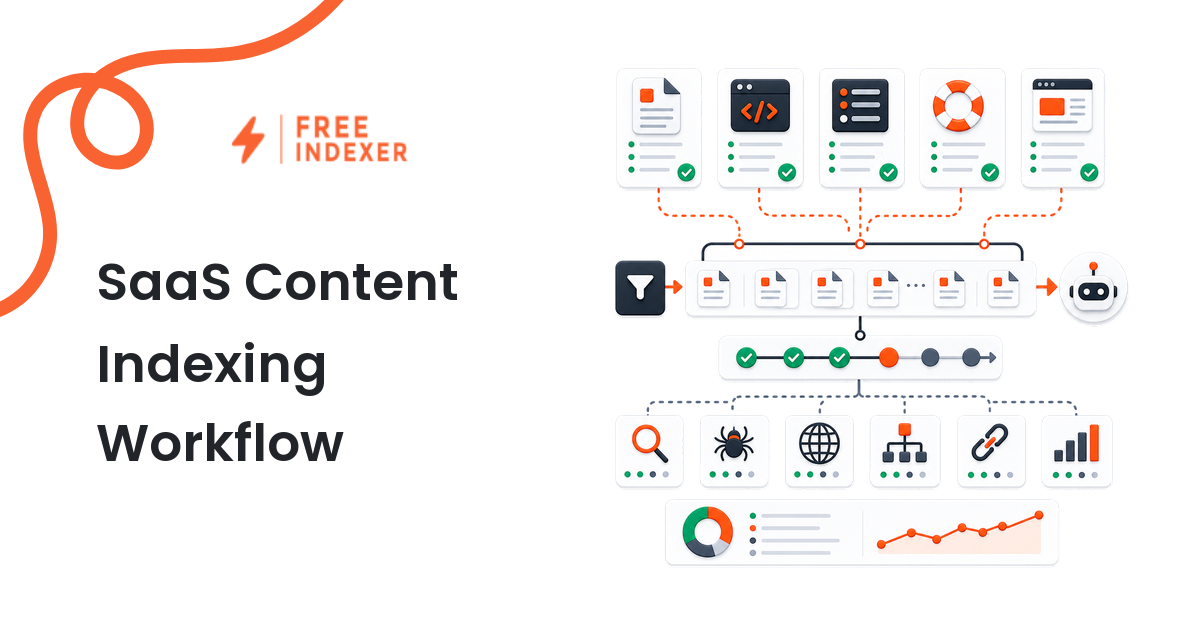
If your team already has a SaaS publishing process, connect this with the SaaS content indexing workflow.
Launch-Day Checks
On launch day, do not stop at "page is live." Check the final public URL:
- Open the page in an incognito window.
- Confirm the URL is not a preview, staging, or redirect version.
- Inspect the canonical tag.
- Check that navigation and internal links point to the final URL.
- Confirm docs, changelog, and blog support links are live if they are part of the launch.
- Add the URL to the launch follow-up list.
Use URL submission checklist before indexing when deciding whether the page is ready for submission.
What To Do Next
| Launch state | Meaning | Next action |
|---|---|---|
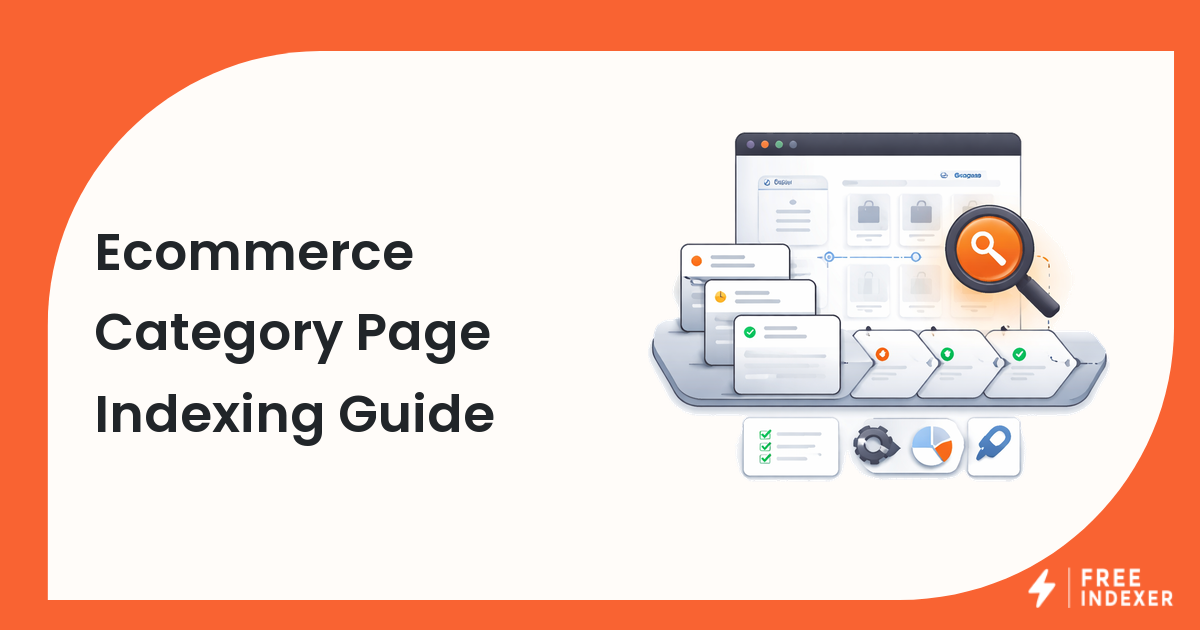
| Page is live, linked, and indexable | Ready for discovery follow-up | Submit or track as a priority URL |
| Page is live but orphaned | Search engines may not find it easily | Add internal links from product and docs hubs |
Page is noindex |
Indexing is intentionally or accidentally blocked | Remove only if the page should be indexed |
| Canonical points elsewhere | Signals are being consolidated | Fix before submission |
| URL changed after launch | Old links and sitemap may be stale | Update links, redirects, sitemap, and tracking |
FreeIndexer fits when the page is ready and the team wants a repeatable way to submit or track launch URLs. It is especially useful when launches include multiple assets, such as the landing page, documentation page, comparison page, and announcement post.
Workflow Example
A SaaS team launches a new reporting feature. The launch includes:
/features/reporting//docs/reporting/getting-started//blog/reporting-launch//integrations/google-sheets-reporting/
Marketing owns the feature page. Product owns feature messaging. Docs owns the setup guide. SEO owns the discovery checklist.
The team links the feature page from the product navigation, links docs from the feature page, adds the blog announcement to the resources hub, and confirms all four URLs are canonical and indexable. The SEO operator then submits the priority URLs and records a follow-up date.
For product-page-specific details, read indexing for SaaS product pages. For internal link planning, use internal linking for indexing.
Common Mistakes
- Launching from a temporary URL and forgetting to update links.
- Leaving a staging
noindexdirective in place. - Publishing a page that has no internal links outside the launch email.
- Submitting the page before the copy, pricing, or docs links are complete.
- Forgetting supporting URLs such as docs, changelog, and integration pages.
FAQ
Should product launch pages be submitted for indexing?
Important launch pages can be submitted or tracked after confirming they are crawlable, indexable, canonical, complete, and internally linked.
Who should own indexing checks for launch pages?
Usually SEO or growth should own the checklist, but product, marketing, and docs need clear responsibilities for page readiness and links.
What if the launch page is temporary?
If the page is temporary, decide whether it should be indexed at all. Temporary campaign pages often need different canonical, redirect, or noindex decisions.
Can FreeIndexer help with a launch?
Yes, when the launch has ready priority URLs that need organized submission or follow-up. It should not replace technical checks.
Next Step
Add indexing checks to the launch checklist before and after each product page goes live. Product launches move fast; the discovery workflow should be boring, owned, and repeatable.