The Short Answer
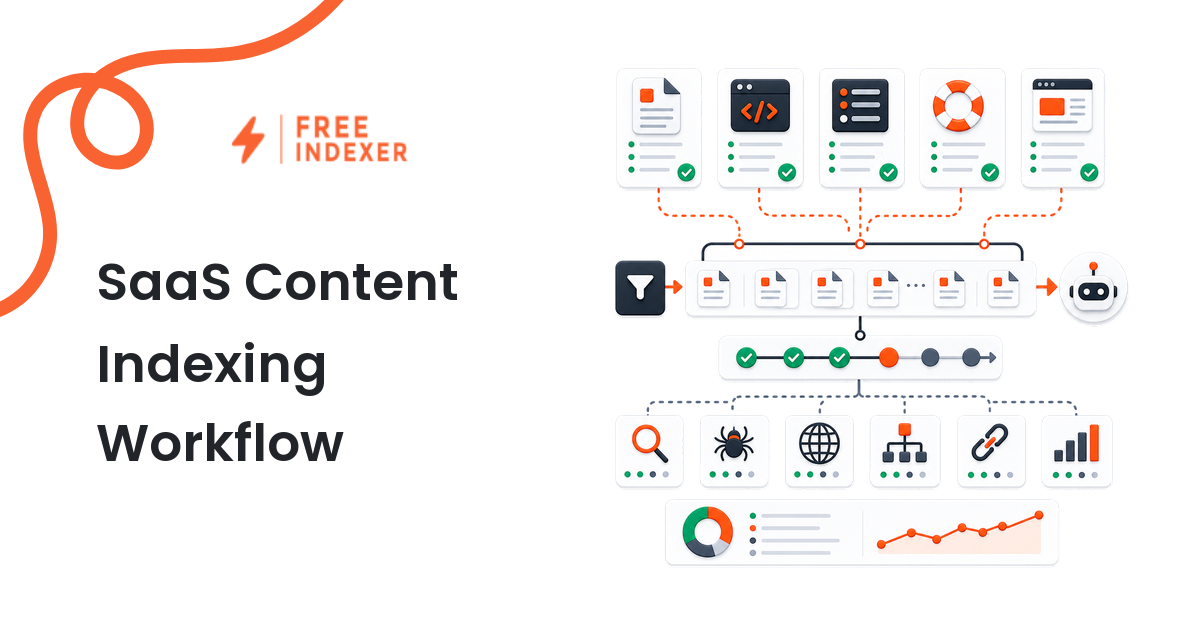
SaaS teams should make indexing a post-publish checklist item. After a product page, documentation page, integration page, changelog, or support article goes live, check that it is crawlable, internally linked, included where appropriate, and then submit it through a workflow like FreeIndexer. Submission supports discovery, but search engines still decide what gets indexed.
For the broader indexing model, start with the indexing education hub. If a specific product URL is not appearing, use the URL indexing troubleshooting guide as the diagnostic checklist.
When This Matters
You are on a marketing, product, content, support, or growth team. Your team publishes pages regularly: feature pages, comparison pages, docs, changelog posts, integration pages, help center articles, and release notes. Some of those pages support sales and onboarding. They should not depend on a one-off manual submission habit.
The goal is not a dramatic SEO trick. The goal is operational consistency.
Why SaaS Pages Get Missed
SaaS websites often grow in pieces. Marketing owns landing pages. Product owns docs. Support owns help center content. Engineering may publish changelogs. The sitemap may update automatically, but internal links and submission workflows are easy to miss.
Common problems:
- new docs are not linked from navigation
- integration pages are published but not connected to hub pages
- changelog posts are buried
- feature pages launch before the sitemap updates
- canonical tags are copied from templates
- no one owns post-publish indexing checks
A lightweight workflow fixes most of this.
Which SaaS URLs To Prioritize
Start with pages that support product discovery, sales, onboarding, or customer success.
High-priority SaaS URLs:
- homepage or major positioning updates
- product and feature pages
- use-case pages
- integration pages
- comparison pages
- pricing-related support pages
- documentation pages linked from onboarding
- changelog posts for major releases
Medium-priority URLs:
- help center articles
- minor release notes
- glossary pages
- technical how-to pages
Lower-priority URLs:
- thin tag pages
- filtered search pages
- duplicate docs
- outdated support pages
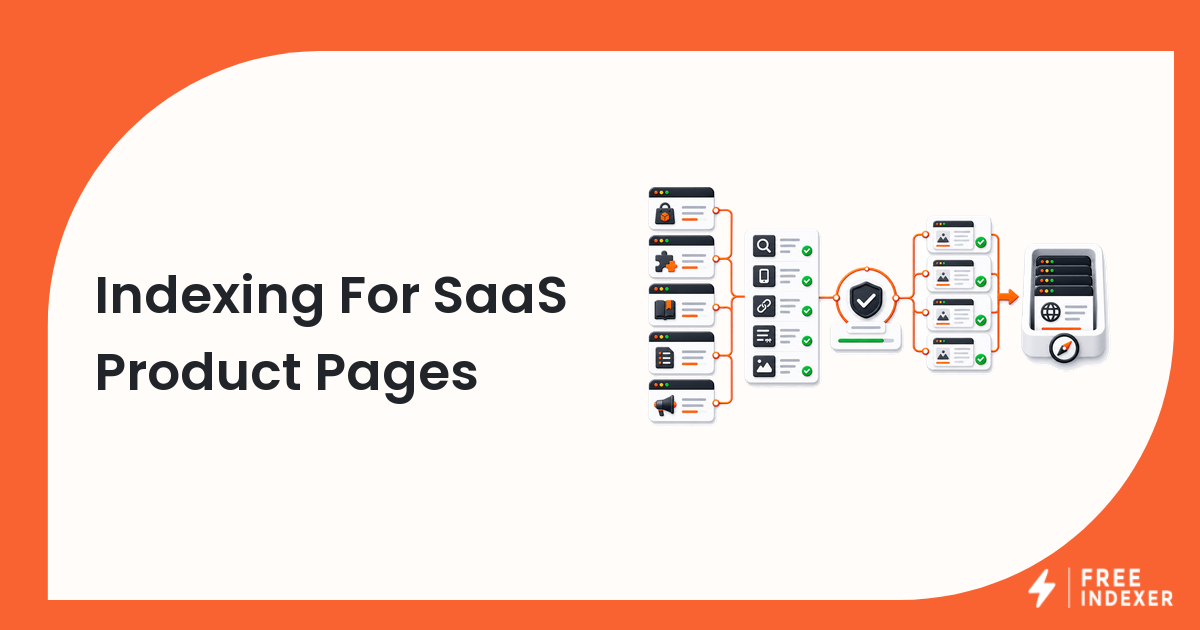
Pre-Submission QA
Before submitting a URL, check:
- the page is public
- the page returns the correct status
- it is not blocked by robots rules
- it does not have an accidental
noindex - canonical is correct
- page title and description are unique
- page is linked from navigation, hub page, docs sidebar, or related page
- page is included in the sitemap if appropriate
This QA step is especially important for SaaS because templates and CMS defaults can quietly create indexing problems.
Add FreeIndexer To The Publishing Checklist
The simplest workflow:
- Publish the page.
- Run the QA checks.
- Add at least one relevant internal link.
- Submit the URL through FreeIndexer.
- Record the submission date in the release or content tracker.
- Recheck later.
This works for content teams and product teams because it is easy to assign. The owner is not "someone in SEO." It can be the person who publishes the page.
Example Release Workflow
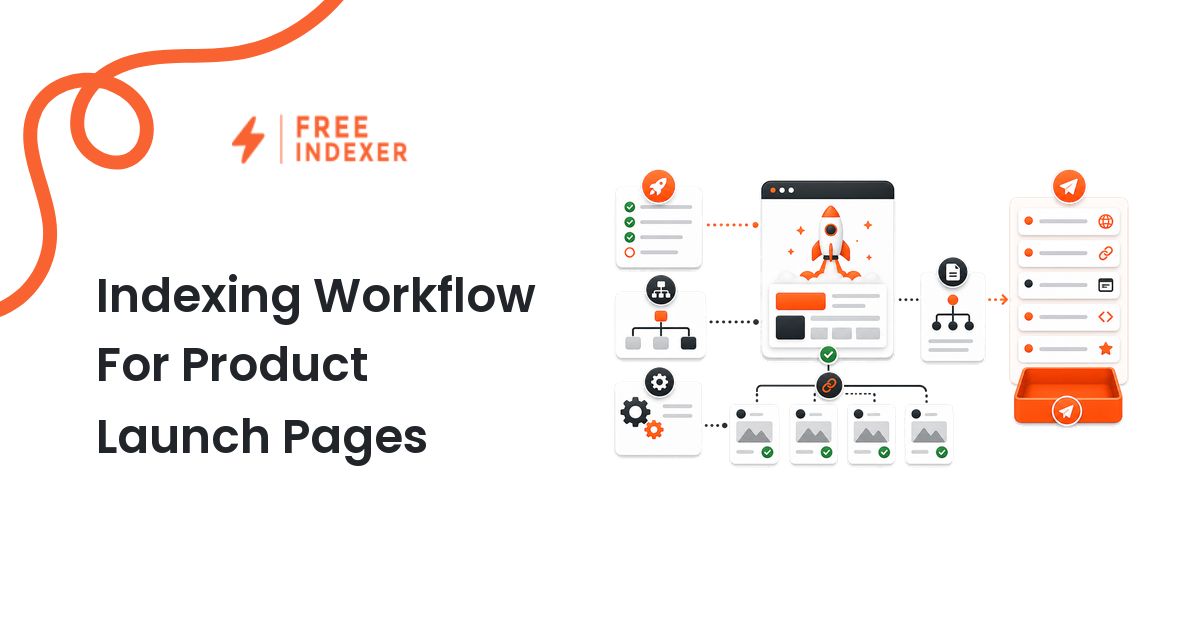
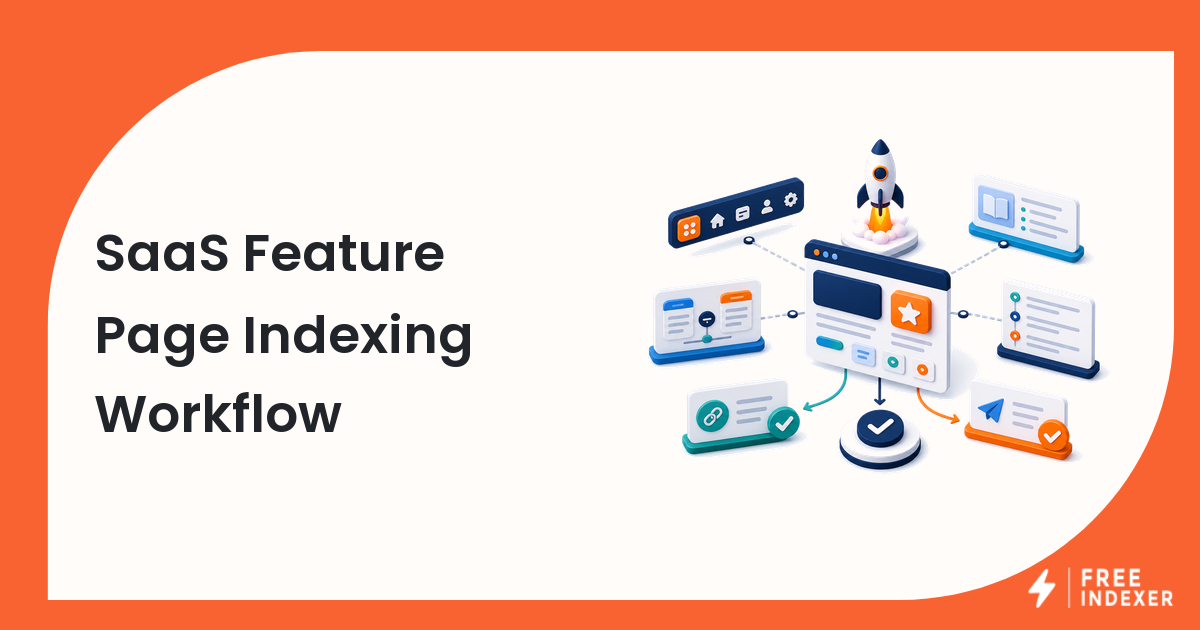
For a product launch, the workflow might look like this:
- Marketing publishes the feature page.
- Docs publishes the setup page.
- Product publishes the changelog entry.
- The owner adds internal links between those pages.
- The final URLs are submitted through FreeIndexer.
- The team checks indexing later and updates the launch checklist.
This keeps indexing attached to the release itself. It also makes the workflow easier to repeat for the next feature.
How Teams Can Use It
Marketing can use FreeIndexer for landing pages, use-case pages, and comparison content.
Product marketing can use it for feature launch pages and integration pages.
Support teams can use it for important help center articles that reduce ticket volume.
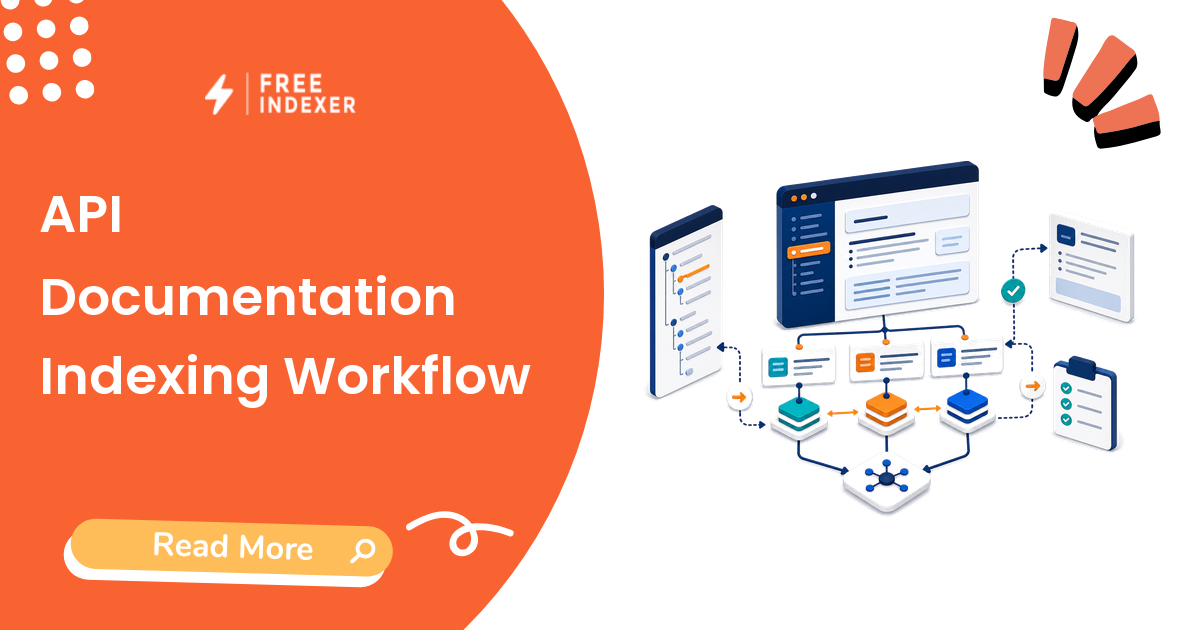
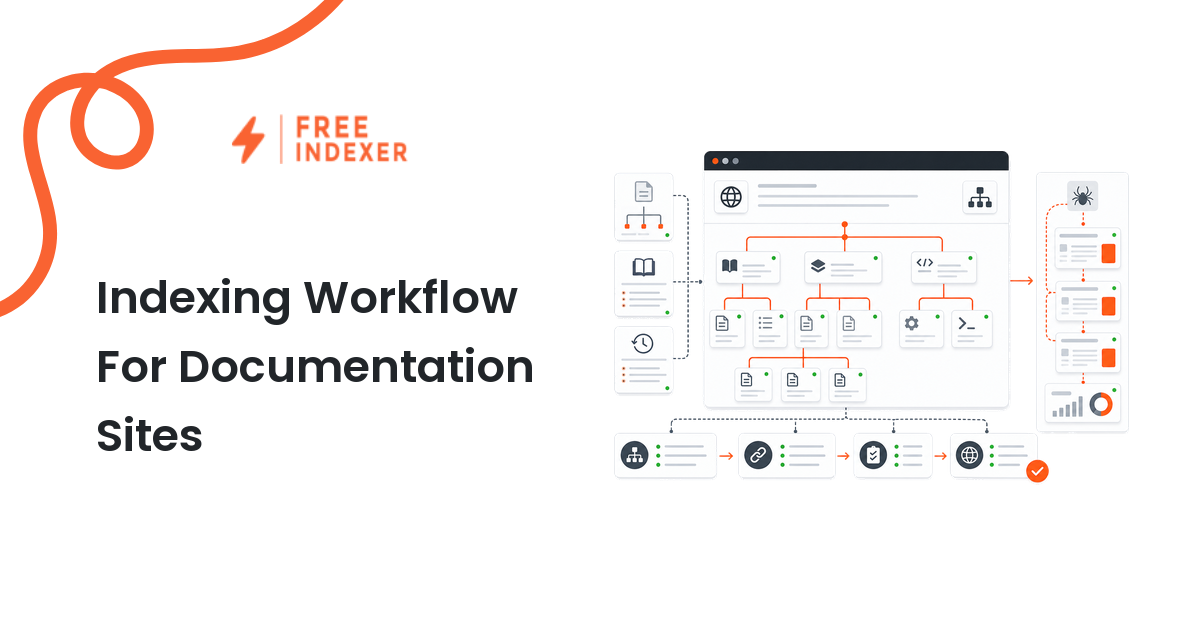
Documentation teams can use it for new or substantially updated docs.
Growth teams can use it as part of a broader product-led SEO workflow.
If your team is comparing tool choices, see the Google indexing tools guide. If you want a simple low-cost path first, read the free URL indexer guide.
Monitoring Without Overpromising
Do not promise internal stakeholders that every page will appear immediately. Instead, report:
- page published
- QA checks passed
- internal links added
- URL submitted
- indexing status checked later
- follow-up actions if needed
This keeps expectations accurate and avoids turning SEO into guesswork.
Expectations And Limits
Search engines decide what gets indexed. A SaaS page that is public, useful, internally linked, and submitted has a better discovery workflow than a page that is merely published and forgotten. But submission is not a replacement for page quality or site architecture.
SaaS Release Board Example
A feature launch can create a product page, integration pages, documentation, a changelog entry, an announcement, and updated comparisons. Assign each URL a role before launch:
| URL type | Search job | Required discovery path |
|---|---|---|
| Product or feature page | Explain value and convert demand | Product navigation, solutions pages, sitemap |
| Integration page | Capture integration-specific intent | Integrations hub, partner page, documentation |
| Documentation page | Help users complete a task | Documentation hierarchy, product page, cross-links |
| Changelog or announcement | Communicate the release | Changelog index, newsroom or blog hub, feed |
The release owner should confirm the final production URL rather than a preview or staging path. Engineering should verify response codes, canonicals, rendering, and directives. Content should verify the page promise and internal links. Only then should the URL enter the FreeIndexer queue.
After submission, keep technical evidence separate from product metrics. An indexed integration page may still need better messaging or links to earn traffic. Conversely, a page can receive referral traffic before it appears in search.
This release-board approach is especially useful for teams that ship weekly and otherwise lose discovery tasks between product, documentation, marketing, and SEO owners.
FAQ
Should every docs page be submitted?
Not always. Prioritize important docs, onboarding pages, integration docs, and major updates.
Is FreeIndexer useful for changelog posts?
Yes, especially for major releases or changelog entries connected to product search demand.
Can product teams run this without SEO?
Yes. The workflow is simple enough to include in release checklists, with SEO reviewing higher-value pages.
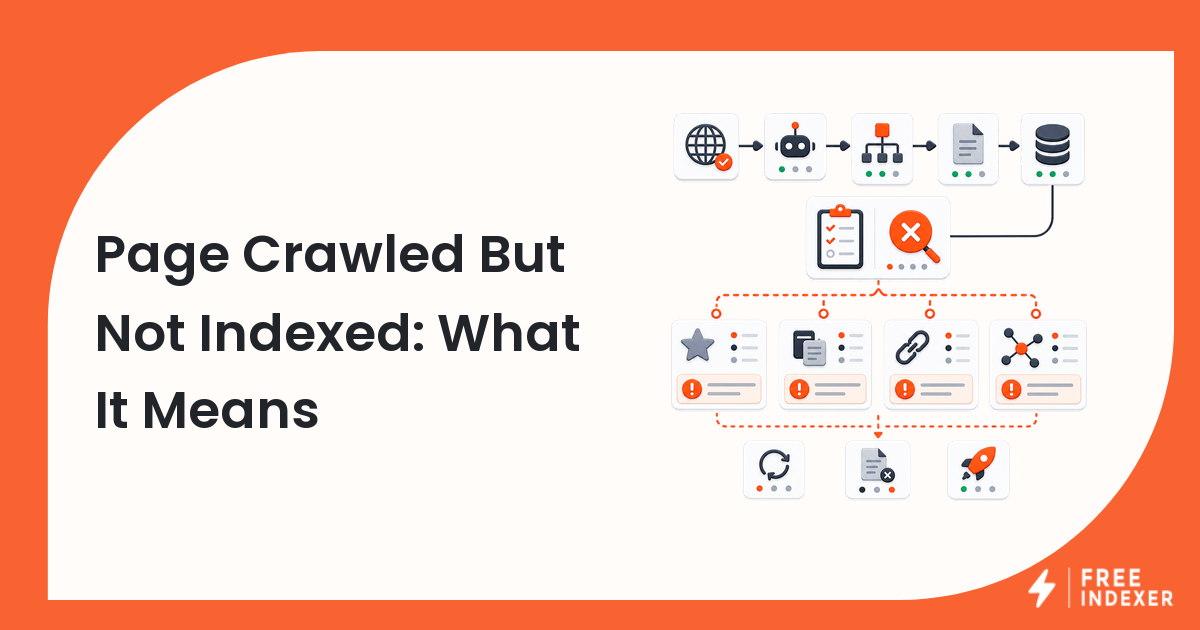
What if a SaaS page is not indexed after submission?
Check technical blockers, internal links, duplication, and whether the page has enough standalone value.
Should we still use sitemaps?
Yes. Sitemaps, internal links, and submission workflows support each other.
Next Step
Add FreeIndexer to your product publishing checklist so important SaaS pages are submitted after they go live.