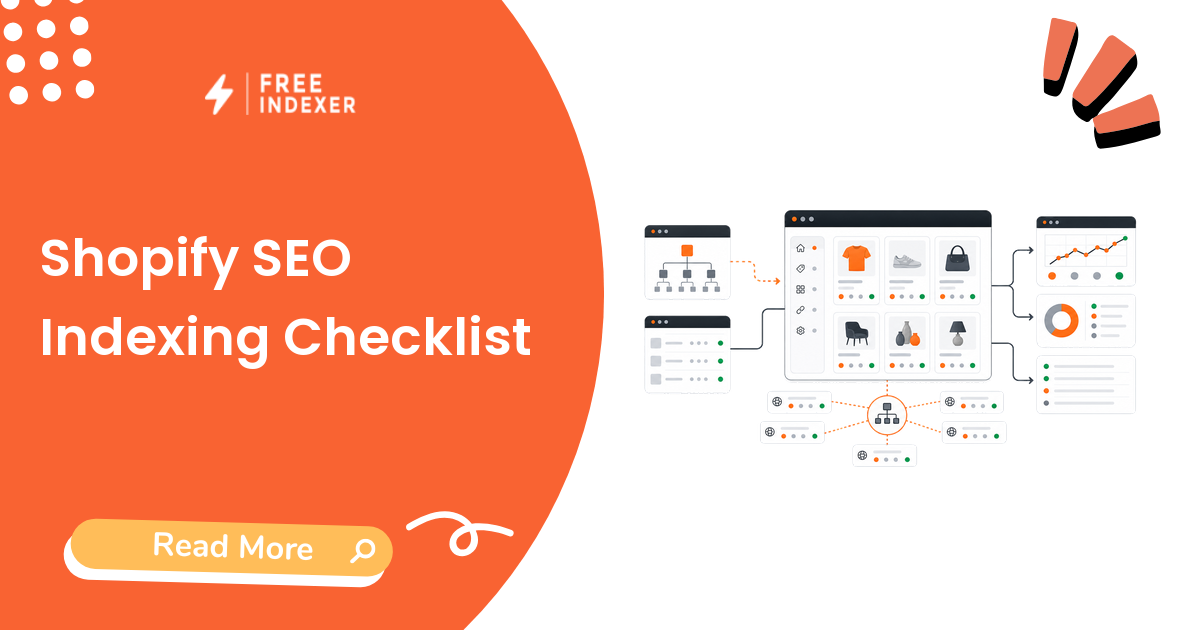
Shopify SEO indexing work starts with a simple question: which store URLs actually deserve discovery follow-up right now? Product pages, collections, buying guides, and blog posts do not all have the same value, and they should not all enter the same queue.
If you need the broader indexing model first, start with the indexing education hub. This checklist is for Shopify store owners who want a practical way to review products, collections, blog URLs, sitemap signals, and Google Search Console before using any submission workflow.
The Short Answer
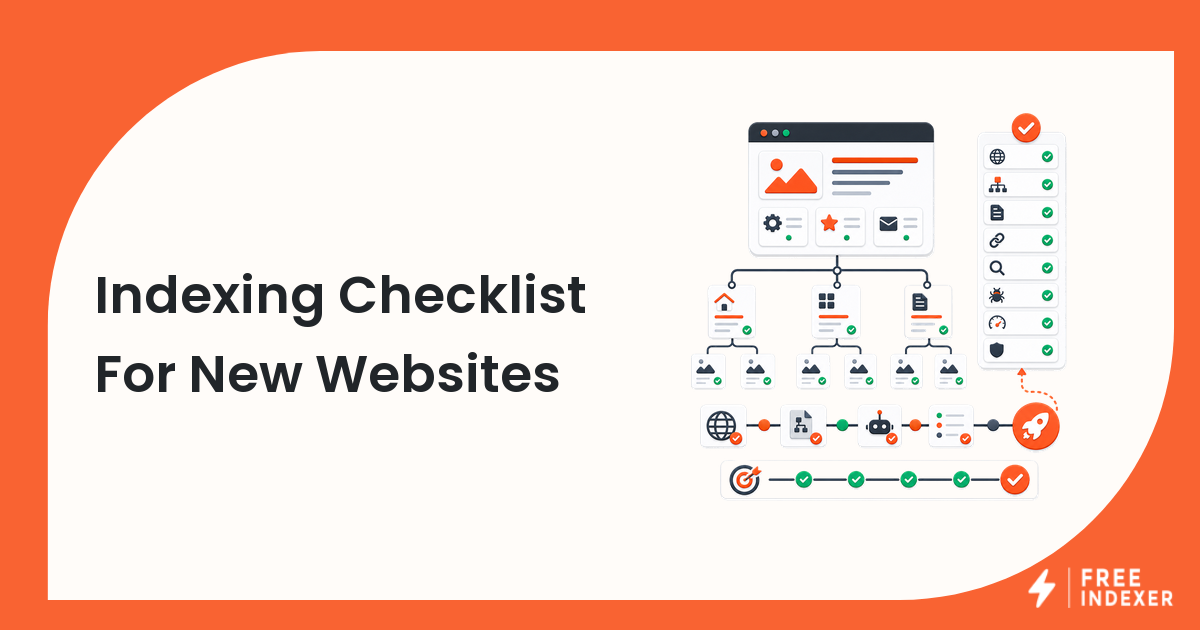
A Shopify indexing checklist should confirm that the URL is live, indexable, canonical, internally linked, included in the right sitemap, useful to shoppers, and worth prioritizing. After that, high-value URLs can move into a discovery follow-up workflow.
Do not submit every Shopify URL equally. A best-selling collection, a new product page with demand, and a thin tag page are not the same kind of asset.
Shopify URLs To Prioritize First
| URL type | Example | Priority rule |
|---|---|---|
| Product page | /products/waterproof-hiking-jacket |
Prioritize if in stock, unique, and linked from collections |
| Collection page | /collections/rain-jackets |
Prioritize if it targets real demand and has useful product depth |
| Blog guide | /blogs/guides/how-to-choose-rain-jackets |
Prioritize if it supports products or collection discovery |
| Policy page | /policies/shipping-policy |
Usually important for users but not an indexing priority |
| Filter or tag URL | /collections/rain-jackets/blue |
Review carefully for duplicate or thin combinations |
For deeper ecommerce category work, use the ecommerce category page indexing workflow.
Shopify Indexing Checklist
Before a Shopify URL enters your priority queue, check:
- The product, collection, or blog URL returns a final
200response. - The page is not hidden, password-protected, unpublished, or out of stock with no useful alternative.
- The page title and meta description describe the actual product, collection, or guide.
- The canonical tag points to the intended URL.
- The page is reachable from navigation, a collection, a product grid, a blog category, or internal links.
- The URL appears in the expected Shopify sitemap when it should.
- The page has unique copy, not only manufacturer text or duplicated collection text.
- Product pages have images, variants, availability, pricing, and helpful details.
- Collection pages have enough relevant products to satisfy the query.
- Google Search Console does not show an obvious crawl, noindex, canonical, or duplication problem.
Use the technical SEO indexing audit if you find repeated template problems across many URLs.
Diagnostic Steps In Google Search Console
- Inspect one priority product URL.
- Check whether Google sees the submitted URL or a different canonical.
- Inspect one collection URL that should rank for a category term.
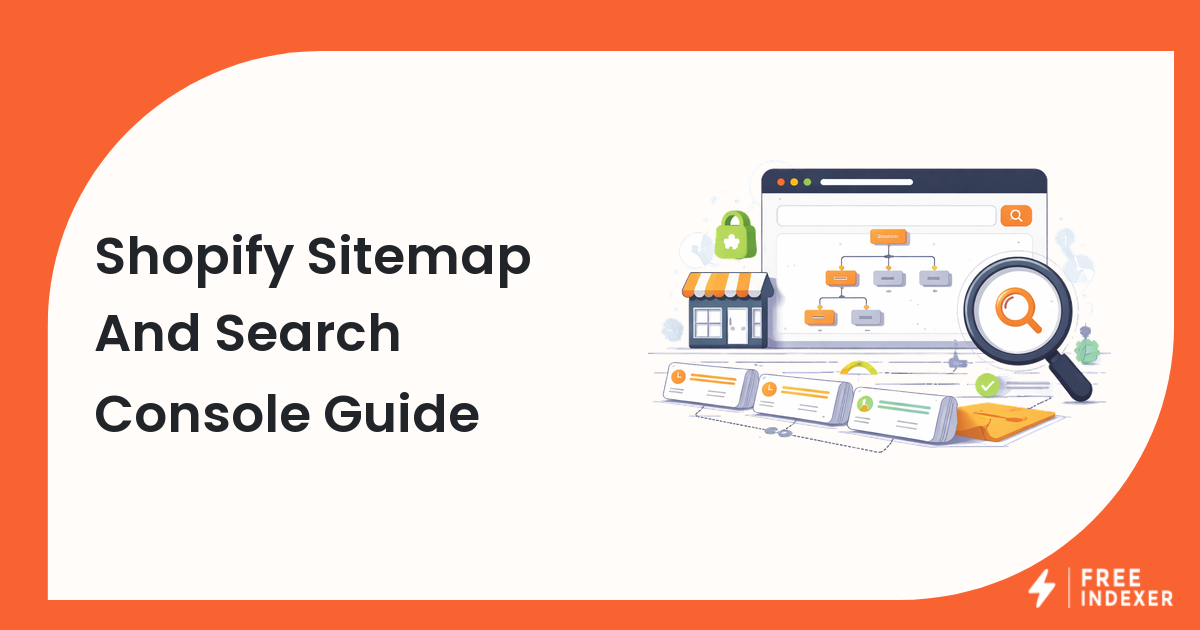
- Open the sitemap report and confirm Shopify sitemap files are submitted and readable.
- Compare URLs with impressions against URLs with no discovery.
- Group issues by template: product, collection, blog, page, or filtered URL.
The Google Search Console indexing guide is the best next read if you need a slower walkthrough of the reports.
Example Store Scenario
A Shopify store launches 40 new products and 6 new collections. The owner wants everything indexed immediately.
A better workflow is:
- Pick the 10 products tied to demand, ads, email launches, or seasonal revenue.
- Pick the 3 collections that have enough products and useful category copy.
- Add internal links from the homepage, relevant collections, and related blog guides.
- Check the sitemap and URL Inspection for a sample URL from each template.
- Submit or track only the qualified priority URLs first.
FreeIndexer fits at step 5. It can help with repeatable priority URL submission and tracking after the Shopify pages are checked. It does not fix thin product pages, weak collection copy, or incorrect canonicals.
Common Shopify Mistakes
- Prioritizing every product equally, including discontinued or weak variants.
- Forgetting collection pages, even though they often target category demand.
- Publishing blog content with no links to products or collections.
- Assuming sitemap inclusion means the page deserves indexing.
- Submitting filtered or duplicate collection URLs without checking canonical behavior.
What To Do Next
| Finding | Next action |
|---|---|
| Priority product is live and internally linked | Add it to discovery follow-up |
| Collection has thin copy or few products | Improve the page before submission |
| Search Console shows a different canonical | Fix canonical or duplicate signals first |
| Page is orphaned | Add links from navigation, collections, or blog content |
| URL is low-value or duplicate | Monitor or exclude it from the priority queue |
FAQ
How do I get Shopify product pages discovered faster?
Make sure the product is published, internally linked, included in the sitemap, useful to shoppers, and free from obvious canonical or noindex issues. Then prioritize the URL for follow-up.
Should I submit every Shopify product URL?
No. Prioritize products and collections with business value, search demand, and complete content. Low-value variants and duplicate URLs can create noise.
Does Shopify automatically handle indexing?
Shopify creates SEO-friendly basics such as sitemaps, but store owners still need to check content quality, internal links, canonicals, and Search Console issues.
Where does FreeIndexer fit for Shopify SEO?
FreeIndexer fits after you have a clean list of priority product, collection, or blog URLs. Use it for submission and tracking, not as a replacement for store SEO checks.
Next Step
Prioritize Shopify product, collection, and blog URLs before discovery follow-up. A smaller clean queue beats a large list of weak or duplicate URLs.