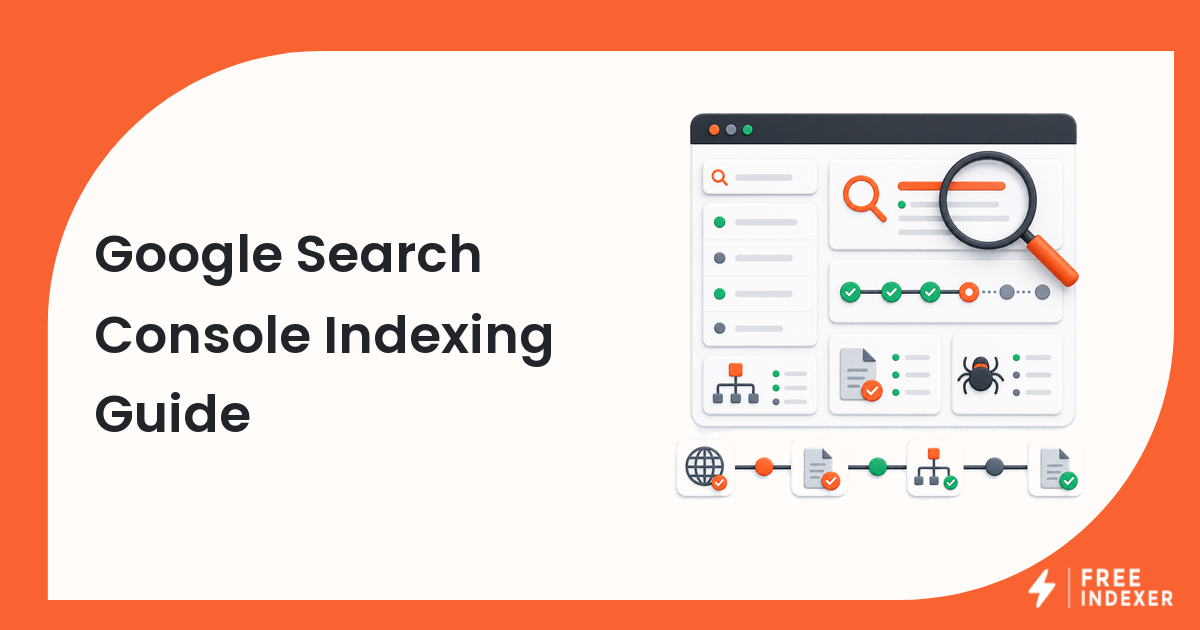
Google Search Console is usually the first place to check when a page is live but not appearing in Google. It helps you see whether Google can discover the URL, whether the page is blocked, and whether there are site-level signals worth fixing.
The useful workflow is simple: inspect the URL, check the sitemap, look for obvious blockers, improve discovery signals, then submit or resubmit only when there is a real reason.
The Short Answer
Use Google Search Console as the diagnostic layer, not as a magic indexing button. It can show whether a URL is known, crawlable, canonicalized correctly, and included in your sitemap. After that, your job is to fix blockers and make the URL easier to discover.
If the page is important and passes the checks, you can submit it through Search Console or use a repeatable submission workflow such as FreeIndexer when you manage many URLs or backlinks.
When This Matters
This matters when you publish new pages, update important pages, add backlinks, migrate URLs, or manage content across multiple sites. Website owners and webmasters often lose time because they submit URLs before checking whether the page is actually indexable.
Search Console helps you separate three different problems:
- Google has not discovered the URL yet.
- Google can discover the URL but there is a technical or quality issue.
- Google knows the URL but has chosen not to index it yet.
Those situations need different actions.
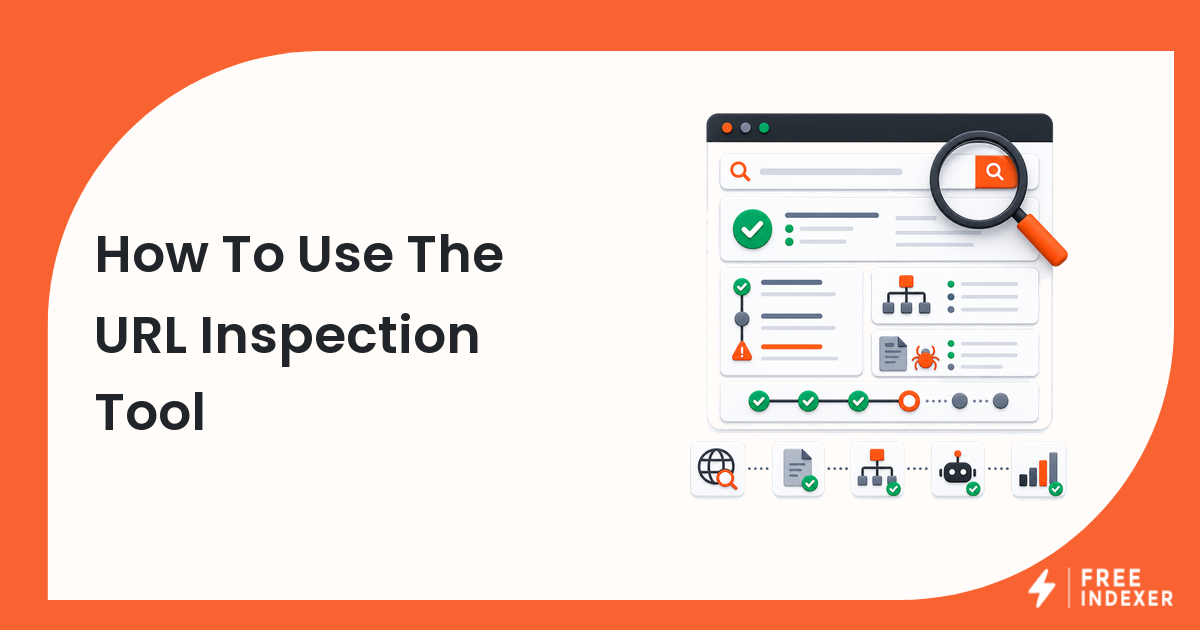
Start With URL Inspection
The URL Inspection tool is the fastest way to check one specific URL. Paste the exact canonical URL you want Google to index. Do not inspect a tracking URL, redirected URL, or alternate version unless that is the version you actually want indexed.
Look for these signals:
- whether the URL is on Google
- whether Google selected a different canonical
- whether crawling is allowed
- whether indexing is allowed
- when the URL was last crawled
- whether the page can be fetched
If the page is blocked by noindex, robots.txt, login requirements, server errors, or a wrong canonical, submission is not the next step. Fix the blocker first.
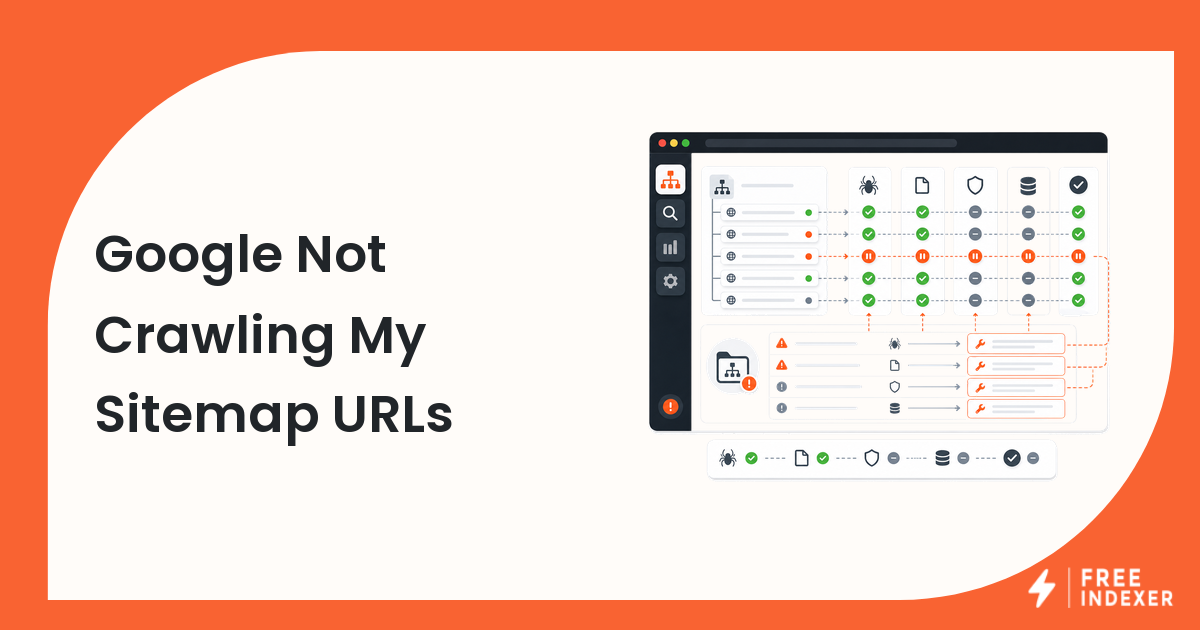
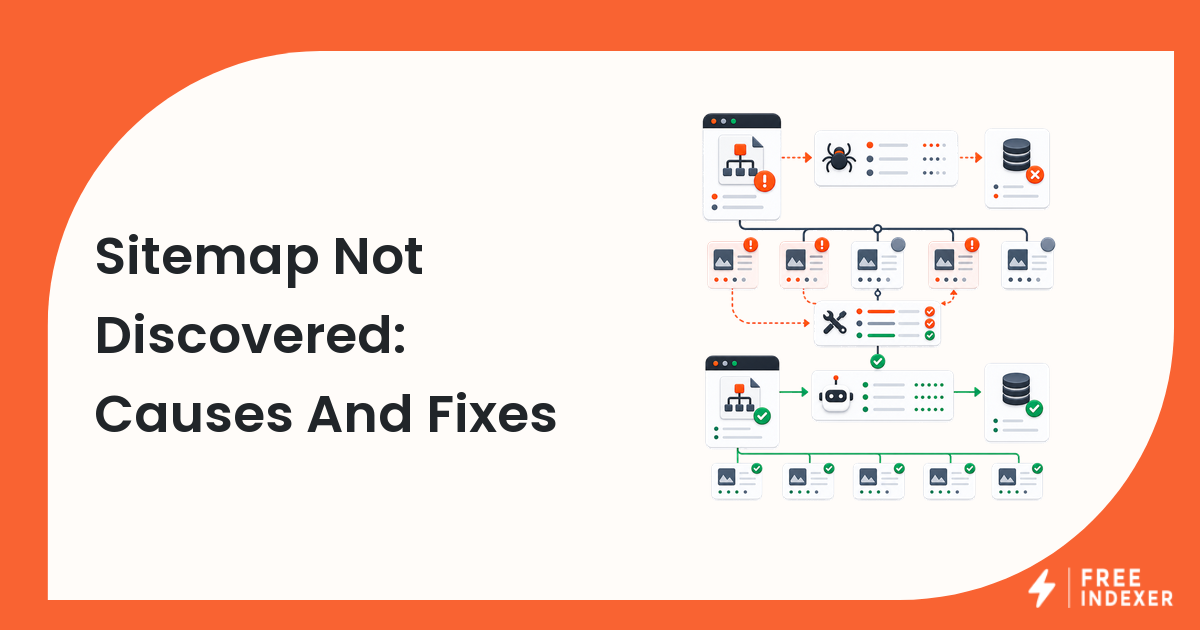
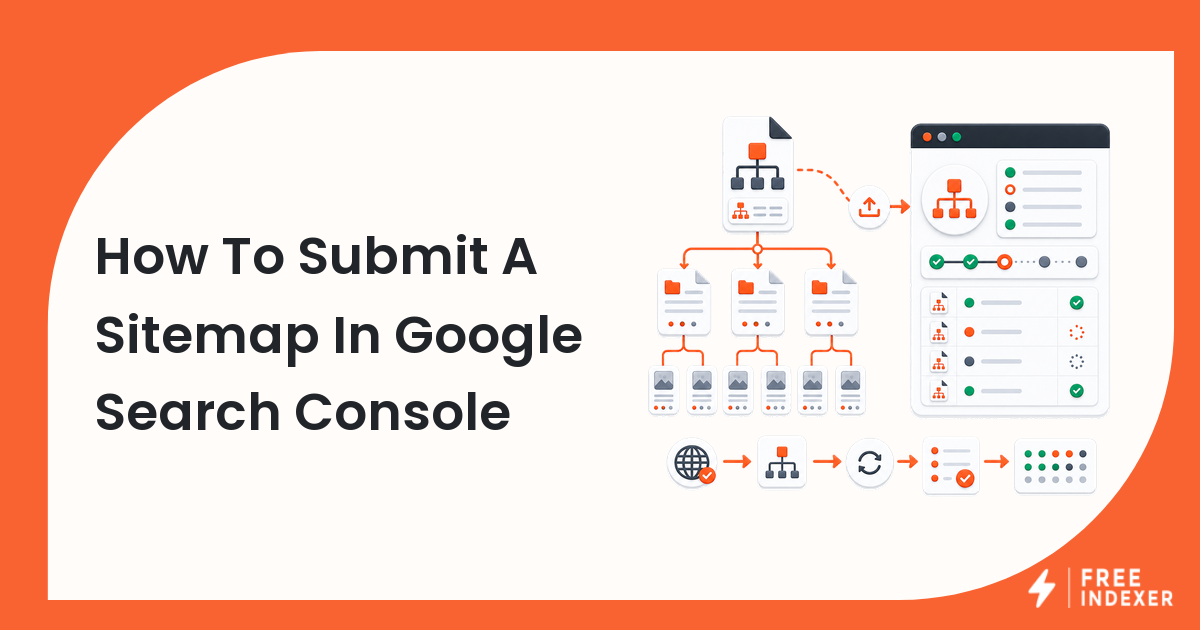
Check Sitemap Coverage
A sitemap does not guarantee indexing, but it helps search engines discover important URLs. For most sites, your priority pages should be included in a clean sitemap with the final canonical URL.
Check whether:
- the sitemap is submitted in Search Console
- the sitemap can be fetched successfully
- the URL appears in the sitemap
- the sitemap uses live 200-status URLs
- old redirected or deleted URLs are not still being listed
If a URL is important but missing from the sitemap, add it before treating the issue as an indexing-tool problem.
Read The Pages Report Carefully
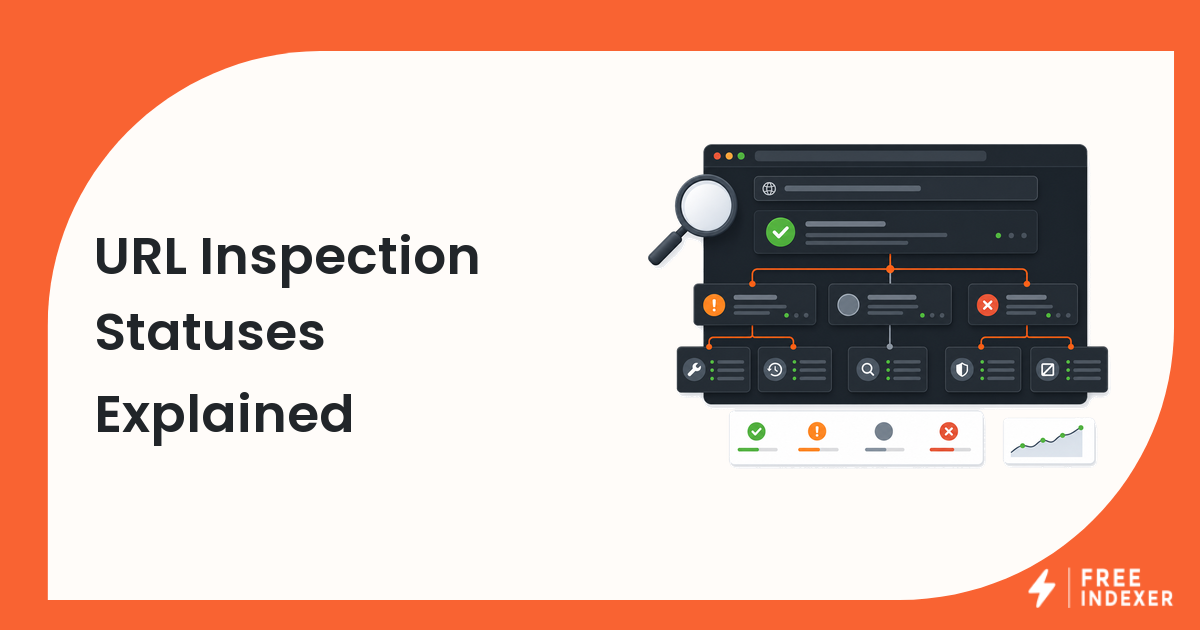
The Pages report can show broad patterns, but it is easy to misread. Not every excluded URL is a problem. Some exclusions are expected, such as redirected URLs, duplicate URLs, parameter URLs, or intentionally noindexed pages.
Focus on patterns that affect important URLs:
- discovered but not currently indexed
- crawled but not currently indexed
- duplicate without user-selected canonical
- blocked by robots.txt
- excluded by noindex
- soft 404
The goal is not to force every discovered URL into the index. The goal is to make sure important, unique, accessible pages have a clear path to discovery.
Improve Discovery Before Submitting Again
Before submitting a URL again, make it easier for Google to find and understand.
Useful improvements include:
- adding internal links from relevant pages
- including the URL in the sitemap
- making sure the canonical tag points to itself or the correct preferred URL
- removing accidental noindex directives
- improving thin or duplicated content
- making sure the page loads without server errors
- linking from newly published supporting content
For a broader workflow, read the indexing education hub. If a URL is already stuck, use the URL indexing troubleshooting guide.
When To Use A Submission Workflow
Manual Search Console submission is fine for occasional pages. It becomes harder when you manage many URLs, many client sites, backlinks, programmatic pages, or recurring publishing work.
That is where a submission workflow helps. A tool like FreeIndexer can be useful when you already know which URLs are worth submitting and you want a repeatable way to organize URL and backlink discovery work.
Use a submission workflow for:
- new or updated priority pages
- important content that is internally linked and sitemap-ready
- known backlinks that support your SEO workflow
- client URLs that need consistent handling
- bulk lists that should not be managed one by one
Do not use any tool as a substitute for fixing crawlability or page quality.
Common Mistakes
The most common mistake is submitting the same URL repeatedly without changing anything. If the page is blocked, weak, duplicate, or disconnected from the rest of the site, repeated submission will not solve the real problem.
Other mistakes include:
- inspecting the wrong URL version
- ignoring canonical tags
- forgetting sitemap inclusion
- treating all excluded URLs as problems
- submitting low-value pages before improving them
- expecting a ranking change from an indexing action
Indexing and ranking are related, but they are not the same thing.
Recommended Workflow
Use this order:
- Confirm the URL is live and returns a 200 status.
- Inspect the exact canonical URL in Search Console.
- Check robots.txt, noindex, and canonical signals.
- Confirm the URL appears in the sitemap if it should.
- Add internal links from relevant pages.
- Improve content quality if the page is thin or duplicated.
- Submit the URL through Search Console or a repeatable workflow.
- Track the result later without promising a fixed indexing outcome.
This keeps the process practical and honest.
FAQ
Can Google Search Console force a page to be indexed?
No. Search Console can request crawling and show diagnostic information, but Google decides whether to index the page.
Should every page be submitted in Search Console?
No. Prioritize important pages that are indexable, useful, internally linked, and worth appearing in search.
What does crawled but not indexed mean?
It usually means Google accessed the page but did not decide to index it. Review quality, duplication, canonical signals, and internal links.
Is a sitemap enough for indexing?
No. A sitemap helps discovery, but the page still needs to be crawlable, indexable, useful, and connected to the site.
When should I use FreeIndexer?
Use FreeIndexer when manual submission becomes repetitive and you need a cleaner workflow for priority URLs or backlinks.
Next Step
Start with Search Console diagnostics. Once the URL is clean, indexable, and worth discovery, submit it through the workflow that fits your volume.