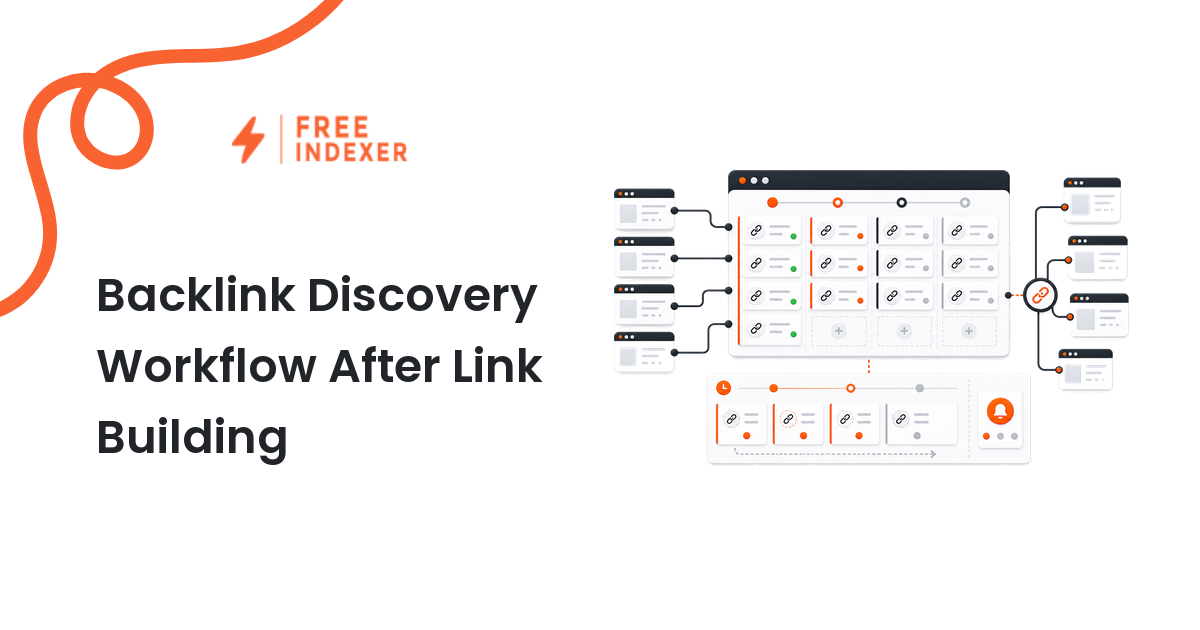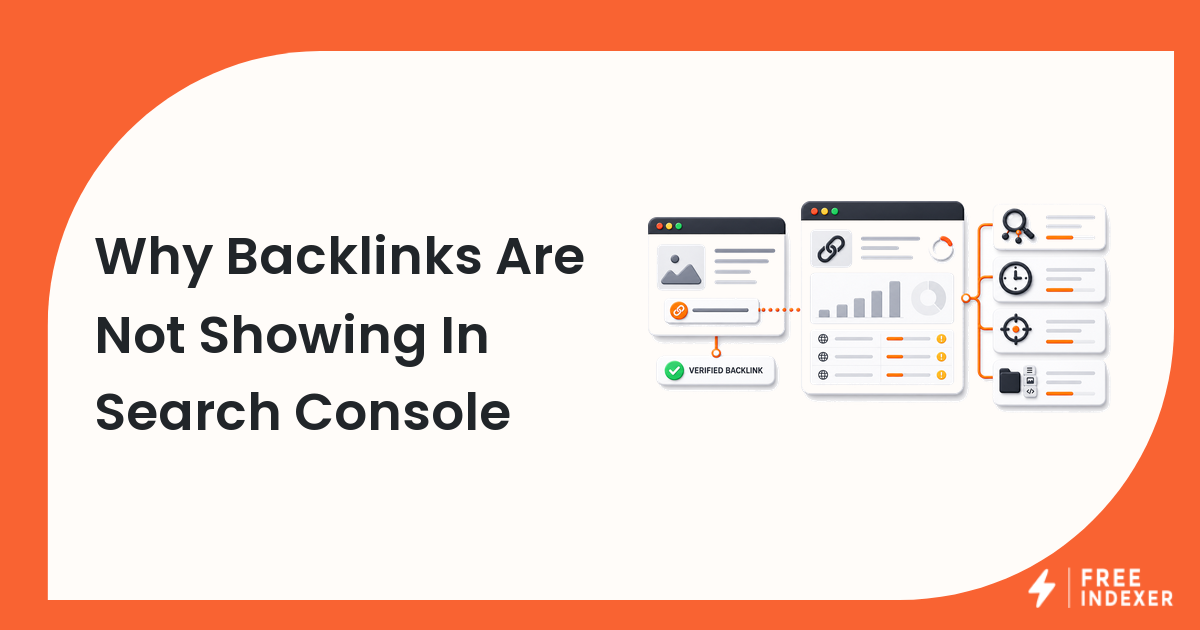
Understand why a valid backlink may not appear in Search Console and how to separate delivery, crawlability, sampling, processing, and reporting delays.
For seo agencys, the practical goal is simple: Verify the placement independently and report Search Console as one source, not the entire backlink record.
Related FreeIndexer reading:
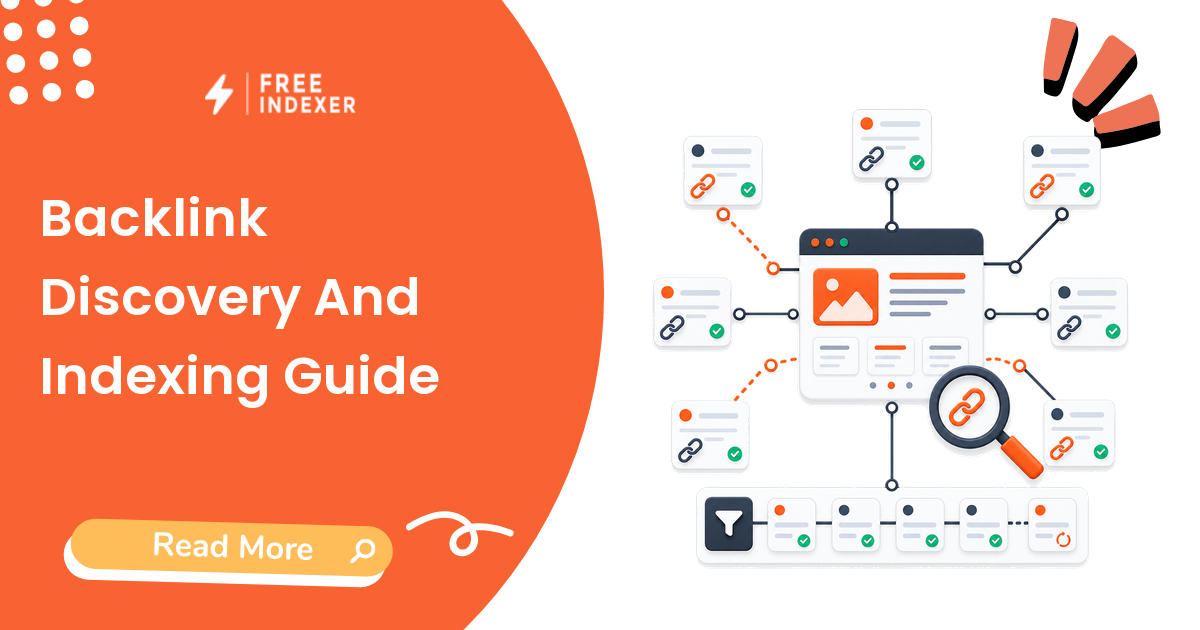
- Backlink Discovery And Indexing Guide
- Backlink Reporting Template For Agencies
- Track Backlink Discovery For SEO Campaigns
What The Signal Means
The Links report is not a real-time, exhaustive backlink database. A missing entry can mean the link is new, the source is hard to crawl, the target differs, the report is sampled, or the link simply has not appeared in the interface.
Evidence To Collect Before Changing Anything
- First-party reporting interfaces can lag and may show representative rather than complete link sets.
- A delivered URL may not contain the link in rendered public content.
- Redirected, parameterized, HTTP, or alternate-host targets can split reporting.
- Noindex does not necessarily prevent link discovery, but blocked or inaccessible source pages limit what crawlers can process.
Diagnostic Decision Table
| Step | Check | Evidence To Capture | Corrective Action |
|---|---|---|---|
| 1 | Open the source | Public rendered placement | Confirm the link exists without login or interaction. |
| 2 | Trace the target | Href and final canonical URL | Normalize the destination in reports. |
| 3 | Check source discovery | Internal links, sitemap, and response | Identify isolated or blocked source pages. |
| 4 | Compare evidence | GSC, server logs, crawlers, and providers | Record source and date for each observation. |
| 5 | Set expectations | Age, quality, and reporting limits | Avoid promising a fixed appearance date. |
Work from the broadest shared cause toward the individual URL. If many pages share the same template, response code, canonical rule, or deployment, fix the pattern before treating every URL as a separate case.
Example Diagnosis
A campaign link points to http://example.com/page, which redirects to HTTPS and canonicalizes to a trailing-slash URL. The agency's spreadsheet and Search Console report appear inconsistent until the target variants are normalized.
After the fix, test the current response again. Then allow enough time for recrawling and processing before deciding that the change failed.
Mistakes That Delay Recovery
- Calling the link lost because one report does not show it.
- Ignoring the exact href and redirect destination.
- Reporting provider delivery and search discovery as the same milestone.
- Refreshing the report daily without investigating the source page.
Where FreeIndexer Fits
Use FreeIndexer after source-page QA to track discovery follow-up. Keep the GSC appearance date separate from delivery and submission dates.
Implementation Notes For Each Step
1. Open the source
Capture public rendered placement before making a conclusion. Confirm the link exists without login or interaction.
Keep the evidence tied to the exact canonical URL and the date of the check. If the issue affects a shared template or URL pattern, record the pattern as well so the team fixes the system instead of repeating the same manual task.
2. Trace the target
Capture href and final canonical url before making a conclusion. Normalize the destination in reports.
Keep the evidence tied to the exact canonical URL and the date of the check. If the issue affects a shared template or URL pattern, record the pattern as well so the team fixes the system instead of repeating the same manual task.
3. Check source discovery
Capture internal links, sitemap, and response before making a conclusion. Identify isolated or blocked source pages.
Keep the evidence tied to the exact canonical URL and the date of the check. If the issue affects a shared template or URL pattern, record the pattern as well so the team fixes the system instead of repeating the same manual task.
4. Compare evidence
Capture gsc, server logs, crawlers, and providers before making a conclusion. Record source and date for each observation.
Keep the evidence tied to the exact canonical URL and the date of the check. If the issue affects a shared template or URL pattern, record the pattern as well so the team fixes the system instead of repeating the same manual task.
5. Set expectations
Capture age, quality, and reporting limits before making a conclusion. Avoid promising a fixed appearance date.
Keep the evidence tied to the exact canonical URL and the date of the check. If the issue affects a shared template or URL pattern, record the pattern as well so the team fixes the system instead of repeating the same manual task.
Turn The Findings Into An Action Queue
A diagnostic result is useful only when it changes what the team does next. Move each URL into one of four clear queues:
- Ready: the URL is useful, canonical, public, technically accessible, and ready for submission or normal monitoring.
- Fix: the URL has a correctable technical, content, linking, rendering, or reporting problem with an assigned owner.
- Exclude: the URL is intentionally redirected, noindexed, removed, duplicate, private, or otherwise outside the indexing target set.
- Escalate: the issue affects infrastructure, templates, migrations, security controls, or a large URL cohort and needs engineering or product input.
For this topic, the release rule is: Verify the placement independently and report Search Console as one source, not the entire backlink record. Do not leave a URL in a vague pending state. Give it an owner, one next action, and a review date based on the evidence available.
Evidence Log To Keep
| Field | What To Record | Why It Matters |
|---|---|---|
| Canonical URL | The final normalized URL checked by the operator | Prevents variants and redirects from splitting the investigation. |
| Cohort | Page type, template, campaign, locale, or backlink group | Reveals whether the issue is isolated or systemic. |
| Evidence source | Live response, URL Inspection, crawl, log, sitemap, or provider record | Makes the conclusion reproducible. |
| Change made | The exact technical, content, link, or workflow update | Separates action from assumption. |
| Owner and review date | Who is responsible and when the URL will be checked again | Stops the queue from becoming passive reporting. |
Keep submission dates in their own field. A submitted URL has completed an operational step; it has not automatically completed crawling, indexation, ranking, traffic, or conversion milestones. That separation makes the report more accurate and makes failed outcomes easier to diagnose.
Final Action Checklist
- [ ] Open the source: Confirm the link exists without login or interaction.
- [ ] Trace the target: Normalize the destination in reports.
- [ ] Check source discovery: Identify isolated or blocked source pages.
- [ ] Compare evidence: Record source and date for each observation.
- [ ] Set expectations: Avoid promising a fixed appearance date.
- [ ] Confirm the final URL and evidence date in the tracking sheet.
- [ ] Remove excluded or unresolved URLs from the active submission batch.
- [ ] Schedule one follow-up review instead of repeating untracked checks.
Primary Sources
FAQ
How long do backlinks take to show in Search Console?
There is no guaranteed timeline. Discovery, processing, and interface updates vary.
Is the Links report complete?
Treat it as useful first-party evidence, not an exhaustive database.
Should I ask the provider to rebuild the link?
Only after verifying that the placement is actually missing, broken, inaccessible, or points to the wrong target.
Next Step
Verify the placement independently and report Search Console as one source, not the entire backlink record.
Keep the final report honest: document what was fixed, what was submitted, what evidence changed, and what still requires time or a separate SEO decision.