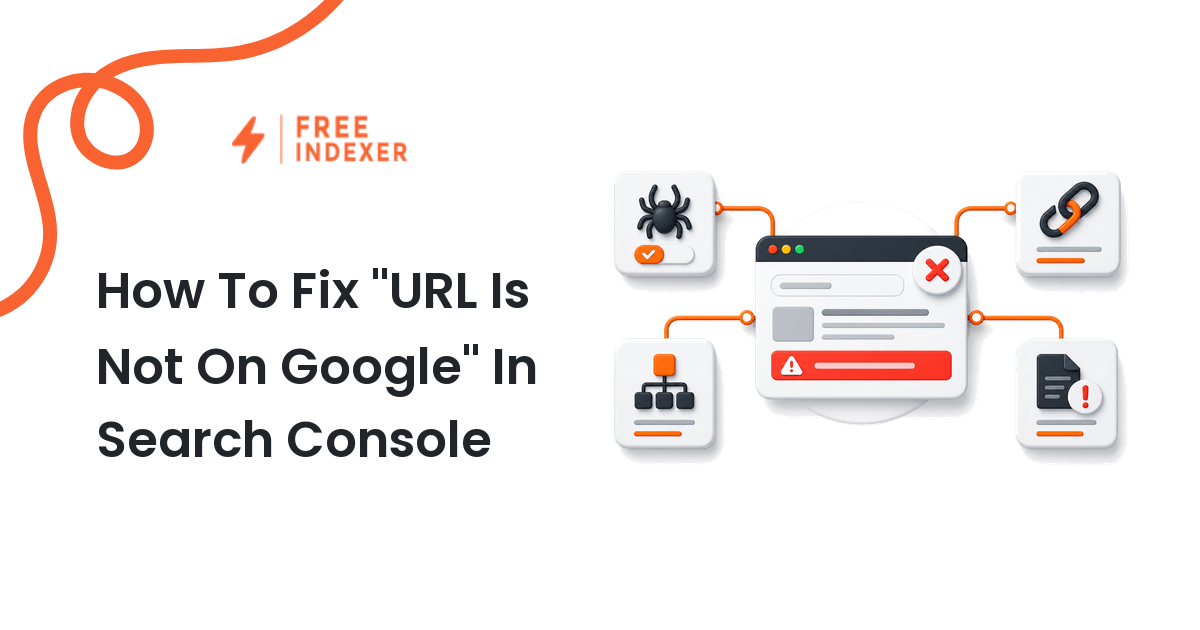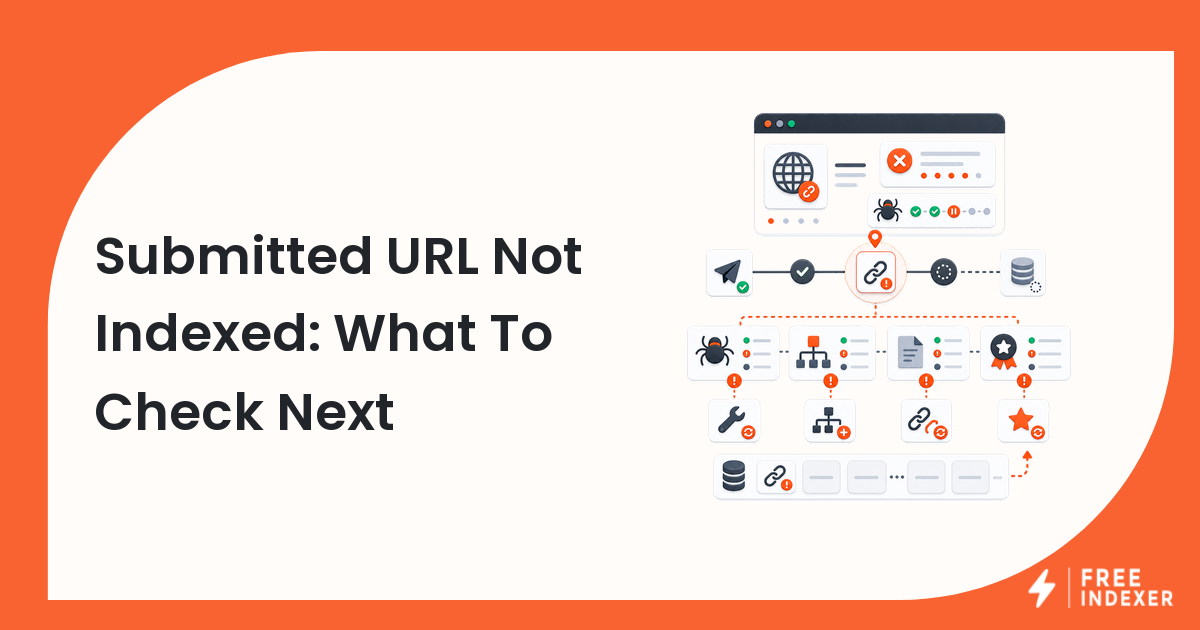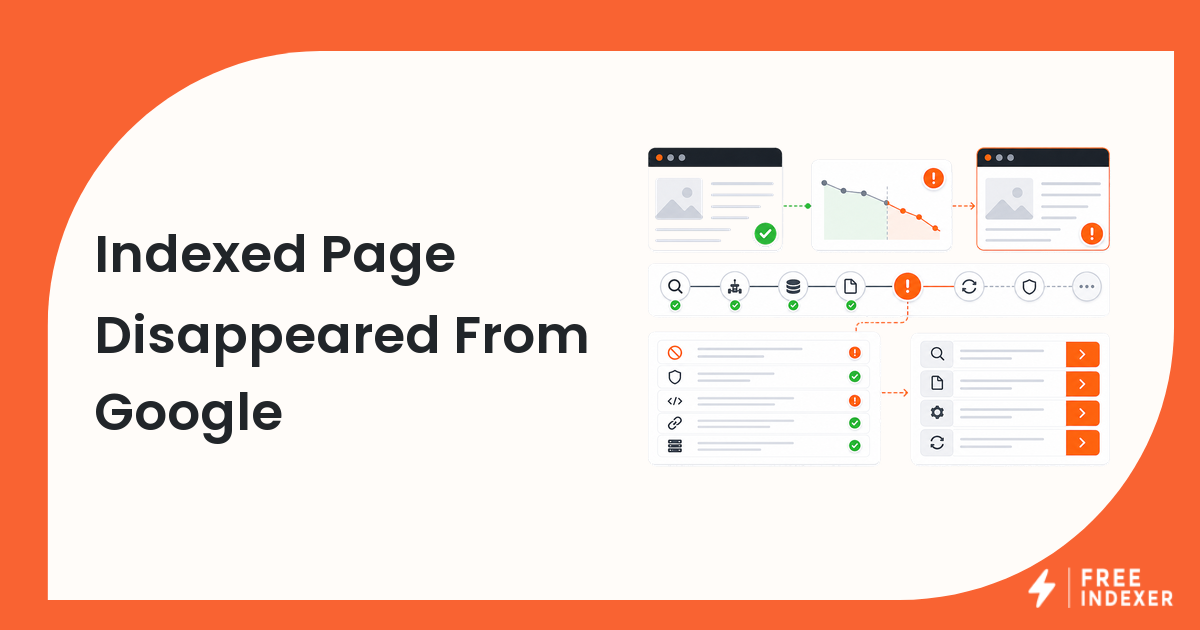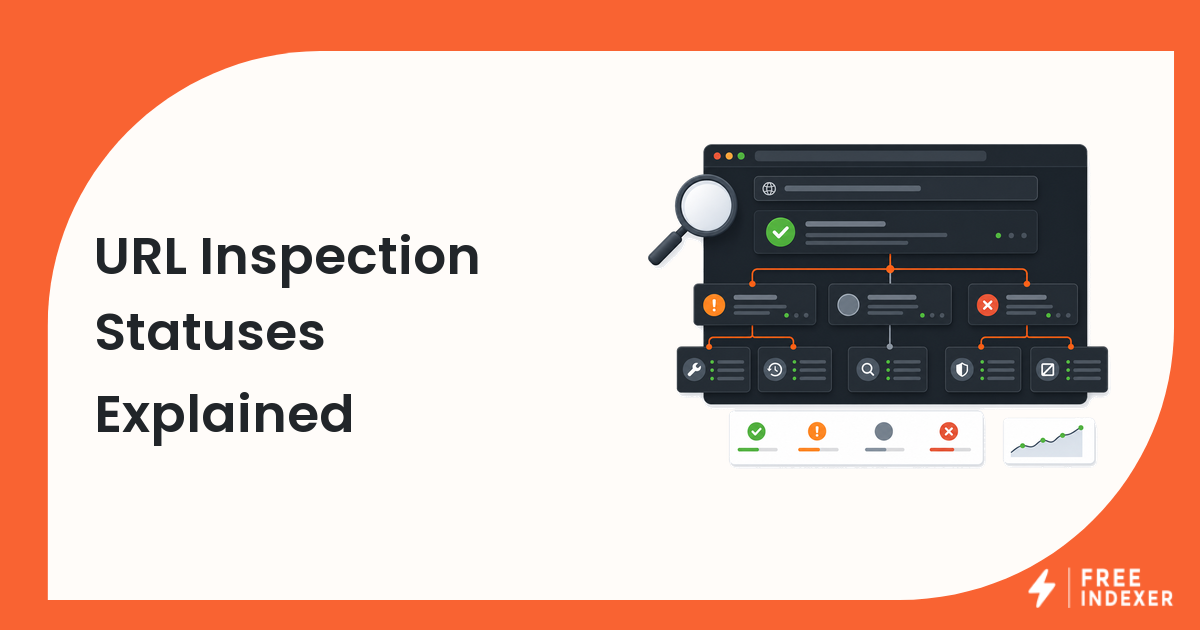
Google Search Console Pages Report Explained is a practical workflow guide for webmasters who need better search discovery without turning every indexing issue into a product problem.
If you need the wider context first, start with the Google search console indexing guide. This guide focuses on google search console pages report and shows how to diagnose the issue, prioritize the work, and choose the next step with realistic expectations.
The Short Answer
The short answer: google search console pages report should be handled as a workflow, not as a one-click fix. The useful sequence is to confirm that the page or asset is accessible, check the signals that affect discovery, decide whether the URL deserves attention, and only then use submission or tracking tools.
FreeIndexer can help when the work becomes repetitive, especially for priority URLs, known backlinks, bulk lists, or client queues. It should not replace crawlability checks, quality review, Search Console diagnostics, internal linking, or sitemap hygiene.
When This Matters
This matters most for webmasters and seo operator when search visibility depends on repeatable operating habits. A single URL can usually be checked manually. A recurring workflow needs clearer rules: what enters the queue, what gets fixed first, what is worth tracking, and what should not be submitted again without a meaningful change.
Use this article when you are dealing with new pages, updated pages, technical fixes, backlink discovery, content launches, site migrations, or recurring client work. The goal is to reduce guesswork and make the next action obvious.
What To Check First
Before using any submission workflow, check the basics. The exact checks change by topic, but the operating principle stays the same: do not put broken or low-value URLs into the queue and expect the queue to solve the underlying issue.
- inspect the exact canonical URL
- review sitemap fetch and discovery status
- compare indexed and not-indexed patterns
- look for crawling and canonical messages
- separate site-wide patterns from one-off URL problems
If one of these checks fails, fix that issue first. Submission is most useful after the URL has a clean path to discovery.
Recommended Workflow
A practical workflow has four parts.
- Build the list. Collect the URLs, backlinks, pages, reports, or sitemap entries that need review.
- Qualify the list. Remove URLs that are blocked, duplicated, redirected, low value, or not ready.
- Prioritize the list. Put business-critical pages, important updates, and verified backlinks ahead of noise.
- Act and track. Submit, fix, or monitor based on the issue type, then record what changed.
This workflow keeps the team from treating every not-indexed URL the same way. Some URLs need technical repair. Some need stronger internal links. Some need content improvement. Some should not be indexed at all. Related next reads: technical SEO indexing audit, and Google indexing delay checklist.
Practical Operating Notes
Keep the workflow simple enough to repeat. A good process should tell you what to check, what to fix, what to submit, and what to ignore for now. If the process depends on memory or one person's private spreadsheet, it will break as soon as the volume increases.
Document the decision rules. This is especially useful for agencies, webmasters, and product teams because it makes the work easier to explain later.
When FreeIndexer Fits
FreeIndexer fits when the workflow becomes repetitive. It can help with priority URL submission, backlink discovery queues, agency batches, desktop-style lists, and recurring search discovery operations. The best use case is not blind submission; it is organized submission after the right checks are done.
Example Workflow
A Search Console workflow works best when you inspect one URL, then look for the pattern behind it. If many similar pages have the same status, treat it as a site or template problem. If only one page is affected, the next step may be page-specific content, linking, or submission work.
This kind of example matters because it turns SEO advice into an operating habit. The operator knows what to check, what to fix, what to record, and when to stop repeating the same action.
Quality Bar Before Submission
Before a URL enters the workflow, set a quality bar. The URL should have a clear purpose, a useful page, a crawlable path, and a reason to be tracked. If the item is a backlink, the linking page should be live and the link should be visible. If the item is a sitemap URL, it should be canonical and indexable.
This quality bar protects the workflow from noise. It also makes reporting more honest. Instead of saying that every URL was treated equally, the team can explain which URLs were ready, which needed repair, and which should not be pushed further until the underlying problem changes.
What To Track
Track inspection date, Search Console status, sitemap status, canonical result, crawl message, and next action. You do not need a complicated system at the start. A spreadsheet, project board, or simple queue is enough as long as the fields are consistent.
The most useful tracking habit is writing down why the action happened. A URL submitted because it is a new priority page is different from a URL resubmitted after a canonical fix. That context helps future reviews and keeps the team from repeating work without learning from it.
Common Mistakes
The most common mistakes are workflow mistakes, not tool mistakes.
- reading one Search Console status without checking the exact URL
- ignoring crawlability or indexability blockers
- treating low-value URLs as high-priority work
- confusing indexing with ranking
- using absolute promises in reports
Avoiding these mistakes keeps the workflow practical and makes the outcome easier to explain.
FAQ
What is the first step for google search console pages report?
Start by confirming the URL, page, backlink, or report item is real, accessible, and worth action. Then check the technical and workflow signals that affect discovery.
Should I use FreeIndexer for this workflow?
Use FreeIndexer when you have qualified URLs or backlinks that deserve repeat submission and tracking. Do the diagnostic checks first.
Can this process force Google to index a page?
No. The process can improve discovery and reduce obvious blockers, but search engines decide what gets indexed.
How often should this workflow be repeated?
Repeat it when new pages, updated pages, new backlinks, sitemap changes, or technical fixes create a real reason to review the URL set again.
What should be tracked?
Track the URL, reason for action, checks completed, submission date if relevant, follow-up status, and notes about any blockers or improvements.
Next Step
Turn report statuses into a prioritized action list. Keep the workflow honest: check the URL, fix the blockers, prioritize the work, and use submission tools only when they support a clear operating process.