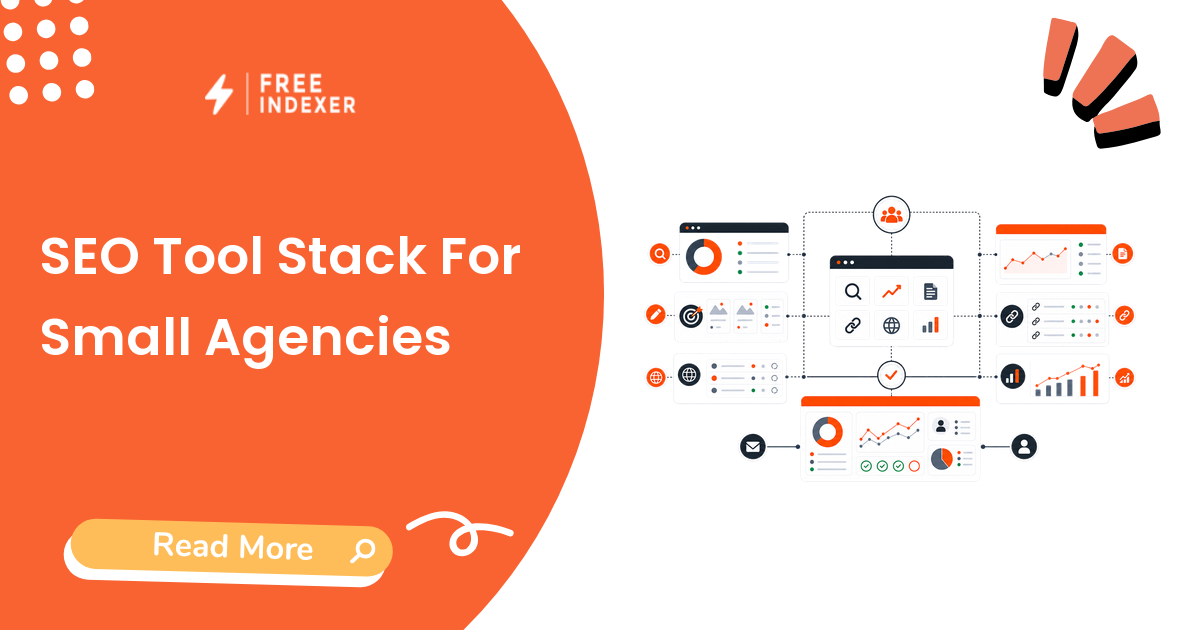
A good SEO tool stack for a small agency is not the biggest list of subscriptions. It is a workflow system: diagnose, plan, publish, verify, submit, track, report, and improve.
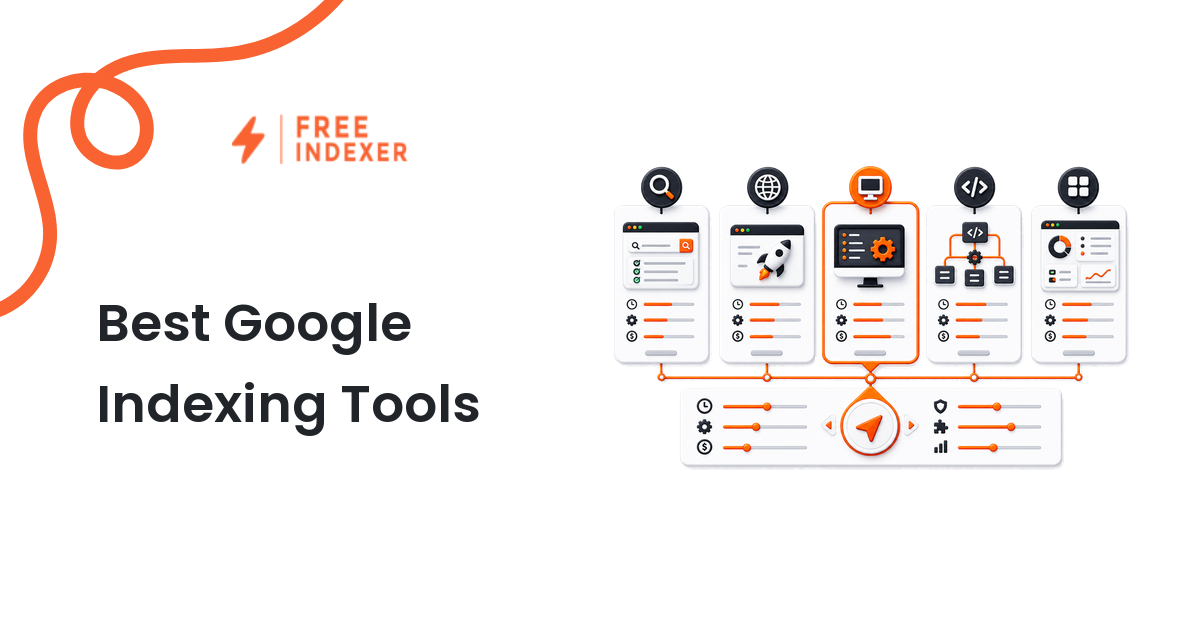
For indexing-specific tools, start with best Google indexing tools. This guide shows where indexing tools fit inside a broader agency stack.
Practical Digital Marketing Tool Stacks Series
This is the visible hub for the Practical Digital Marketing Tool Stacks series. It is for seo agencys and growth operators who want a guided path instead of disconnected articles.
What You Will Learn
- How the topic works from foundation to execution.
- Which checks matter before using tools, providers, or reporting workflows.
- How to prioritize URLs, content, backlinks, campaigns, or platform pages.
- How to connect each article to the next step in the workflow.
Recommended Reading Order
- SEO Tool Stack For Small Agencies - Series hub
- SEO Tool Stack For Small Websites - Cluster guide
- Indexing And Discovery Tool Stack - Cluster guide
- FreeIndexer Desktop App Workflow Stack - Cluster guide
- Troubleshooting Tool Stack For SEO Teams - Cluster guide
Article Sequence
| Part | Article | Role |
|---|---|---|
| 1 | SEO Tool Stack For Small Agencies | Hub |
| 2 | SEO Tool Stack For Small Websites | Cluster |
| 3 | Indexing And Discovery Tool Stack | Cluster |
| 4 | FreeIndexer Desktop App Workflow Stack | Cluster |
| 5 | Troubleshooting Tool Stack For SEO Teams | Cluster |
Where FreeIndexer Fits
FreeIndexer fits as the indexing, URL discovery, backlink discovery, prioritization, and tracking layer after tools or providers produce verified URLs.
Where SEOeStore Fits
SEOeStore may appear in this series only where the workflow involves managed SEO execution, campaign services, provider handoff, or link-building vendor QA. It remains a provider layer, separate from FreeIndexer.
Next Step
Start with this hub, then follow the reading order above. Each cluster article links back here and points to the previous and next article in the sequence.
The Short Answer
A small agency SEO stack should include tools for Search Console diagnostics, technical audits, keyword and content planning, backlink verification, analytics/reporting, indexing/discovery follow-up, and project operations. Each tool should have an owner and a reporting purpose.
If a tool does not support a workflow decision, it is probably optional.
Core Tool Categories
| Tool category | Job in the workflow | Required for most agencies |
|---|---|---|
| Google Search Console | Indexing, queries, Pages report, sitemap issues | Yes |
| Analytics | Traffic, landing page behavior, conversions | Yes |
| Crawler or audit tool | Technical checks and URL inventory | Yes |
| Content planning tool | Keywords, briefs, clusters, refreshes | Usually |
| Backlink tool | Link discovery, verification, quality review | Usually |
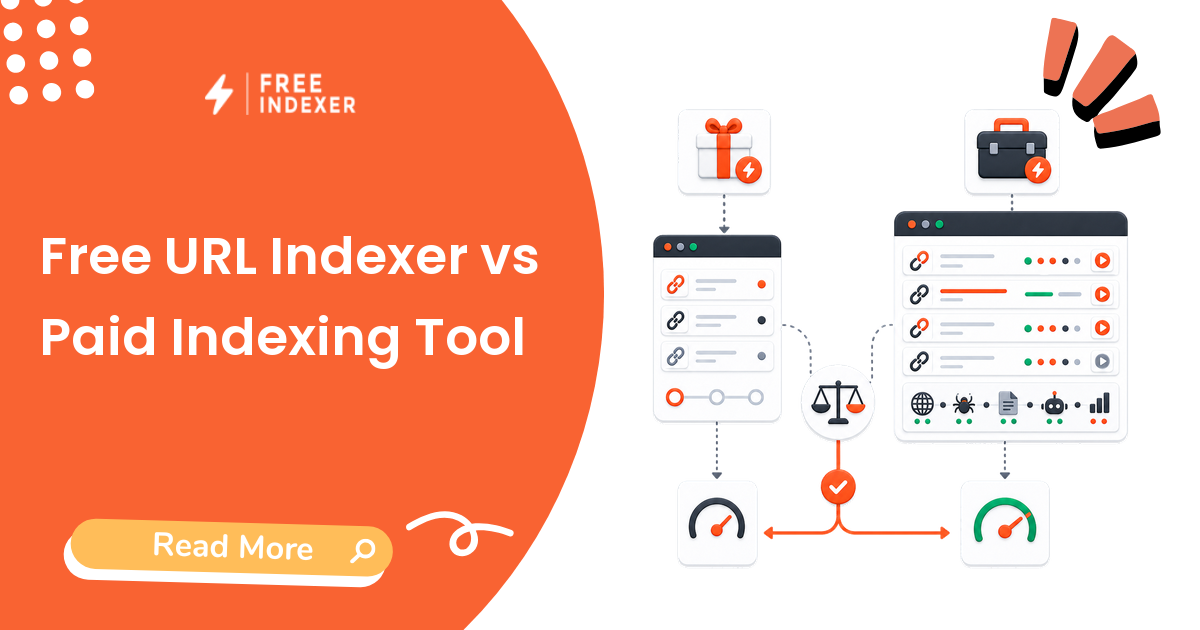
| Indexing workflow tool | Submission, prioritization, tracking | Useful for repeat URL work |
| Project management | Owners, tasks, deadlines, QA | Yes |
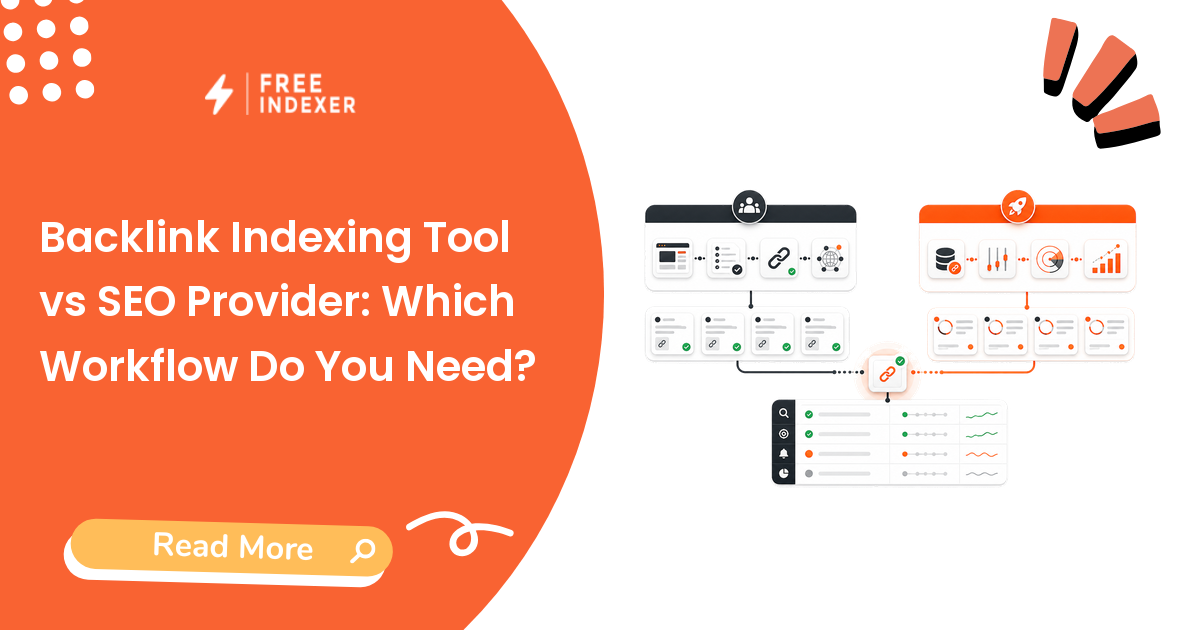
| Provider workflow | Managed execution when needed | Optional |
Use the Google Search Console indexing guide for the diagnostic layer.
Recommended Small Agency Workflow
- Build a URL inventory for each client.
- Use GSC and a crawler to find indexability and crawlability issues.
- Plan content and technical fixes by priority.
- Verify published pages and delivered backlinks.
- Add qualified URLs to indexing or discovery follow-up.
- Report delivery, verification, submissions, visibility, traffic, and next actions separately.
The URL inventory management workflow helps with step one.
Where FreeIndexer Fits
FreeIndexer belongs in the indexing and search discovery part of the stack. It is useful when the agency has recurring URL lists, verified backlinks, priority client pages, or launch batches that need submission and tracking.
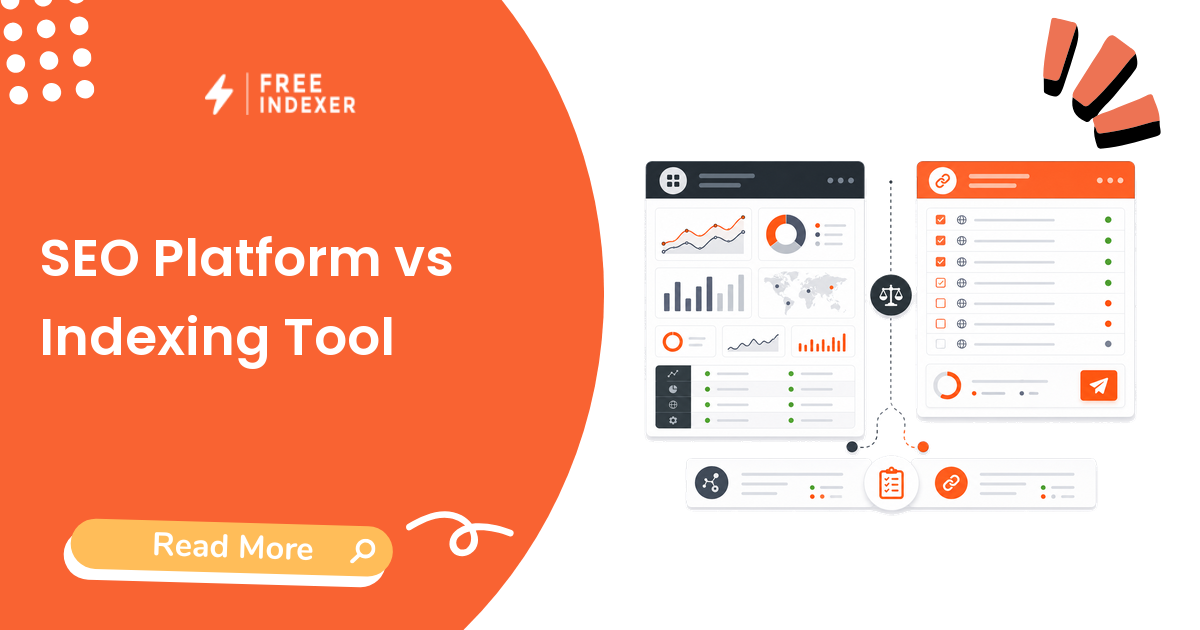
It should not replace Search Console, analytics, content planning, backlink QA, or provider execution. It is one workflow layer in the stack.
Example Agency Stack
A five-person SEO agency might run:
- Google Search Console for diagnosis.
- GA4 or analytics dashboards for traffic and conversions.
- A crawler for technical audits.
- A content planning system for briefs and clusters.
- A backlink verification process for provider or outreach work.
- FreeIndexer for priority URL and backlink discovery follow-up.
- A reporting template that separates tasks, verification, and observed results.
For backlink-heavy clients, connect this stack to the backlink discovery and indexing guide.
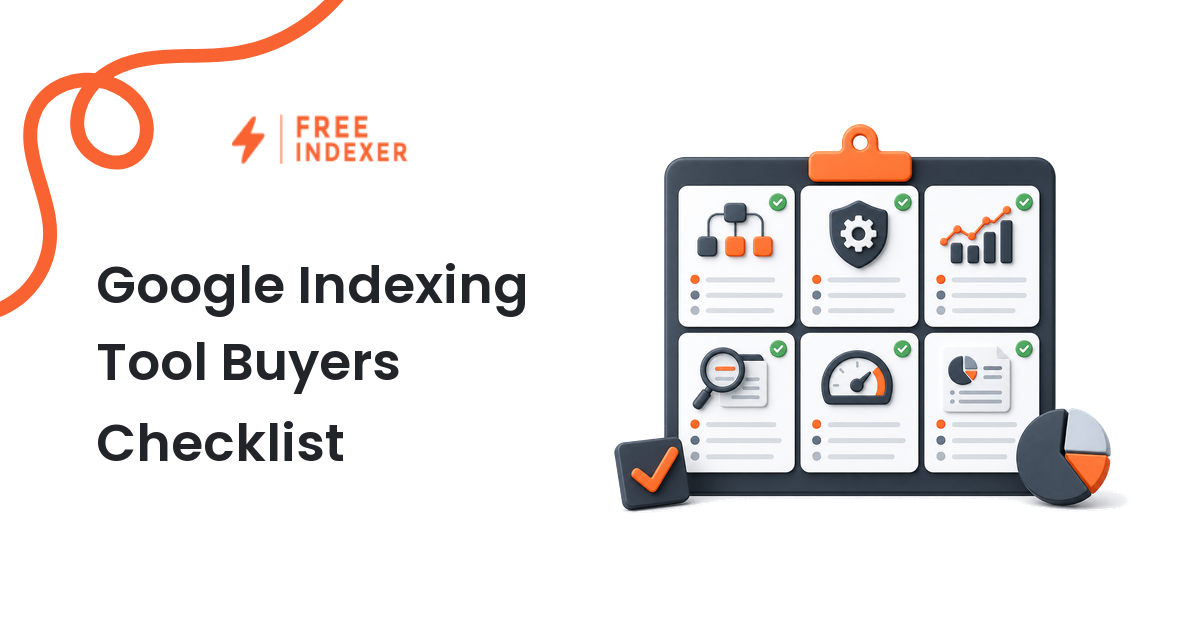
Tool Selection Checklist
Before adding a tool, ask:
- What workflow stage does it support?
- Who owns it?
- What input does it need?
- What output does it create?
- Does it reduce manual work or add noise?
- Can the output be used in client-safe reporting?
- Does it create risk that needs QA?
- Does it overlap with a tool already in the stack?
Common Mistakes
- Buying tools before defining the workflow.
- Treating dashboards as strategy.
- Using backlink or automation tools without verification steps.
- Reporting tool actions as business outcomes.
- Forgetting the indexing and discovery follow-up layer after publishing or link delivery.
Part Of This Series
This article is part of the SEO Tool Stack For Small Agencies series.
Recommended path:
- Previous: Start here
- Current: SEO Tool Stack For Small Agencies
- Next: SEO Tool Stack For Small Websites
Series hub: SEO Tool Stack For Small Agencies
Related guides from other workflows:
FAQ
What tools does a small SEO agency need first?
Start with Search Console, analytics, a technical audit process, project tracking, and reporting. Add content, backlink, indexing, and provider tools as the workflow matures.
Is FreeIndexer a full SEO platform?
No. FreeIndexer is the indexing and discovery workflow layer. It works alongside Search Console, analytics, audit, content, and backlink tools.
Should small agencies use SEO providers?
Sometimes. Providers can help with execution, but agencies still need QA, verification, and reporting.
How should agencies choose SEO tools?
Choose tools by workflow role, owner, output quality, risk, and reporting value.
Next Step
Choose agency SEO tools by workflow role, ownership, and reporting value. A small stack that the team actually uses beats a large stack that nobody trusts.