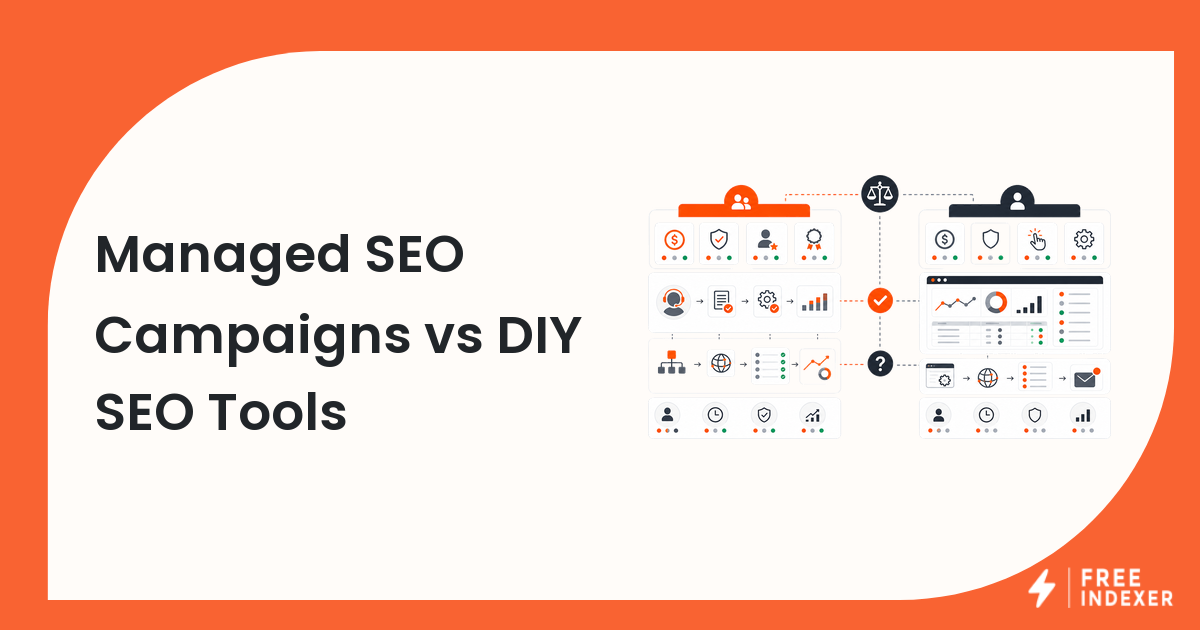
Managed SEO campaigns and DIY SEO tools solve different problems. A managed campaign gives you people, process, and execution. DIY tools give you data, control, and software capability. The right choice depends on who will plan the work, who will execute it, and who will verify the results.
If you need the provider workflow first, start with SEO campaign services for small websites. This comparison focuses on the buy-versus-build decision.
The Short Answer
Choose managed SEO campaigns when you need execution help, strategy support, content production, technical cleanup, link-building coordination, or ongoing campaign management. Choose DIY SEO tools when your team has the skills and time to run audits, content, links, indexing follow-up, and reporting internally.
Many teams use a hybrid model: a provider for campaign execution, internal tools for verification and reporting, and FreeIndexer for indexing or backlink discovery follow-up after URLs are qualified.
Managed Campaigns vs DIY Tools
| Factor | Managed SEO campaign | DIY SEO tools |
|---|---|---|
| Best for | Teams that need execution support | Teams with in-house SEO skill |
| Main input | Goals, target pages, budget, access, approvals | Team time, data, workflows, tool setup |
| Main output | Deliverables such as audits, content, links, fixes, reports | Analysis, queues, exports, dashboards, tasks |
| Control level | Lower day-to-day control, higher delegation | Higher control, more internal responsibility |
| Risk | Poor provider fit or vague deliverables | Tool overload or weak execution |
| Verification need | High | High |
| Reporting need | Separate provider work from business outcomes | Separate tool data from decisions |
The boundary is similar to SEO provider vs indexing tool: providers execute work, while indexing tools support discovery follow-up for URLs or backlinks that already exist.
Where SEOeStore And FreeIndexer Fit
Teams that need managed SEO execution can use a provider such as SEOeStore or explore SEO campaign services, then keep verification, indexing follow-up, and reporting as a separate workflow.
FreeIndexer is not the managed campaign layer. It fits after your team or provider has a verified list of pages, backlinks, or campaign URLs that deserve discovery follow-up and tracking.
Decision Tree
| Your situation | Better starting point |
|---|---|
| You do not have time to plan and execute SEO | Managed campaign |
| You have an SEO operator and clear process | DIY tools |
| You need content, links, and technical fixes done for you | Managed campaign |
| You need better data and repeatable tasks | DIY tools |
| You need software to process verified URLs or backlinks | Indexing workflow tool |
| You need both execution and visibility follow-up | Hybrid workflow |
If automation tools are part of the discussion, review GSA Search Engine Ranker vs indexing workflow so link creation, verification, indexing, and reporting stay separate.
A Clean Hybrid Campaign Workflow
Use this sequence when a founder hires a provider but still wants operational control:
- Define target pages, customer segments, and campaign goals.
- Assign provider deliverables: content, technical fixes, local SEO, outreach, or link-building.
- Keep an internal tracker with URL, owner, due date, status, and verification notes.
- Verify each deliverable before it enters reporting.
- Move only qualified URLs or backlinks into discovery follow-up.
- Track Search Console, analytics, leads, and revenue separately from provider output.
- Review what to continue, pause, or improve each month.
For small agencies building this stack internally, use SEO tool stack for small agencies.
Mistakes To Avoid
| Mistake | Why it causes problems | Better approach |
|---|---|---|
| Buying a managed campaign with vague deliverables | You cannot verify what was done | Define deliverables, examples, timelines, and reporting fields |
| Buying many tools before assigning owners | Software becomes shelfware | Assign a workflow owner for every tool category |
| Treating provider reports as final proof | Reports may not separate work from outcomes | Verify URLs, fixes, content, and links directly |
| Submitting every provider URL blindly | Weak or broken URLs waste attention | Qualify URLs before discovery follow-up |
| Comparing tools and providers as if they are the same | You may buy the wrong layer | Decide whether you need execution, software, or both |
Practical Example
A SaaS founder wants more organic leads but has no SEO hire. A managed campaign may handle a technical audit, three product-led content briefs, on-page updates, and outreach coordination. The founder still needs a simple tracker:
| Field | Example |
|---|---|
| Target URL | /features/rank-tracking-dashboard |
| Campaign task | Refresh page copy and add comparison section |
| Provider status | Delivered |
| Verification | Page live, internal links added, canonical correct |
| Follow-up | Add to priority discovery queue |
| Reporting | GSC impressions, GA4 conversions, demo requests |
FreeIndexer can help with the follow-up row, while Search Console and analytics handle performance reporting.
Part Of This Series
This article is part of the SEO Campaign Services For Small Websites series.
Recommended path:
- Previous: SEO Campaign Services For Small Websites
- Current: Managed SEO Campaigns vs DIY SEO Tools
- Next: How To Plan An SEO Campaign For A New Website
Series hub: SEO Campaign Services For Small Websites
Related guides from other workflows:
FAQ
Are managed SEO campaigns better than DIY tools?
They are better when you need execution help. DIY tools are better when your team already knows what to do and needs software to make the workflow repeatable.
Can a small website use both?
Yes. A small website can hire a provider for specific deliverables and use internal tools for Search Console review, analytics, URL tracking, and discovery follow-up.
What should I verify before paying for SEO campaign work?
Verify target pages, delivered URLs, content updates, technical fixes, backlink details, reporting fields, and whether the work matches the campaign brief.