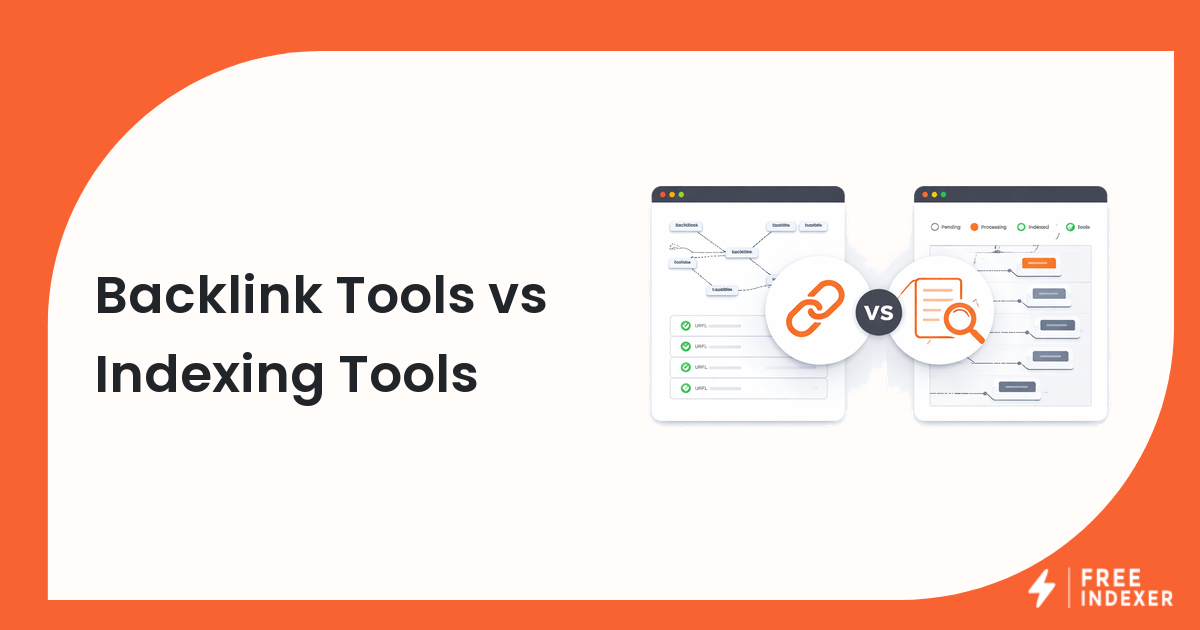
Backlink tools and indexing tools are often mentioned together, but they do different jobs. A backlink tool helps you find, audit, monitor, or analyze links. An indexing tool helps you manage discovery follow-up for URLs or backlinks you already know about.
Start with the backlink discovery and indexing guide if you want the full backlink workflow. This comparison focuses on tool roles.
The Short Answer
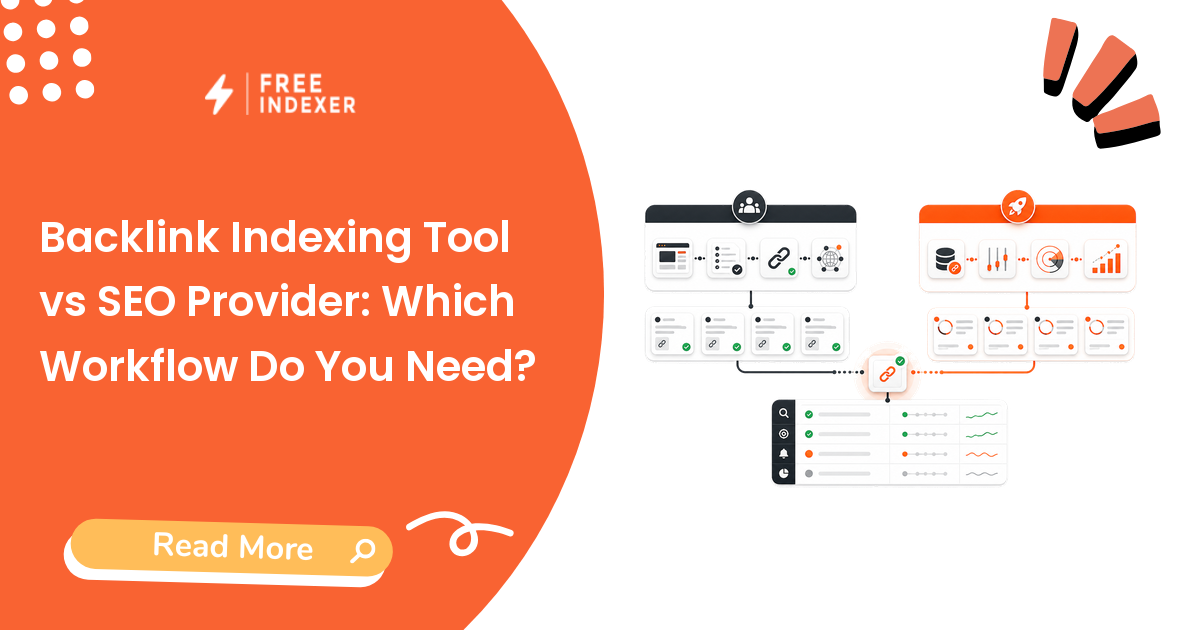
Use backlink tools for link data, competitor research, backlink monitoring, and quality review. Use indexing tools for verified backlink URLs that need submission, prioritization, tracking, or repeat discovery follow-up.
Most serious SEO teams need a backlink data process before they need an indexing queue.
Comparison Table
| Factor | Backlink tool | Indexing tool |
|---|---|---|
| Main role | Find and analyze backlink data | Submit and track known URLs |
| Input | Domains, target URLs, crawled link data | Verified URL or backlink lists |
| Output | Link reports, metrics, alerts, exports | Submission records and follow-up status |
| Best use | Research, QA, monitoring, reporting | Discovery operations and batching |
| Limit | Data may be incomplete or delayed | Cannot promise indexing or ranking |
| Reporting | Link profile and discovered links | Verified actions and workflow status |
For indexing tool options, use best Google indexing tools.
When You Need Each Tool
Use a backlink tool when you need to:
- find backlinks pointing to your site
- compare link profiles
- monitor new or lost links
- review link quality
- export campaign backlinks for QA
Use an indexing tool when you need to:
- process a verified list of backlink URLs
- submit priority URLs in batches
- track which URLs were handled
- avoid repeating manual discovery work
- report follow-up actions without overpromising outcomes
Decision Tree
| Situation | Recommended tool layer |
|---|---|
| You do not know which backlinks exist | Backlink tool |
| You have provider delivery URLs but have not checked them | Verification workflow first |
| You have verified priority backlink URLs | Indexing workflow |
| You need client reporting | Use backlink data plus indexing records |
| You expect ranking promises | Reset expectations |
Use the backlink indexing checklist before adding URLs to a discovery queue.
Example Agency Workflow
An agency uses a backlink tool to monitor new links for a client. It exports 70 linking pages. After QA:
- 20 are valuable and relevant.
- 15 are low-priority citations.
- 10 are removed or broken.
- 25 are already known and tracked.
The indexing workflow should focus on the 20 valuable verified URLs. The agency can record the 15 low-priority URLs and ignore the broken ones. FreeIndexer fits as the follow-up layer for the qualified group.
For campaign reporting, connect this process to track backlink discovery for SEO campaigns.
Common Mistakes
- Treating backlink tool exports as verified lists.
- Submitting every discovered backlink without quality review.
- Confusing link discovery with search engine indexing.
- Reporting indexing follow-up as ranking progress.
- Buying an indexing tool when the team does not yet have clean backlink data.
Part Of This Series
This article is part of the Tools Providers And Workflow Comparisons series.
Recommended path:
- Previous: Google Search Console vs Indexing Tool
- Current: Backlink Tools vs Indexing Tools
- Next: Link-Building Tools vs Indexing Tools
Series hub: Tools Providers And Workflow Comparisons
Related guides from other workflows:
FAQ
Are backlink tools the same as indexing tools?
No. Backlink tools help discover and analyze link data. Indexing tools help submit and track known URLs or backlinks for discovery follow-up.
Should I use a backlink tool before an indexing tool?
Usually yes. You need clean link data and verification before building an indexing queue.
Can indexing tools make backlinks count?
No tool can guarantee that search engines will index or value a backlink. Indexing tools support discovery follow-up.
Where does FreeIndexer fit?
FreeIndexer fits after backlink verification, when priority backlink URLs need submission, tracking, and repeat follow-up.
Next Step
Use backlink tools for data and indexing tools for verified discovery follow-up. The cleaner your input list is, the more useful your indexing workflow becomes.