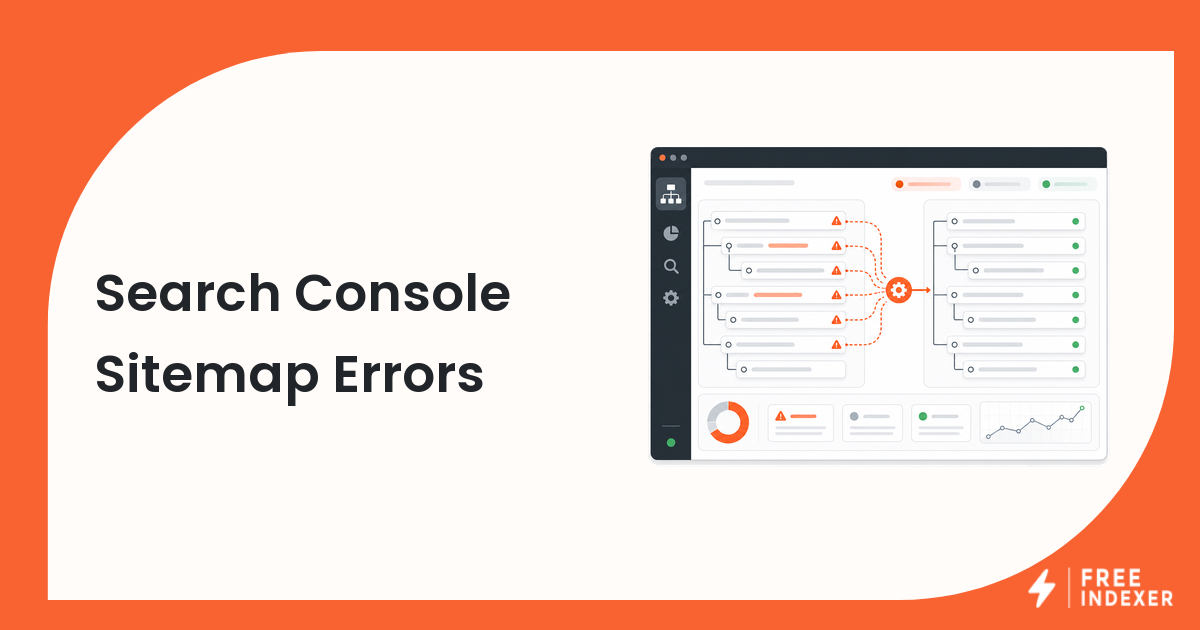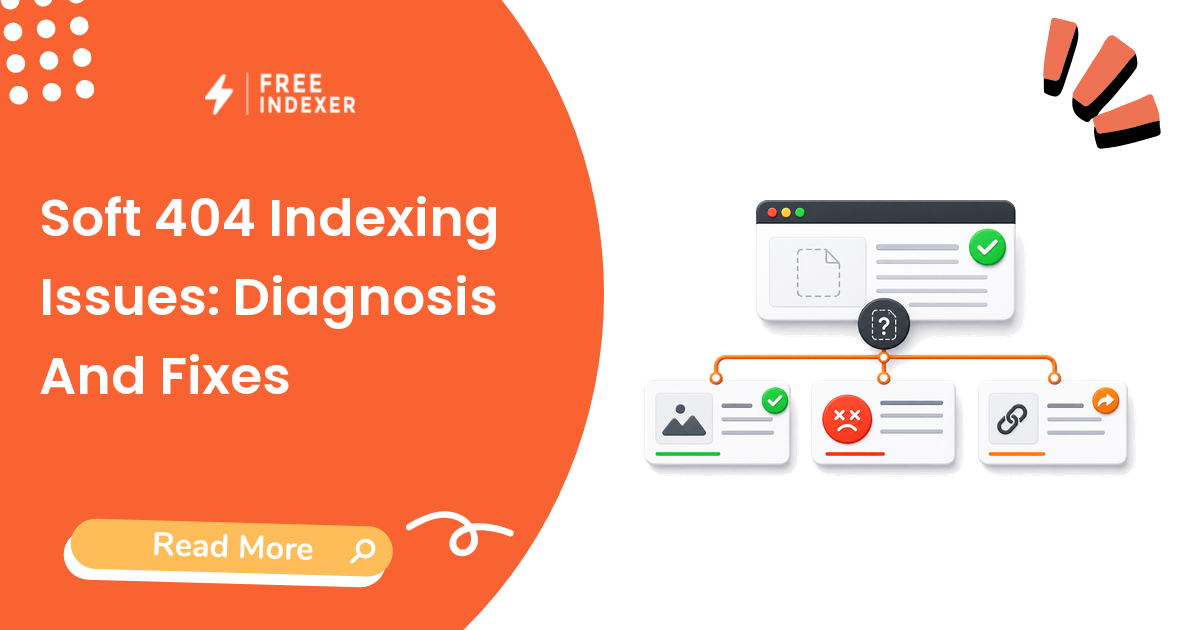
Diagnose soft 404s caused by empty, missing, thin, or error-like pages that return a successful status instead of a meaningful response.
For seo operators, the practical goal is simple: Return honest status codes or improve pages that genuinely deserve to remain available.
Related FreeIndexer reading:
What The Signal Means
A soft 404 usually means the server returned success, but the page looks missing, empty, or not useful enough to process as a normal page. Match the response to the real state: useful content, a relevant redirect, or a true 404/410.
Evidence To Collect Before Changing Anything
- The server returns 200 while the page shows 'not found,' no products, or a generic error.
- JavaScript can replace useful server HTML with an empty or error state after rendering.
- Out-of-stock or expired pages need a deliberate retention, replacement, or removal policy.
- Template-wide soft 404s can consume crawl resources and hide valuable URLs in the same pattern.
Diagnostic Decision Table
| Step | Check | Evidence To Capture | Corrective Action |
|---|---|---|---|
| 1 | Check the response | HTTP status and redirect chain | Return 404/410 for genuinely missing URLs. |
| 2 | Review rendered content | Main content, title, and page purpose | Fix empty app states and failed API responses. |
| 3 | Choose the page policy | Keep, redirect, consolidate, or remove | Use the closest relevant destination only when a true replacement exists. |
| 4 | Audit the template | Count and pattern of affected URLs | Correct shared CMS or rendering logic. |
| 5 | Revalidate samples | Live test and crawl output | Confirm that users and crawlers receive the intended result. |
Work from the broadest shared cause toward the individual URL. If many pages share the same template, response code, canonical rule, or deployment, fix the pattern before treating every URL as a separate case.
Example Diagnosis
A discontinued product template returns 200 with only the product name and 'This item is unavailable.' Products with replacement models should redirect; products with useful manuals can remain as informative pages; empty records should return 404 or 410.
After the fix, test the current response again. Then allow enough time for recrawling and processing before deciding that the change failed.
Mistakes That Delay Recovery
- Redirecting every missing URL to the homepage.
- Keeping empty category pages indexable because the server returns 200.
- Fixing one URL when the defect lives in a shared template.
- Submitting soft 404 URLs before changing the page state.
Where FreeIndexer Fits
Remove soft 404s from submission lists. Add only repaired, useful 200-status pages or their relevant replacement destinations to FreeIndexer.
Implementation Notes For Each Step
1. Check the response
Capture http status and redirect chain before making a conclusion. Return 404/410 for genuinely missing URLs.
Keep the evidence tied to the exact canonical URL and the date of the check. If the issue affects a shared template or URL pattern, record the pattern as well so the team fixes the system instead of repeating the same manual task.
2. Review rendered content
Capture main content, title, and page purpose before making a conclusion. Fix empty app states and failed API responses.
Keep the evidence tied to the exact canonical URL and the date of the check. If the issue affects a shared template or URL pattern, record the pattern as well so the team fixes the system instead of repeating the same manual task.
3. Choose the page policy
Capture keep, redirect, consolidate, or remove before making a conclusion. Use the closest relevant destination only when a true replacement exists.
Keep the evidence tied to the exact canonical URL and the date of the check. If the issue affects a shared template or URL pattern, record the pattern as well so the team fixes the system instead of repeating the same manual task.
4. Audit the template
Capture count and pattern of affected urls before making a conclusion. Correct shared CMS or rendering logic.
Keep the evidence tied to the exact canonical URL and the date of the check. If the issue affects a shared template or URL pattern, record the pattern as well so the team fixes the system instead of repeating the same manual task.
5. Revalidate samples
Capture live test and crawl output before making a conclusion. Confirm that users and crawlers receive the intended result.
Keep the evidence tied to the exact canonical URL and the date of the check. If the issue affects a shared template or URL pattern, record the pattern as well so the team fixes the system instead of repeating the same manual task.
Turn The Findings Into An Action Queue
A diagnostic result is useful only when it changes what the team does next. Move each URL into one of four clear queues:
- Ready: the URL is useful, canonical, public, technically accessible, and ready for submission or normal monitoring.
- Fix: the URL has a correctable technical, content, linking, rendering, or reporting problem with an assigned owner.
- Exclude: the URL is intentionally redirected, noindexed, removed, duplicate, private, or otherwise outside the indexing target set.
- Escalate: the issue affects infrastructure, templates, migrations, security controls, or a large URL cohort and needs engineering or product input.
For this topic, the release rule is: Return honest status codes or improve pages that genuinely deserve to remain available. Do not leave a URL in a vague pending state. Give it an owner, one next action, and a review date based on the evidence available.
Evidence Log To Keep
| Field | What To Record | Why It Matters |
|---|---|---|
| Canonical URL | The final normalized URL checked by the operator | Prevents variants and redirects from splitting the investigation. |
| Cohort | Page type, template, campaign, locale, or backlink group | Reveals whether the issue is isolated or systemic. |
| Evidence source | Live response, URL Inspection, crawl, log, sitemap, or provider record | Makes the conclusion reproducible. |
| Change made | The exact technical, content, link, or workflow update | Separates action from assumption. |
| Owner and review date | Who is responsible and when the URL will be checked again | Stops the queue from becoming passive reporting. |
Keep submission dates in their own field. A submitted URL has completed an operational step; it has not automatically completed crawling, indexation, ranking, traffic, or conversion milestones. That separation makes the report more accurate and makes failed outcomes easier to diagnose.
Final Action Checklist
- [ ] Check the response: Return 404/410 for genuinely missing URLs.
- [ ] Review rendered content: Fix empty app states and failed API responses.
- [ ] Choose the page policy: Use the closest relevant destination only when a true replacement exists.
- [ ] Audit the template: Correct shared CMS or rendering logic.
- [ ] Revalidate samples: Confirm that users and crawlers receive the intended result.
- [ ] Confirm the final URL and evidence date in the tracking sheet.
- [ ] Remove excluded or unresolved URLs from the active submission batch.
- [ ] Schedule one follow-up review instead of repeating untracked checks.
Primary Sources
FAQ
What is the difference between a 404 and a soft 404?
A true 404 uses an HTTP not-found response. A soft 404 looks missing or empty while returning a success response.
Can an out-of-stock product stay indexed?
Yes, when the page remains useful and explains availability, alternatives, specifications, or support information.
Should I use 404 or 410?
Both indicate the content is unavailable; choose a consistent policy that accurately reflects the page state.
Next Step
Return honest status codes or improve pages that genuinely deserve to remain available.
Keep the final report honest: document what was fixed, what was submitted, what evidence changed, and what still requires time or a separate SEO decision.