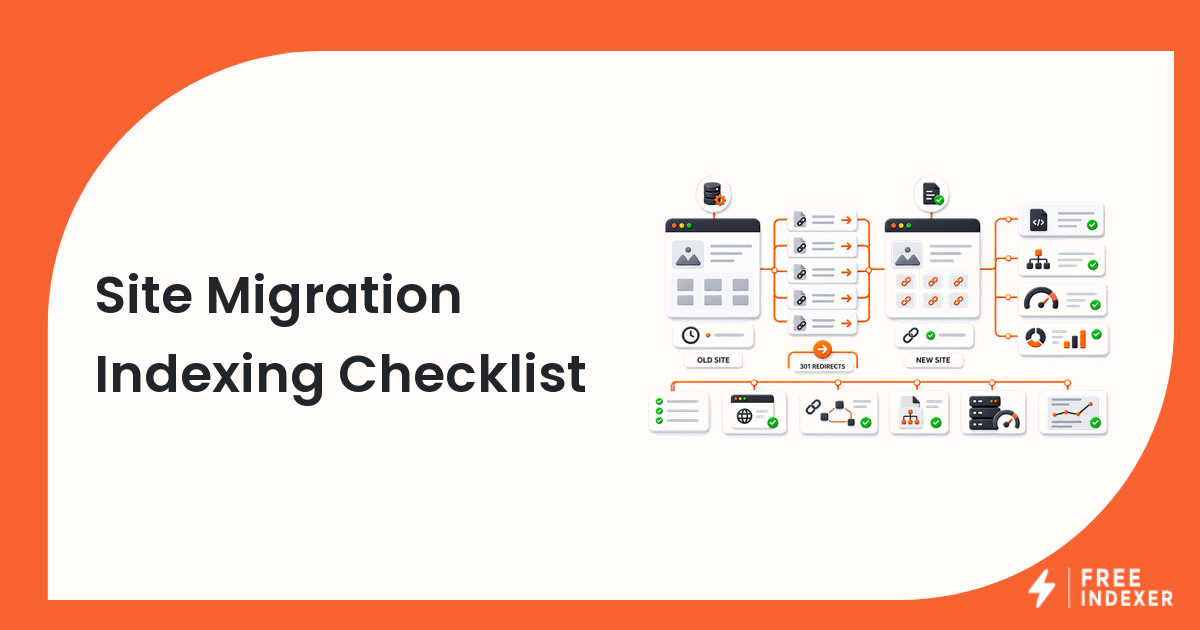
Protect search discovery during a migration with URL mapping, redirects, canonicals, internal links, sitemaps, server capacity, and monitoring.
For seo operators, the practical goal is simple: Map and test priority URLs before changing production traffic.
Related FreeIndexer reading:
Quick Answer
Prepare a complete old-to-new URL map, test the new site, configure direct permanent redirects, update internal signals, and monitor both properties. Avoid combining the migration with unnecessary platform, design, and content changes.
Signals That Matter
- Every important old URL needs a deliberate destination or removal decision.
- One-to-one permanent redirects communicate lasting moves better than broad homepage redirects.
- The new site should use self-canonicals and internal links that reference new URLs directly.
- The server must handle temporarily increased crawling across old and new URLs.
Step-By-Step Workflow
| Step | Check | Evidence To Capture | Next Action |
|---|---|---|---|
| 1 | Inventory old URLs | Sitemaps, analytics, logs, links, and CMS | Include valuable images and files. |
| 2 | Build the mapping | Old URL, new URL, action, and owner | Avoid many-to-one redirects without equivalent content. |
| 3 | Test the new site | Status, content, canonical, directives, and links | Fix issues before cutover. |
| 4 | Launch redirects | Direct permanent hops | Keep old infrastructure available. |
| 5 | Monitor both sides | Crawls, indexing, traffic, errors, and sitemaps | Resolve patterns quickly. |
A useful tracker keeps the evidence and the conclusion separate. Record what the URL returned, what the tool reported, what changed, who owns the next action, and when the page should be reviewed again.
Worked Example
A 6,000-page documentation site changes paths and hosting. The team migrates a stable section first, verifies redirects and server capacity, then completes the remaining move with fresh sitemaps and updated internal links.
The point of the example is not the exact numbers. It is the sequence: verify the real page, classify the issue, make one defensible change, and preserve enough evidence to evaluate the result later.
Common Mistakes
- Changing the domain, CMS, design, and content at the same time.
- Redirecting all old URLs to one destination.
- Launching with staging canonicals or noindex directives.
- Turning off the old host too early.
Where FreeIndexer Fits
FreeIndexer can prioritize the new homepage, hubs, and high-value migrated URLs after redirects and signals pass QA. It does not replace migration mapping.
Implementation Notes For Each Step
1. Inventory old URLs
Capture sitemaps, analytics, logs, links, and cms before making a conclusion. Include valuable images and files.
Keep the evidence tied to the exact canonical URL and the date of the check. If the issue affects a shared template or URL pattern, record the pattern as well so the team fixes the system instead of repeating the same manual task.
2. Build the mapping
Capture old url, new url, action, and owner before making a conclusion. Avoid many-to-one redirects without equivalent content.
Keep the evidence tied to the exact canonical URL and the date of the check. If the issue affects a shared template or URL pattern, record the pattern as well so the team fixes the system instead of repeating the same manual task.
3. Test the new site
Capture status, content, canonical, directives, and links before making a conclusion. Fix issues before cutover.
Keep the evidence tied to the exact canonical URL and the date of the check. If the issue affects a shared template or URL pattern, record the pattern as well so the team fixes the system instead of repeating the same manual task.
4. Launch redirects
Capture direct permanent hops before making a conclusion. Keep old infrastructure available.
Keep the evidence tied to the exact canonical URL and the date of the check. If the issue affects a shared template or URL pattern, record the pattern as well so the team fixes the system instead of repeating the same manual task.
5. Monitor both sides
Capture crawls, indexing, traffic, errors, and sitemaps before making a conclusion. Resolve patterns quickly.
Keep the evidence tied to the exact canonical URL and the date of the check. If the issue affects a shared template or URL pattern, record the pattern as well so the team fixes the system instead of repeating the same manual task.
Turn The Findings Into An Action Queue
A diagnostic result is useful only when it changes what the team does next. Move each URL into one of four clear queues:
- Ready: the URL is useful, canonical, public, technically accessible, and ready for submission or normal monitoring.
- Fix: the URL has a correctable technical, content, linking, rendering, or reporting problem with an assigned owner.
- Exclude: the URL is intentionally redirected, noindexed, removed, duplicate, private, or otherwise outside the indexing target set.
- Escalate: the issue affects infrastructure, templates, migrations, security controls, or a large URL cohort and needs engineering or product input.
For this topic, the release rule is: Map and test priority URLs before changing production traffic. Do not leave a URL in a vague pending state. Give it an owner, one next action, and a review date based on the evidence available.
Evidence Log To Keep
| Field | What To Record | Why It Matters |
|---|---|---|
| Canonical URL | The final normalized URL checked by the operator | Prevents variants and redirects from splitting the investigation. |
| Cohort | Page type, template, campaign, locale, or backlink group | Reveals whether the issue is isolated or systemic. |
| Evidence source | Live response, URL Inspection, crawl, log, sitemap, or provider record | Makes the conclusion reproducible. |
| Change made | The exact technical, content, link, or workflow update | Separates action from assumption. |
| Owner and review date | Who is responsible and when the URL will be checked again | Stops the queue from becoming passive reporting. |
Keep submission dates in their own field. A submitted URL has completed an operational step; it has not automatically completed crawling, indexation, ranking, traffic, or conversion milestones. That separation makes the report more accurate and makes failed outcomes easier to diagnose.
Final Action Checklist
- [ ] Inventory old URLs: Include valuable images and files.
- [ ] Build the mapping: Avoid many-to-one redirects without equivalent content.
- [ ] Test the new site: Fix issues before cutover.
- [ ] Launch redirects: Keep old infrastructure available.
- [ ] Monitor both sides: Resolve patterns quickly.
- [ ] Confirm the final URL and evidence date in the tracking sheet.
- [ ] Remove excluded or unresolved URLs from the active submission batch.
- [ ] Schedule one follow-up review instead of repeating untracked checks.
Primary Sources
FAQ
Will rankings fluctuate during a migration?
Temporary fluctuations are normal while search systems recrawl and process changed URLs.
How long should redirects remain?
Keep them long enough for users, crawlers, and external links to adopt the new URLs; long-term redirects are often appropriate.
Should I submit old and new sitemaps?
Use a migration plan that helps monitoring and discovery, with new canonical URLs clearly represented.
Next Step
Map and test priority URLs before changing production traffic.
Keep the final report honest: document what was fixed, what was submitted, what evidence changed, and what still requires time or a separate SEO decision.