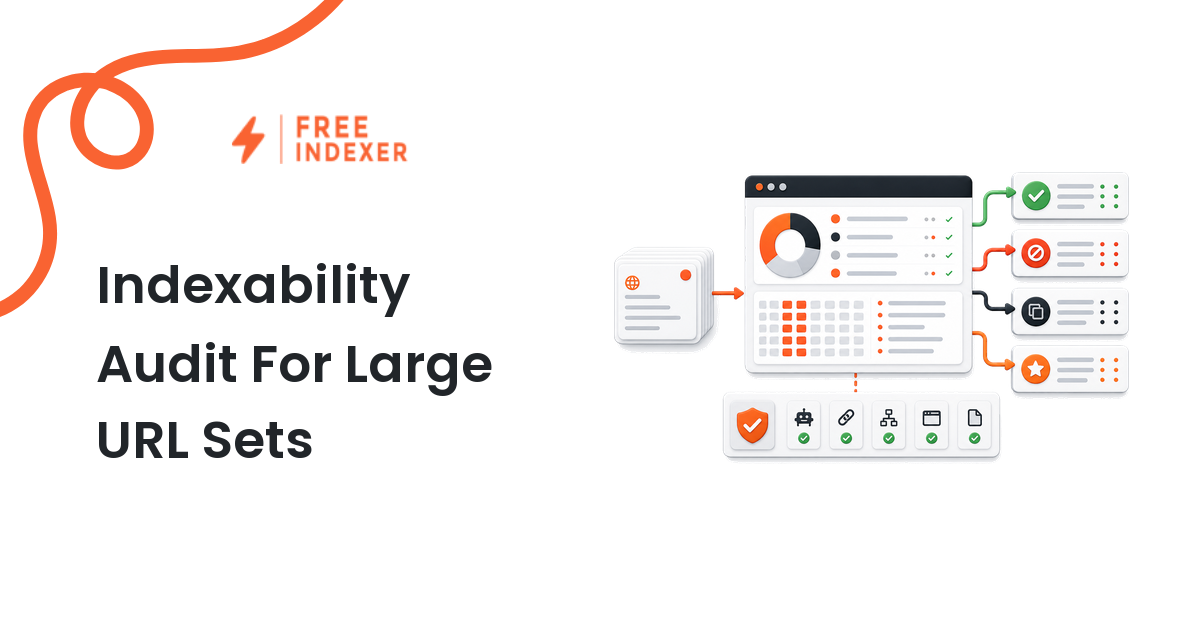
Large URL sets should not go straight from export to submission. An indexability audit tells you which URLs are crawlable, canonical, useful, and worth tracking before you spend time or indexing capacity on them.
If you need the wider model first, start with the indexing education hub. This guide is for programmatic SEO builders working with hundreds or thousands of generated pages, faceted URLs, city pages, product variants, documentation URLs, or content inventory exports.
The Short Answer
An indexability audit for a large URL set should answer five questions:
- Can search engines crawl the URL?
- Is indexing allowed?
- Is this URL the canonical version?
- Is the page useful enough to deserve discovery?
- Should this URL be submitted now, fixed first, monitored, or excluded?
Do not treat the audit as a pass/fail spreadsheet. Treat it as a routing system. A clean URL can enter a submission or monitoring queue. A blocked URL needs a technical fix. A duplicate URL needs canonical review. A thin or near-empty generated page may need product, template, or content work before any indexing workflow makes sense.
When Large URL Sets Need A Different Audit
A small site can inspect pages one by one. A programmatic SEO project cannot. The problem is not just volume; it is pattern risk.
One template bug can create 4,000 pages with the same noindex directive. One canonical rule can point every city page back to the national landing page. One internal linking gap can leave the whole generated section orphaned. The audit must find patterns before the team spends effort on individual URLs.
Use the deeper technical SEO indexing audit for the full site-level process. Use this article when you already have a URL inventory and need to decide what happens to each row.
Build The Audit Sample First
Start with a representative sample before processing the entire set. A useful first sample includes:
- 20 priority URLs from the new launch
- 20 older URLs with impressions or clicks
- 20 URLs with no traffic
- 20 URLs from each major template type
- 10 URLs from the sitemap
- 10 URLs found only through internal crawl data
This sample shows whether problems are isolated or structural. If every /locations/{city}/ page has the same canonical issue, do not audit 2,000 rows manually. Fix the template and rerun the sample.
Indexability Checklist
Use this checklist before any URL enters a submission queue:
- The URL returns a final
200status and does not depend on a redirect chain. - The page is not blocked by
robots.txt. - The page does not have a
noindexdirective in HTML or HTTP headers. - The canonical tag points to the same URL or a clearly intended canonical.
- The URL appears in the correct sitemap if it is important.
- The page has internal links from relevant hub, category, product, or support pages.
- The page has unique content or a useful generated combination, not just swapped city names or empty variables.
- The page is not a parameter duplicate, sort duplicate, filter duplicate, or pagination artifact.
- The URL is tied to a business reason, such as a product, location, comparison, documentation page, or content cluster.
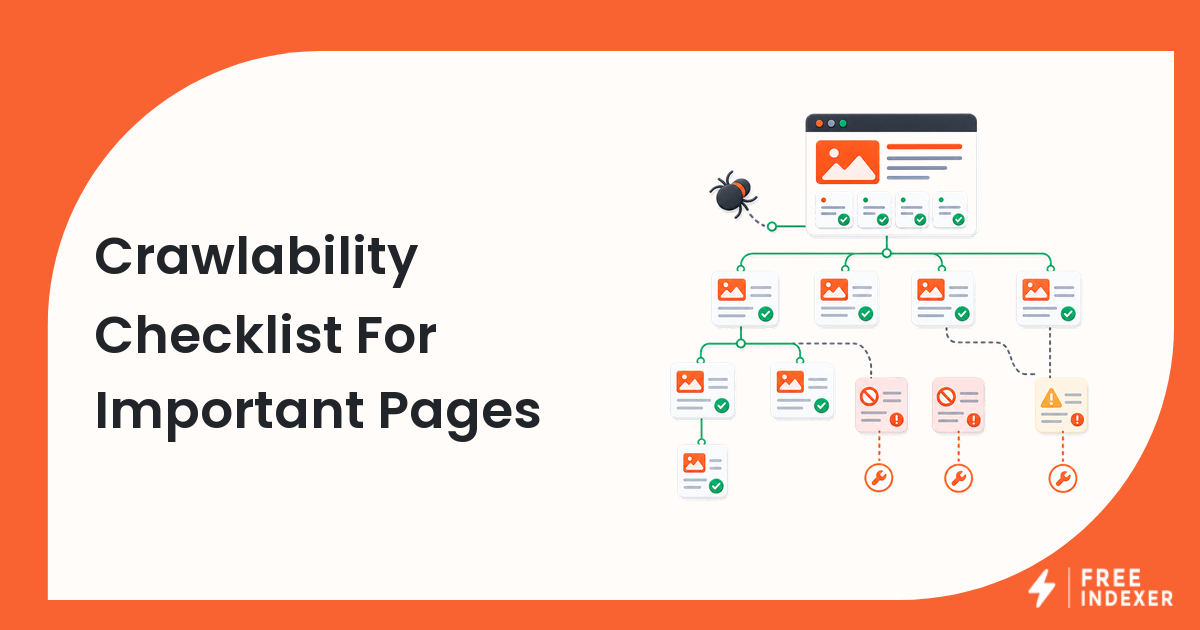
For crawlability details, use the crawlability checklist while building your audit fields.
Audit Fields To Add To Your URL Inventory
| Field | Why it matters | Example value |
|---|---|---|
| URL | The exact URL being reviewed | https://example.com/locations/austin/ |
| Template | Finds pattern problems | location page |
| HTTP status | Removes broken or redirected URLs | 200 |
| Robots result | Catches crawl blocks | allowed |
| Indexing directive | Catches noindex |
index allowed |
| Canonical target | Separates duplicates from preferred URLs | self canonical |
| Sitemap presence | Confirms discovery signal | in locations.xml |
| Internal link source | Shows how search engines can reach it | linked from state hub |
| Content completeness | Flags empty generated pages | complete |
| Priority tier | Controls what gets actioned first | tier 1 |
| Next action | Prevents vague follow-up | submit, fix, monitor, exclude |
This structure is more useful than a single "indexable yes/no" column because it tells the operator why a URL passed or failed.
Diagnostic Steps For A Large Export
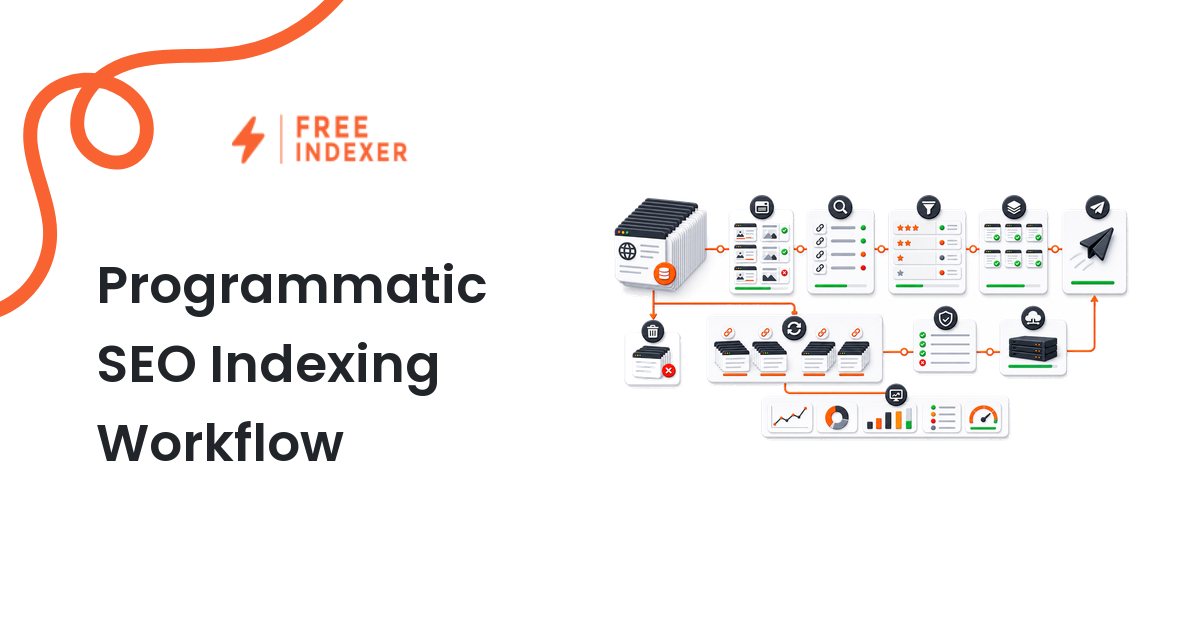
- Deduplicate the export by normalized canonical URL.
- Separate generated templates from hand-written pages.
- Crawl a sample and record status, redirects, robots, noindex, and canonical target.
- Compare sitemap URLs against crawl-discovered URLs.
- Review internal links to each template type, not just the homepage path.
- Pull Search Console examples for known issues, then map those issues back to templates.
- Assign each URL to
submit,fix,improve,monitor, orexclude.
This routing step is where large URL work becomes manageable. It also protects the team from submitting low-value URLs repeatedly.
What To Do Next
| Audit result | Meaning | Next action |
|---|---|---|
| Clean, priority URL | Crawlable, indexable, canonical, useful | Add to submission and tracking queue |
| Clean, low-priority URL | Technically fine but not urgent | Monitor through sitemap and internal links |
| Blocked URL | Robots, noindex, auth, or server issue | Fix before submission |
| Duplicate URL | Canonical points elsewhere or content overlaps heavily | Consolidate, improve, or exclude |
| Orphaned URL | No meaningful internal links | Add links from a relevant hub or template |
| Thin generated page | Page exists but does not satisfy a real query | Improve the template or remove from launch |
FreeIndexer fits after the clean, priority URL group is identified. It can help process qualified URLs in a repeatable queue, especially when your team is managing many URLs over multiple launches. It should not be used as a substitute for fixing crawl blocks, canonicals, or weak generated pages.
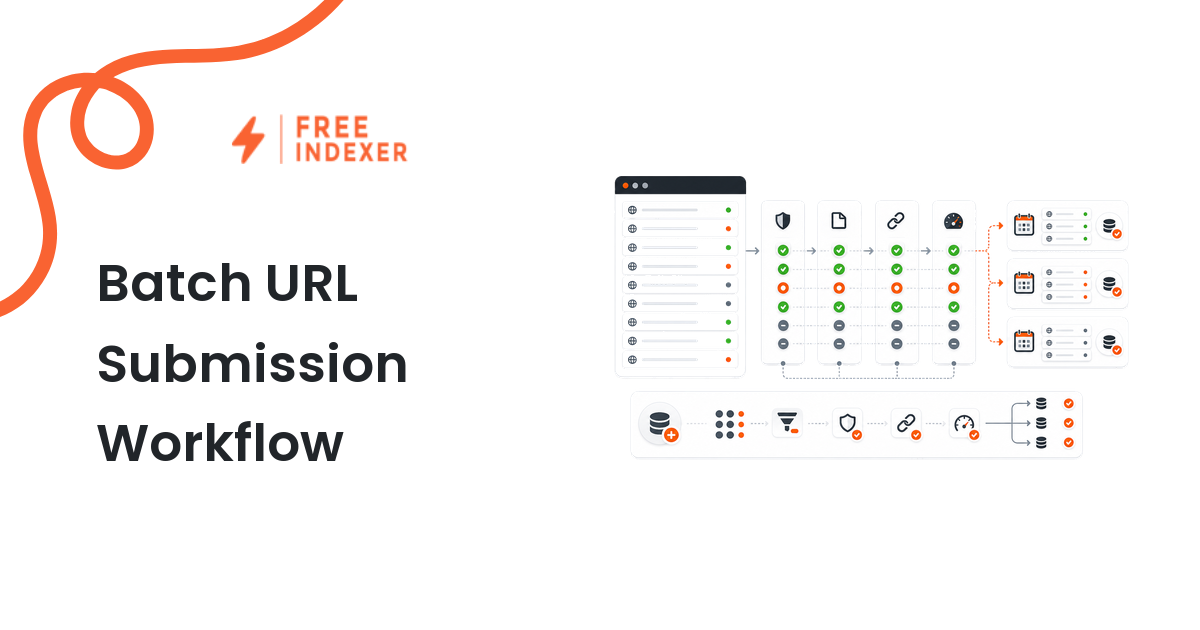
For the operational side, connect this audit to a bulk URL operations workflow and a clean URL inventory management process.
Workflow Example
Imagine a programmatic SEO builder launching 1,800 location-service pages:
/locations/austin/emergency-plumber//locations/denver/emergency-plumber//locations/tampa/emergency-plumber/
The first crawl shows that all pages return 200, but the canonical tag on every page points to /services/emergency-plumber/. That means submitting the city URLs now would create noise. The right action is to fix the canonical rule, recrawl the sample, confirm that internal state pages link to the city pages, and only then prioritize the top markets for submission and tracking.
Common Mistakes
- Auditing only sitemap URLs and missing orphaned generated pages.
- Treating every
200URL as indexable without checking directives and canonicals. - Submitting all generated URLs before testing one template sample.
- Ignoring internal links because the URLs are already in a sitemap.
- Keeping thin generated combinations in the queue because removing them feels like lost scale.
FAQ
What is an indexability audit for large URL sets?
It is a structured review that checks whether many URLs are crawlable, indexable, canonical, useful, internally linked, and worth action before they are submitted or monitored.
How many URLs should I sample first?
Start with enough URLs to represent every important template, priority tier, sitemap type, and discovery source. The goal is to find patterns before auditing the full export.
Should blocked URLs be submitted after an audit?
No. Fix robots, noindex, server, canonical, or quality problems first. Submission is useful only after the URL has a reasonable path to discovery.
Where does FreeIndexer fit in this process?
Use FreeIndexer for the qualified priority group after the audit. It helps with repeatable submission and tracking work, not with repairing technical blockers.
Next Step
Audit and tier large URL sets before using any bulk submission workflow. The better your routing rules are, the less time your team spends pushing URLs that were never ready.