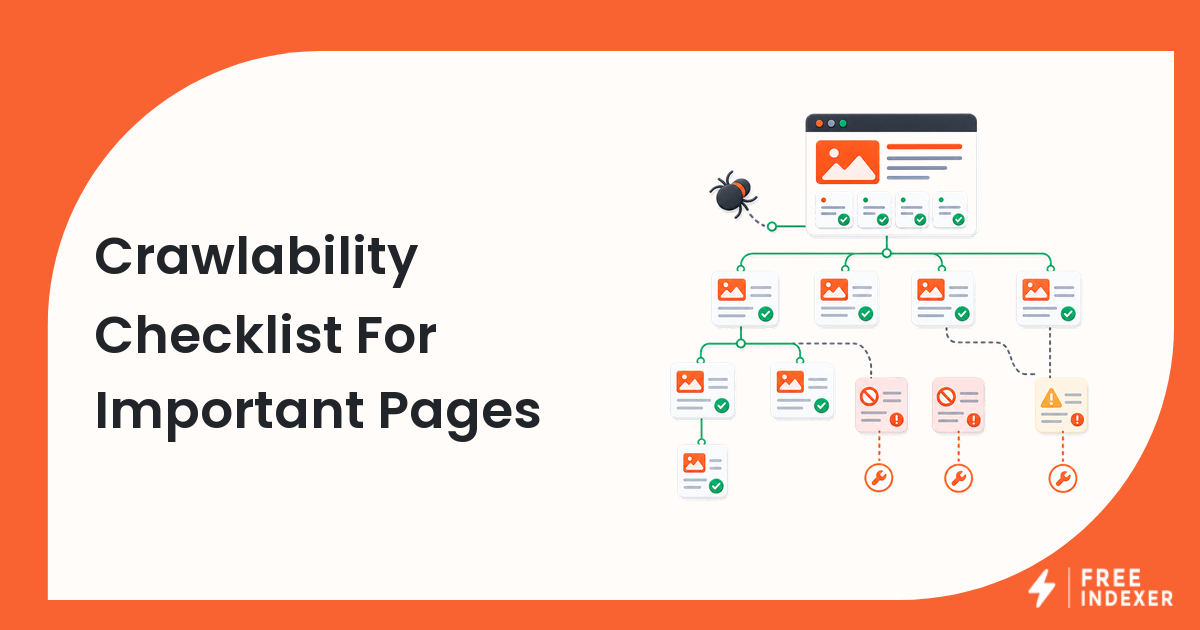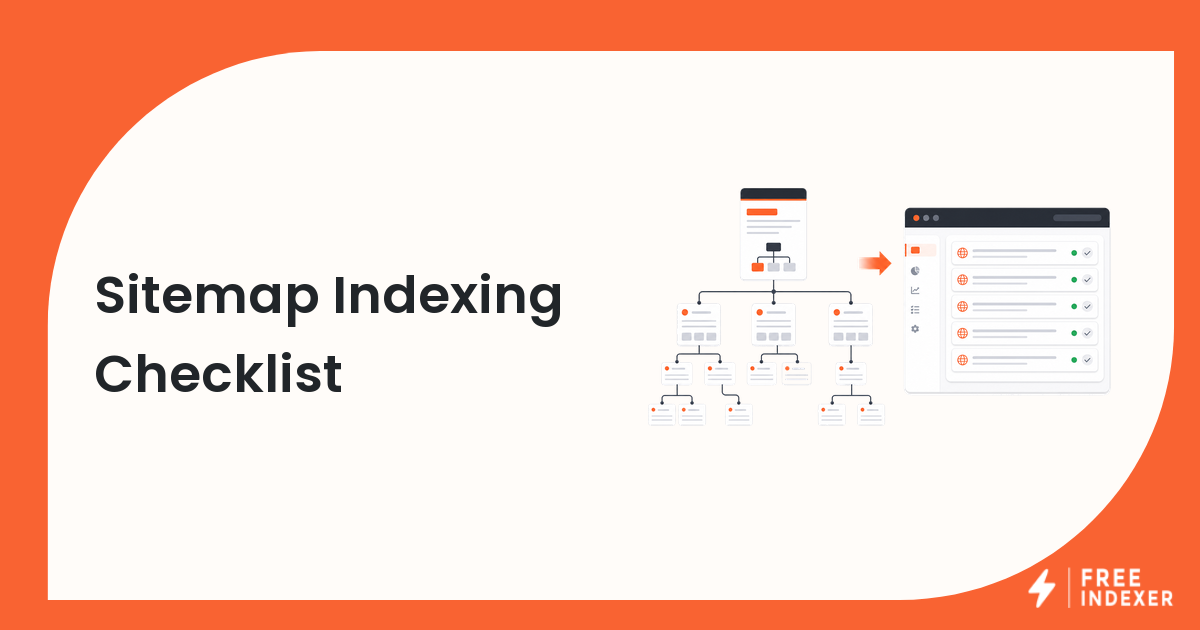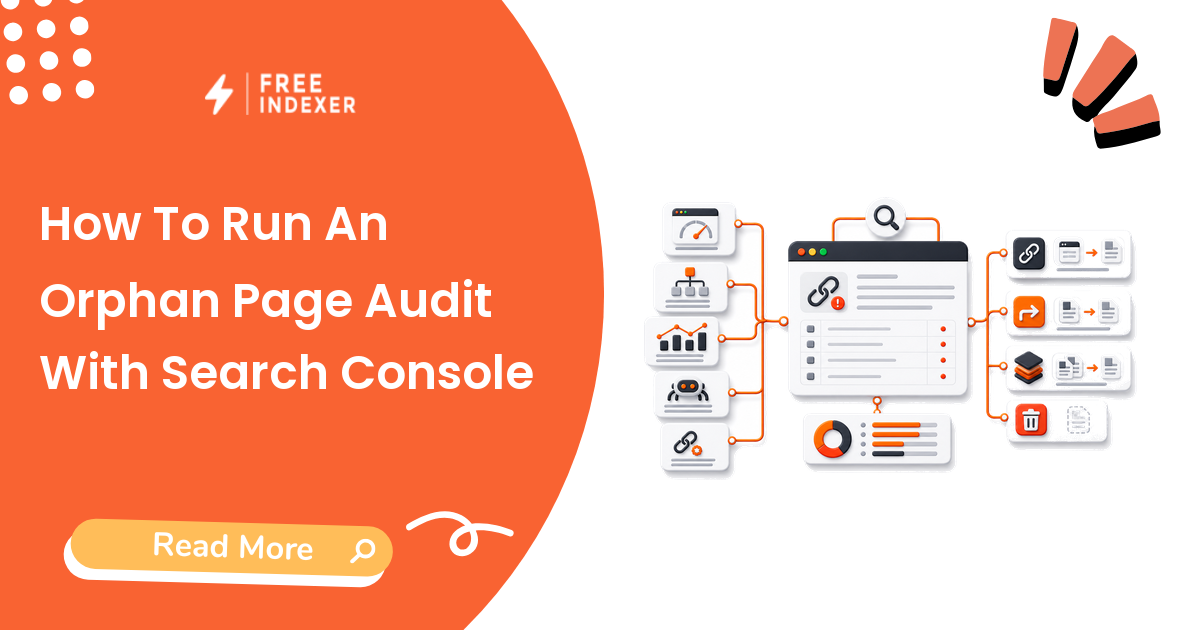
Combine Search Console landing pages, sitemaps, analytics, backlinks, and crawl data to find valuable URLs with no reliable internal path.
For seo operators, the practical goal is simple: Classify every orphan as link, redirect, consolidate, noindex, or remove.
Related FreeIndexer reading:
- Google Search Console Indexing Guide
- Orphan Pages And Indexing
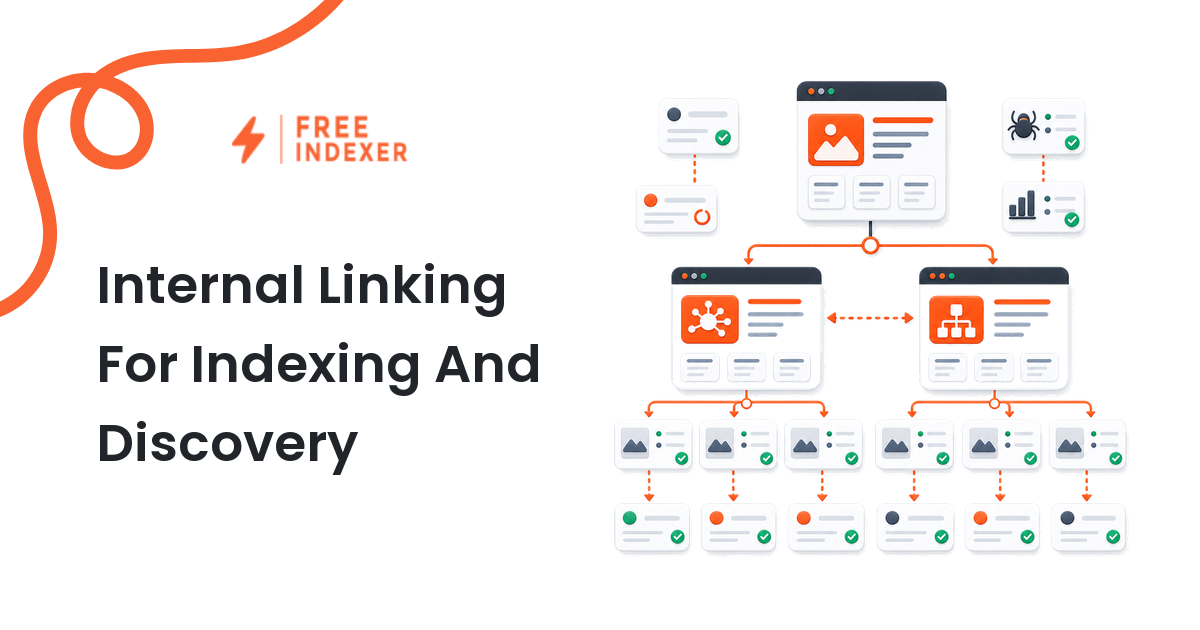
- Internal Linking System For Large Sites
Quick Answer
Search Console alone cannot prove that a page is orphaned. Build a URL inventory from multiple sources, compare it with a fresh crawl, and investigate URLs that appear in data but have no discovered internal inlinks.
Signals That Matter
- Search Console can reveal pages that received impressions or clicks even if the current crawl cannot reach them.
- Sitemaps, analytics, backlinks, CMS exports, and server logs each expose different URL sets.
- An orphan can be valuable, obsolete, duplicate, private, or accidentally detached.
- The action depends on page purpose, not simply on whether the URL exists.
Step-By-Step Workflow
| Step | Check | Evidence To Capture | Next Action |
|---|---|---|---|
| 1 | Build the inventory | GSC, sitemap, analytics, CMS, backlinks | Normalize URLs before comparison. |
| 2 | Run a crawl | Reachable URLs and inlink counts | Use the canonical production site and include relevant subdomains. |
| 3 | Find unmatched URLs | Known URLs absent from crawl | Sample by template and business value. |
| 4 | Classify intent | Keep, link, redirect, consolidate, exclude | Assign one owner and action per URL. |
| 5 | Recheck the graph | New internal links and crawl reachability | Confirm valuable pages are no longer isolated. |
A useful tracker keeps the evidence and the conclusion separate. Record what the URL returned, what the tool reported, what changed, who owns the next action, and when the page should be reviewed again.
Worked Example
An old campaign page still gets branded clicks and has strong external links, but a redesign removed every internal link. Instead of deleting it, the team updates the offer, links it from the relevant solutions hub, and redirects only the obsolete campaign variants.
The point of the example is not the exact numbers. It is the sequence: verify the real page, classify the issue, make one defensible change, and preserve enough evidence to evaluate the result later.
Common Mistakes
- Calling every sitemap-only URL an orphan without crawling the site correctly.
- Linking obsolete pages just to reduce the orphan count.
- Ignoring URL normalization and counting variants as separate pages.
- Adding links without assigning a lasting place in the architecture.
Where FreeIndexer Fits
FreeIndexer can hold the repaired high-priority orphan URLs after their new internal links are published. Keep obsolete and intentionally excluded URLs out of the queue.
Implementation Notes For Each Step
1. Build the inventory
Capture gsc, sitemap, analytics, cms, backlinks before making a conclusion. Normalize URLs before comparison.
Keep the evidence tied to the exact canonical URL and the date of the check. If the issue affects a shared template or URL pattern, record the pattern as well so the team fixes the system instead of repeating the same manual task.
2. Run a crawl
Capture reachable urls and inlink counts before making a conclusion. Use the canonical production site and include relevant subdomains.
Keep the evidence tied to the exact canonical URL and the date of the check. If the issue affects a shared template or URL pattern, record the pattern as well so the team fixes the system instead of repeating the same manual task.
3. Find unmatched URLs
Capture known urls absent from crawl before making a conclusion. Sample by template and business value.
Keep the evidence tied to the exact canonical URL and the date of the check. If the issue affects a shared template or URL pattern, record the pattern as well so the team fixes the system instead of repeating the same manual task.
4. Classify intent
Capture keep, link, redirect, consolidate, exclude before making a conclusion. Assign one owner and action per URL.
Keep the evidence tied to the exact canonical URL and the date of the check. If the issue affects a shared template or URL pattern, record the pattern as well so the team fixes the system instead of repeating the same manual task.
5. Recheck the graph
Capture new internal links and crawl reachability before making a conclusion. Confirm valuable pages are no longer isolated.
Keep the evidence tied to the exact canonical URL and the date of the check. If the issue affects a shared template or URL pattern, record the pattern as well so the team fixes the system instead of repeating the same manual task.
Turn The Findings Into An Action Queue
A diagnostic result is useful only when it changes what the team does next. Move each URL into one of four clear queues:
- Ready: the URL is useful, canonical, public, technically accessible, and ready for submission or normal monitoring.
- Fix: the URL has a correctable technical, content, linking, rendering, or reporting problem with an assigned owner.
- Exclude: the URL is intentionally redirected, noindexed, removed, duplicate, private, or otherwise outside the indexing target set.
- Escalate: the issue affects infrastructure, templates, migrations, security controls, or a large URL cohort and needs engineering or product input.
For this topic, the release rule is: Classify every orphan as link, redirect, consolidate, noindex, or remove. Do not leave a URL in a vague pending state. Give it an owner, one next action, and a review date based on the evidence available.
Evidence Log To Keep
| Field | What To Record | Why It Matters |
|---|---|---|
| Canonical URL | The final normalized URL checked by the operator | Prevents variants and redirects from splitting the investigation. |
| Cohort | Page type, template, campaign, locale, or backlink group | Reveals whether the issue is isolated or systemic. |
| Evidence source | Live response, URL Inspection, crawl, log, sitemap, or provider record | Makes the conclusion reproducible. |
| Change made | The exact technical, content, link, or workflow update | Separates action from assumption. |
| Owner and review date | Who is responsible and when the URL will be checked again | Stops the queue from becoming passive reporting. |
Keep submission dates in their own field. A submitted URL has completed an operational step; it has not automatically completed crawling, indexation, ranking, traffic, or conversion milestones. That separation makes the report more accurate and makes failed outcomes easier to diagnose.
Final Action Checklist
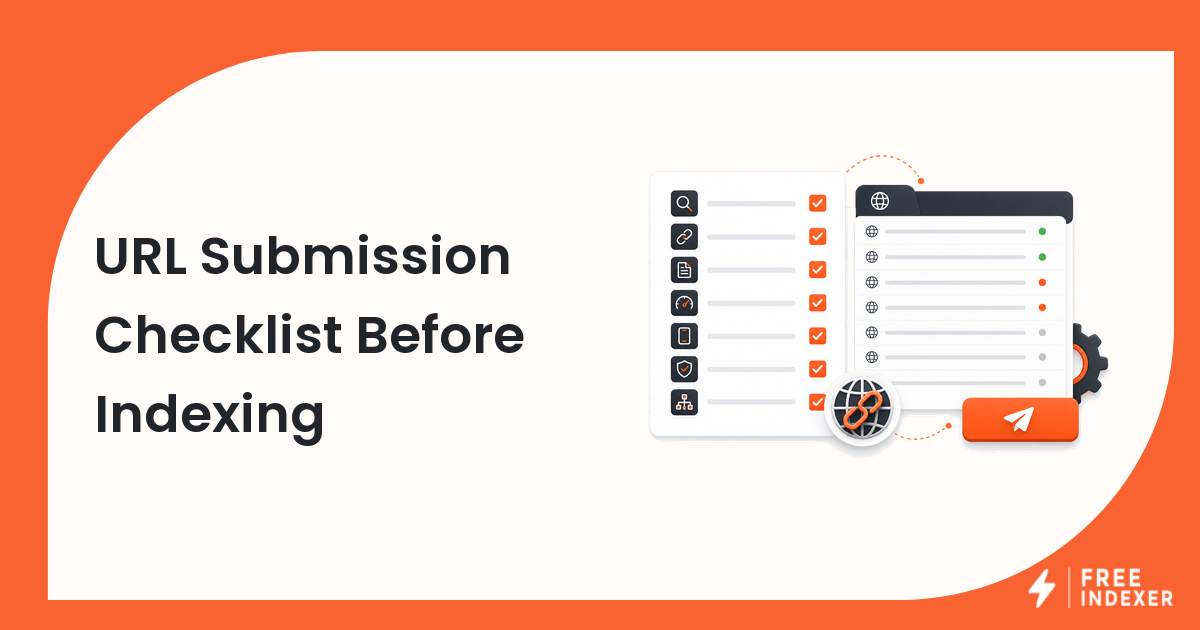
- [ ] Build the inventory: Normalize URLs before comparison.
- [ ] Run a crawl: Use the canonical production site and include relevant subdomains.
- [ ] Find unmatched URLs: Sample by template and business value.
- [ ] Classify intent: Assign one owner and action per URL.
- [ ] Recheck the graph: Confirm valuable pages are no longer isolated.
- [ ] Confirm the final URL and evidence date in the tracking sheet.
- [ ] Remove excluded or unresolved URLs from the active submission batch.
- [ ] Schedule one follow-up review instead of repeating untracked checks.
Primary Sources
FAQ
Can Search Console export every URL?
No. Use it as one source in a broader inventory.
Are orphan pages always bad?
No. Some private or campaign URLs are intentionally isolated, while valuable search pages usually need a clear internal path.
Should I submit repaired orphans?
Submit only valuable, canonical pages after the new links and technical signals are live.
Next Step
Classify every orphan as link, redirect, consolidate, noindex, or remove.
Keep the final report honest: document what was fixed, what was submitted, what evidence changed, and what still requires time or a separate SEO decision.