When Google finds a different canonical than the one you expected, the problem is not always a bug. Sometimes Google is correcting weak or conflicting signals. Sometimes your site is accidentally telling search engines to prefer the wrong URL.
For the indexing fundamentals, start with the indexing education hub. This guide is for SEO operators who need to diagnose the exact canonical conflict before submitting, resubmitting, or reporting affected pages.
The Short Answer
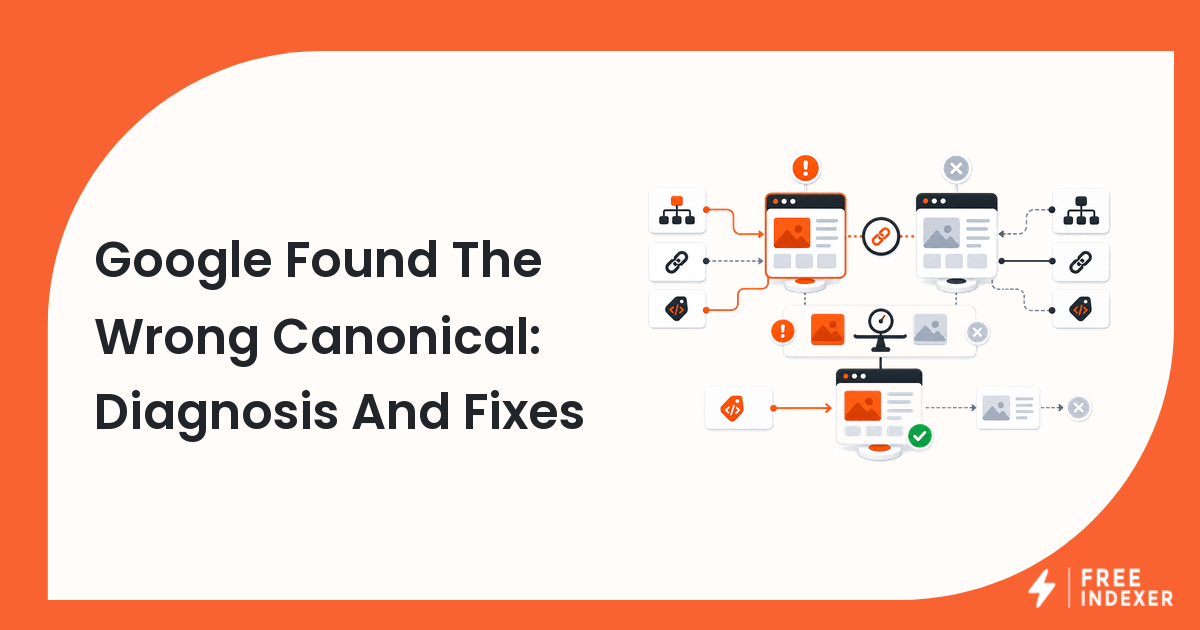
If Google selected the wrong canonical, compare the user-declared canonical, internal links, sitemap URLs, redirects, duplicate content, hreflang, and page quality signals. Then decide whether to strengthen your preferred canonical, consolidate duplicate pages, or accept Google's selected canonical because it is better for users.
Do not submit the affected URL again until the canonical issue is understood. Submission does not override canonical selection.
User-Declared vs Google-Selected Canonical
| Canonical signal | What it means | Where to check |
|---|---|---|
| User-declared canonical | The canonical URL specified by your page or HTTP headers | HTML source, rendered HTML, headers |
| Google-selected canonical | The URL Google chose as representative | URL Inspection |
| Sitemap URL | The URL your XML sitemap promotes | Sitemap file and Search Console |
| Redirect target | The final URL after redirects | Browser, crawl tool, server logs |
| Internal link target | The URL your site links to most often | Crawl data and page templates |
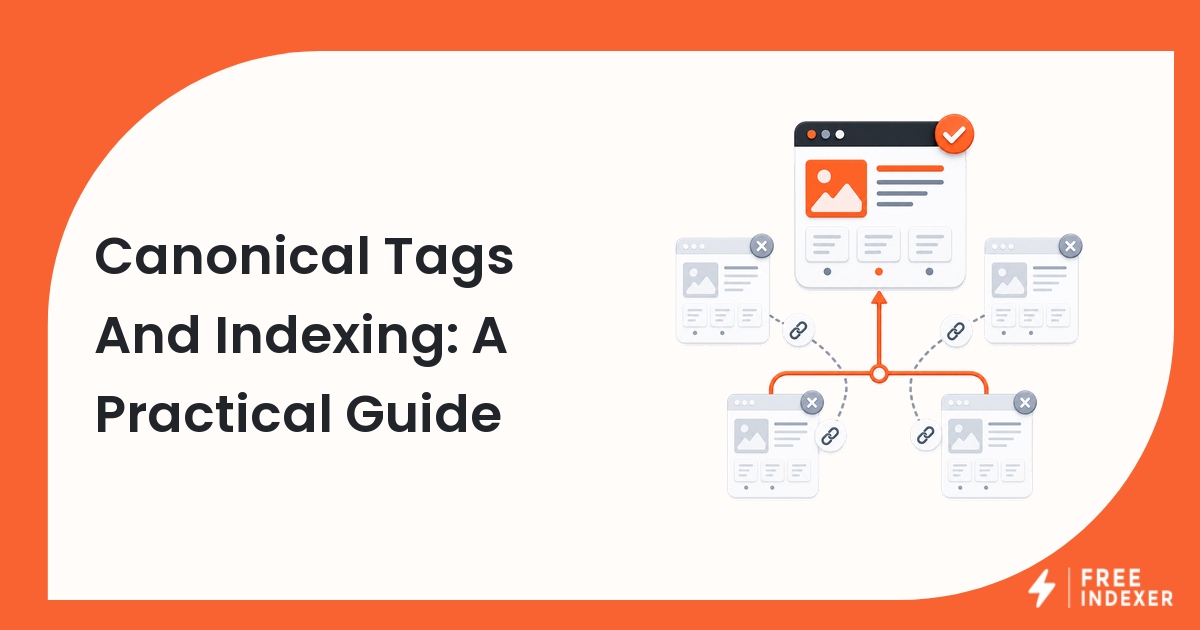
Google Search Central's canonicalization guidance notes that Google can choose a different canonical when signals point to another URL. That is why diagnosis must compare signals instead of only checking the tag.
For the related issue, read canonical selected by Google not user and the broader canonical tags and indexing guide.
Diagnostic Steps
1. Inspect the exact URL
Use URL Inspection for the affected URL and record:
- inspected URL
- user-declared canonical
- Google-selected canonical
- last crawl date
- indexing status
- sitemap discovery status
2. Compare the page pair
Open both the expected URL and the selected canonical. Ask whether they are truly different pages. If the content is nearly identical, Google may be consolidating duplicates.
3. Check internal links
If your sitemap lists /products/widget-a/ but most internal links point to /shop/widget-a/, your site is sending mixed signals. Fix templates, menus, breadcrumbs, related links, and canonical tags together.
4. Check redirects and parameters
Parameter URLs, uppercase variants, trailing slash variants, HTTP versions, and campaign-tagged URLs can produce canonical conflicts. Normalize them where possible.
5. Review quality and intent
If the preferred canonical is thinner, slower, less complete, or less useful than the selected URL, strengthening a tag may not be enough. Improve the preferred page or accept the better page.
Use a full technical SEO indexing audit if canonical issues affect many templates.
Decision Tree
| If this is true | Decision | Action |
|---|---|---|
| The selected URL is the better page | Accept Google's choice | Update internal links and sitemap to match |
| The preferred URL is correct but signals conflict | Fix signal consistency | Align canonical, sitemap, redirects, and links |
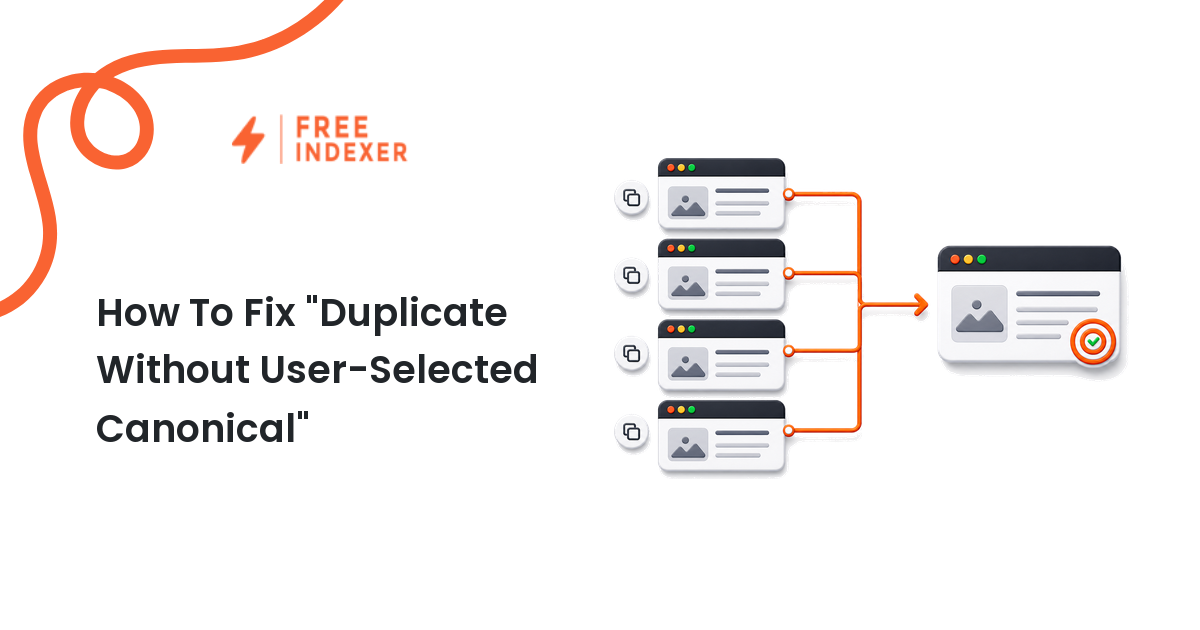
| The pages are duplicates | Consolidate | Redirect, canonicalize, or merge content |
| The preferred URL is thin | Improve it | Add unique value before expecting selection |
| The selected URL is blocked or outdated | Repair quickly | Remove bad signals and inspect examples |
Example Canonical Conflict
An ecommerce site wants this URL indexed:
https://example.com/products/black-running-shoe/
Google selects:
https://example.com/products/running-shoe/?color=black
The canonical tag on the clean URL points to itself, but category filters and internal product cards link heavily to the parameter URL. The sitemap uses the clean URL. The site is split between two versions.
The fix is not just "request indexing." The team should update internal links to the clean URL, make the parameter page canonicalize to the clean URL, confirm redirects are not creating loops, and then inspect the clean URL again. After the canonical signal is consistent, priority submission or tracking can make sense.
If the page is crawled but not indexed after canonical repair, use page crawled but not indexed for the next diagnostic layer.
Where FreeIndexer Fits
FreeIndexer fits after the canonical signals are cleaned up. Use it for priority URLs that are now canonical, indexable, and worth tracking. Do not use it to push a URL that Google is actively consolidating into another canonical version.
Common Mistakes
- Looking only at the canonical tag and ignoring internal links.
- Keeping both duplicate URLs in the sitemap.
- Submitting the non-selected URL repeatedly without changing signals.
- Assuming Google is wrong before comparing the two pages from a user perspective.
- Fixing one URL while the template keeps generating the same conflict.
FAQ
Why did Google choose a different canonical?
Common reasons include duplicate content, conflicting internal links, sitemap mismatches, redirects, parameter versions, localization issues, and stronger quality signals on another URL.
Can I force Google to use my canonical?
No. A canonical tag is a strong signal, not an absolute command. Make all canonical signals consistent and make the preferred page the best representative URL.
Should I submit a URL with a canonical problem?
No. Fix the canonical conflict first. Submission does not solve a signal mismatch.
What if Google's selected canonical is better?
Accept it and align your internal links, sitemap, and reporting around that URL.
Next Step
Fix canonical signals before submitting or resubmitting affected URLs. A clean canonical path saves time, improves reporting, and prevents submission work from chasing the wrong URL.