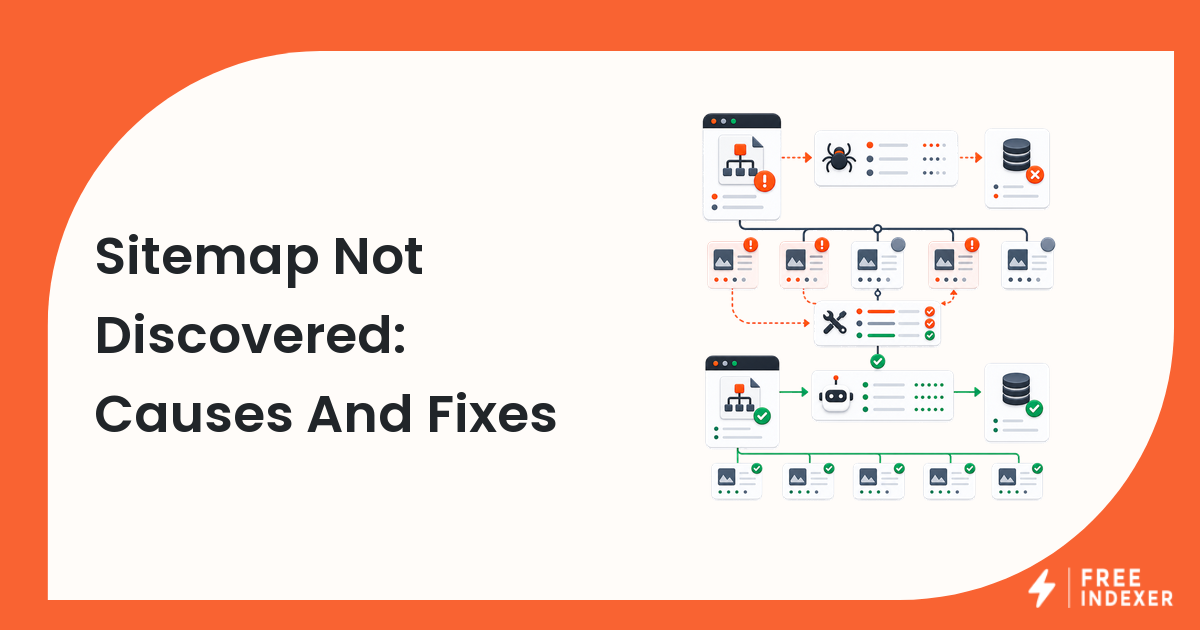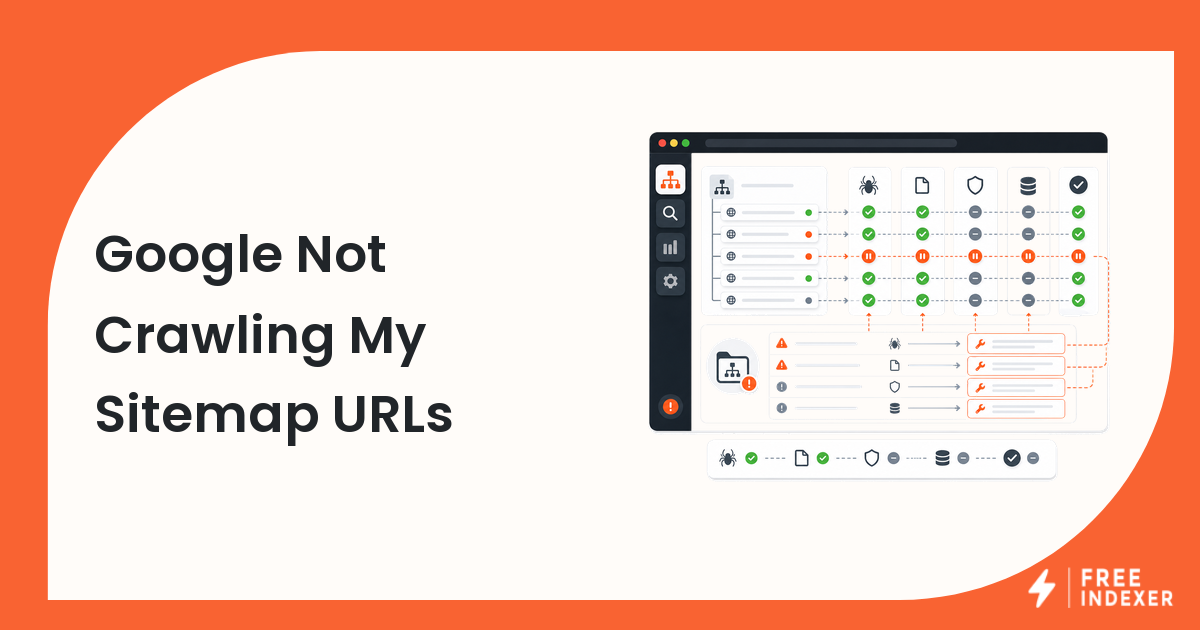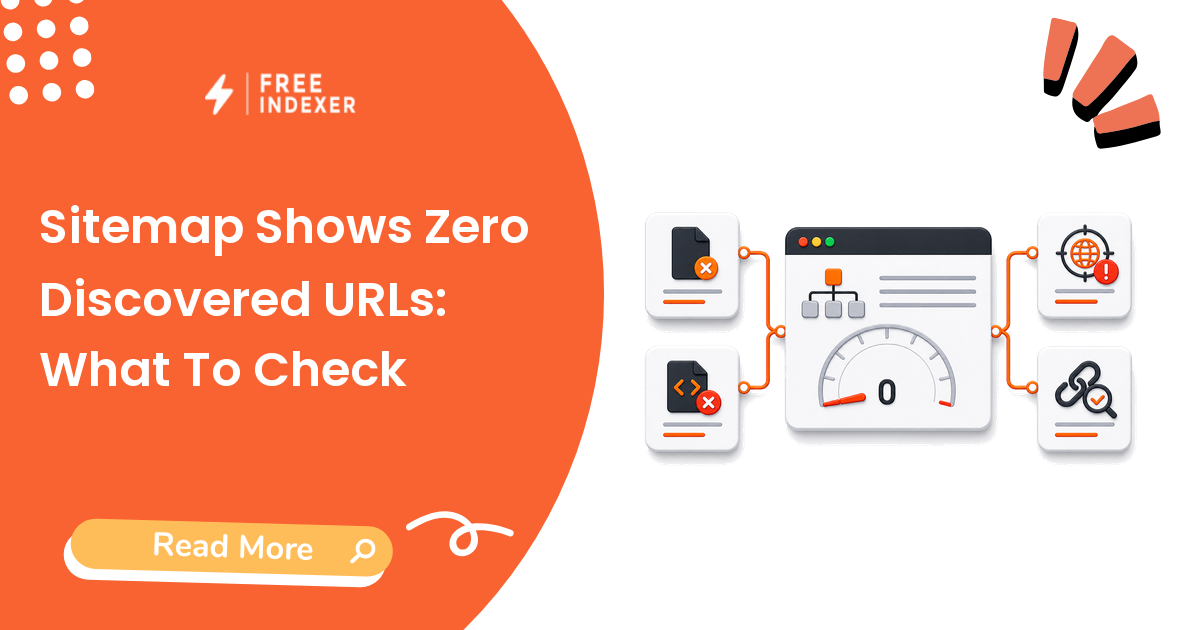
Troubleshoot a sitemap that shows zero discovered URLs by checking file access, XML validity, scope, canonical URLs, indexes, and reporting delays.
For webmasters, the practical goal is simple: Repair the sitemap source, resubmit the correct file, and verify important URLs independently.
Related FreeIndexer reading:
- Google Search Console Indexing Guide
- Submit Sitemap In Google Search Console
- Search Console Sitemap Errors
What The Signal Means
Confirm that Google can fetch the submitted sitemap and that it actually contains valid, absolute, canonical URLs within the verified property. Then check whether you submitted a sitemap index, an empty child sitemap, or the wrong environment.
Evidence To Collect Before Changing Anything
- The sitemap must return a successful response without authentication or bot challenges.
- URLs should be absolute and should normally be canonical pages you want in search.
- A sitemap index can be valid while one or more child sitemaps are empty or inaccessible.
- Search Console processing and discovered counts can lag behind a deployment.
Diagnostic Decision Table
| Step | Check | Evidence To Capture | Corrective Action |
|---|---|---|---|
| 1 | Fetch the submitted URL | Status, redirects, content type, and body | Fix access, redirect, or environment errors. |
| 2 | Validate the XML | Namespace, encoding, and closing tags | Regenerate malformed files through the CMS or sitemap service. |
| 3 | Review scope | Property, host, protocol, and directory | Submit the sitemap under the matching verified property. |
| 4 | Inspect child files | URL counts and fetch status | Remove empty or stale sitemap references. |
| 5 | Sample listed URLs | Canonical, indexable 200 pages | Clean the sitemap before resubmission. |
Work from the broadest shared cause toward the individual URL. If many pages share the same template, response code, canonical rule, or deployment, fix the pattern before treating every URL as a separate case.
Example Diagnosis
A staging sitemap index is accidentally submitted to the production HTTPS property. It returns 200 but lists staging hostnames blocked by authentication. Replacing it with the production index and checking child files resolves the zero-count report.
After the fix, test the current response again. Then allow enough time for recrawling and processing before deciding that the change failed.
Mistakes That Delay Recovery
- Submitting an HTML sitemap page instead of an XML or supported feed.
- Listing redirected, noindexed, or noncanonical URLs.
- Assuming submission guarantees crawling or indexing.
- Ignoring a mismatch between HTTP, HTTPS, www, and non-www properties.
Where FreeIndexer Fits
Use FreeIndexer for selected priority URLs after sitemap access and URL quality are confirmed. It is not a replacement for a valid, maintainable sitemap.
Implementation Notes For Each Step
1. Fetch the submitted URL
Capture status, redirects, content type, and body before making a conclusion. Fix access, redirect, or environment errors.
Keep the evidence tied to the exact canonical URL and the date of the check. If the issue affects a shared template or URL pattern, record the pattern as well so the team fixes the system instead of repeating the same manual task.
2. Validate the XML
Capture namespace, encoding, and closing tags before making a conclusion. Regenerate malformed files through the CMS or sitemap service.
Keep the evidence tied to the exact canonical URL and the date of the check. If the issue affects a shared template or URL pattern, record the pattern as well so the team fixes the system instead of repeating the same manual task.
3. Review scope
Capture property, host, protocol, and directory before making a conclusion. Submit the sitemap under the matching verified property.
Keep the evidence tied to the exact canonical URL and the date of the check. If the issue affects a shared template or URL pattern, record the pattern as well so the team fixes the system instead of repeating the same manual task.
4. Inspect child files
Capture url counts and fetch status before making a conclusion. Remove empty or stale sitemap references.
Keep the evidence tied to the exact canonical URL and the date of the check. If the issue affects a shared template or URL pattern, record the pattern as well so the team fixes the system instead of repeating the same manual task.
5. Sample listed URLs
Capture canonical, indexable 200 pages before making a conclusion. Clean the sitemap before resubmission.
Keep the evidence tied to the exact canonical URL and the date of the check. If the issue affects a shared template or URL pattern, record the pattern as well so the team fixes the system instead of repeating the same manual task.
Turn The Findings Into An Action Queue
A diagnostic result is useful only when it changes what the team does next. Move each URL into one of four clear queues:
- Ready: the URL is useful, canonical, public, technically accessible, and ready for submission or normal monitoring.
- Fix: the URL has a correctable technical, content, linking, rendering, or reporting problem with an assigned owner.
- Exclude: the URL is intentionally redirected, noindexed, removed, duplicate, private, or otherwise outside the indexing target set.
- Escalate: the issue affects infrastructure, templates, migrations, security controls, or a large URL cohort and needs engineering or product input.
For this topic, the release rule is: Repair the sitemap source, resubmit the correct file, and verify important URLs independently. Do not leave a URL in a vague pending state. Give it an owner, one next action, and a review date based on the evidence available.
Evidence Log To Keep
| Field | What To Record | Why It Matters |
|---|---|---|
| Canonical URL | The final normalized URL checked by the operator | Prevents variants and redirects from splitting the investigation. |
| Cohort | Page type, template, campaign, locale, or backlink group | Reveals whether the issue is isolated or systemic. |
| Evidence source | Live response, URL Inspection, crawl, log, sitemap, or provider record | Makes the conclusion reproducible. |
| Change made | The exact technical, content, link, or workflow update | Separates action from assumption. |
| Owner and review date | Who is responsible and when the URL will be checked again | Stops the queue from becoming passive reporting. |
Keep submission dates in their own field. A submitted URL has completed an operational step; it has not automatically completed crawling, indexation, ranking, traffic, or conversion milestones. That separation makes the report more accurate and makes failed outcomes easier to diagnose.
Final Action Checklist
- [ ] Fetch the submitted URL: Fix access, redirect, or environment errors.
- [ ] Validate the XML: Regenerate malformed files through the CMS or sitemap service.
- [ ] Review scope: Submit the sitemap under the matching verified property.
- [ ] Inspect child files: Remove empty or stale sitemap references.
- [ ] Sample listed URLs: Clean the sitemap before resubmission.
- [ ] Confirm the final URL and evidence date in the tracking sheet.
- [ ] Remove excluded or unresolved URLs from the active submission batch.
- [ ] Schedule one follow-up review instead of repeating untracked checks.
Primary Sources
FAQ
Does zero discovered mean every URL is unindexed?
No. It describes sitemap processing, not the complete index status of the site.
Should I delete and resubmit the sitemap repeatedly?
Only after correcting a real issue. Repeated resubmission without changes adds little value.
Can a sitemap be hosted elsewhere?
Cross-site submission is possible when ownership and sitemap rules are configured correctly.
Next Step
Repair the sitemap source, resubmit the correct file, and verify important URLs independently.
Keep the final report honest: document what was fixed, what was submitted, what evidence changed, and what still requires time or a separate SEO decision.