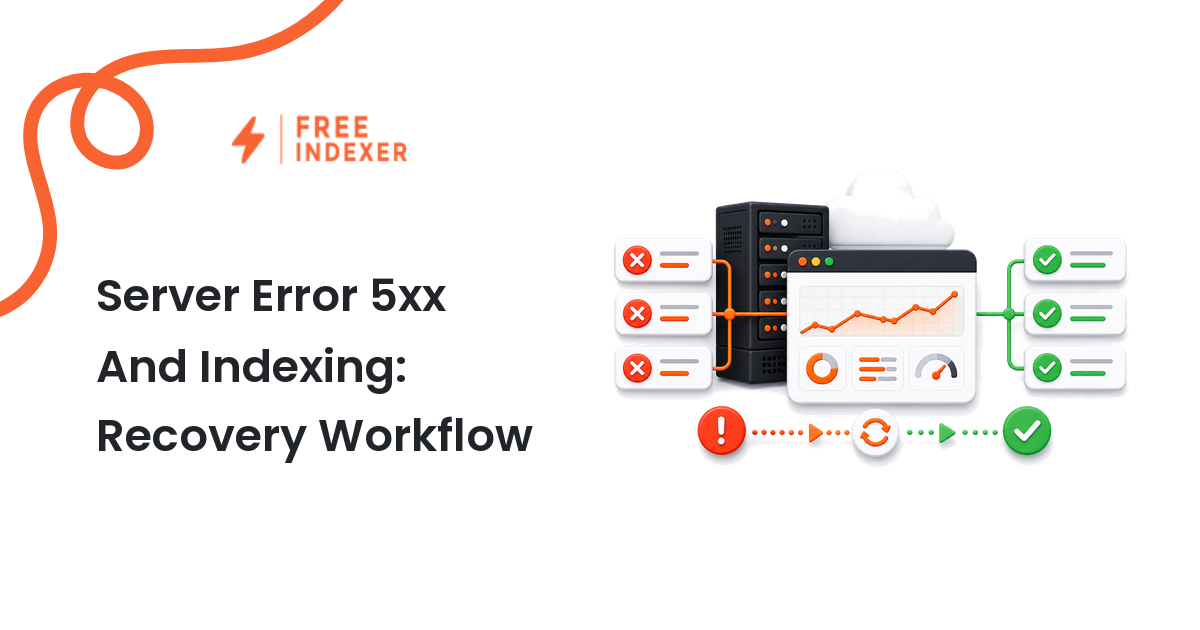
Recover from 5xx indexing problems by stabilizing the origin, identifying affected templates, checking logs, and restoring crawlable responses.
For webmasters, the practical goal is simple: Stabilize the service first, then prioritize recrawling for business-critical canonical URLs.
Related FreeIndexer reading:
The Operating Rule
Repeated 5xx responses signal server failure and can cause Google to slow crawling. Restore reliable 2xx responses, separate transient incidents from persistent template failures, and monitor recovery before requesting follow-up.
Technical Signals To Review
- 5xx errors and 429 responses can cause crawlers to reduce request rates temporarily.
- Persistent errors on indexed URLs can eventually lead to removal from the index.
- Failures may originate at the application, database, proxy, CDN, or upstream service.
- A single successful test is not enough when the error is intermittent.
Implementation And Audit Table
| Step | Control | Evidence | Implementation Decision |
|---|---|---|---|
| 1 | Define the incident window | Start time, duration, and affected hosts | Separate one outage from recurring errors. |
| 2 | Group affected URLs | Template, endpoint, and status code | Prioritize revenue, product, and high-traffic pages. |
| 3 | Trace the source | Origin, CDN, application, and database logs | Fix capacity, timeout, deployment, or dependency failures. |
| 4 | Verify stability | Repeated 2xx checks over time | Confirm both users and crawlers receive complete pages. |
| 5 | Restore discovery | Sitemaps, internal links, and recrawl queue | Submit only the most important recovered URLs first. |
Apply the rule consistently at template or system level. A clean implementation should make the intended page state obvious to users, crawlers, sitemaps, internal links, and reporting tools.
Practical Scenario
A product API timeout causes category pages to return 500 while blog pages remain healthy. The team rolls back the deployment, adds caching and timeout alerts, then rechecks category samples across regions before prioritizing the top categories for recrawl.
Failure Modes To Avoid
- Requesting indexing while the server is still unstable.
- Treating all 5xx errors as a Search Console problem instead of an infrastructure incident.
- Monitoring only the homepage.
- Returning a branded error page with a 200 status.
Where FreeIndexer Fits
Once stable responses return, FreeIndexer can help create a small recovery queue for high-value URLs. It should not be used to flood an unhealthy server with more requests.
Implementation Notes For Each Step
1. Define the incident window
Capture start time, duration, and affected hosts before making a conclusion. Separate one outage from recurring errors.
Keep the evidence tied to the exact canonical URL and the date of the check. If the issue affects a shared template or URL pattern, record the pattern as well so the team fixes the system instead of repeating the same manual task.
2. Group affected URLs
Capture template, endpoint, and status code before making a conclusion. Prioritize revenue, product, and high-traffic pages.
Keep the evidence tied to the exact canonical URL and the date of the check. If the issue affects a shared template or URL pattern, record the pattern as well so the team fixes the system instead of repeating the same manual task.
3. Trace the source
Capture origin, cdn, application, and database logs before making a conclusion. Fix capacity, timeout, deployment, or dependency failures.
Keep the evidence tied to the exact canonical URL and the date of the check. If the issue affects a shared template or URL pattern, record the pattern as well so the team fixes the system instead of repeating the same manual task.
4. Verify stability
Capture repeated 2xx checks over time before making a conclusion. Confirm both users and crawlers receive complete pages.
Keep the evidence tied to the exact canonical URL and the date of the check. If the issue affects a shared template or URL pattern, record the pattern as well so the team fixes the system instead of repeating the same manual task.
5. Restore discovery
Capture sitemaps, internal links, and recrawl queue before making a conclusion. Submit only the most important recovered URLs first.
Keep the evidence tied to the exact canonical URL and the date of the check. If the issue affects a shared template or URL pattern, record the pattern as well so the team fixes the system instead of repeating the same manual task.
Turn The Findings Into An Action Queue
A diagnostic result is useful only when it changes what the team does next. Move each URL into one of four clear queues:
- Ready: the URL is useful, canonical, public, technically accessible, and ready for submission or normal monitoring.
- Fix: the URL has a correctable technical, content, linking, rendering, or reporting problem with an assigned owner.
- Exclude: the URL is intentionally redirected, noindexed, removed, duplicate, private, or otherwise outside the indexing target set.
- Escalate: the issue affects infrastructure, templates, migrations, security controls, or a large URL cohort and needs engineering or product input.
For this topic, the release rule is: Stabilize the service first, then prioritize recrawling for business-critical canonical URLs. Do not leave a URL in a vague pending state. Give it an owner, one next action, and a review date based on the evidence available.
Evidence Log To Keep
| Field | What To Record | Why It Matters |
|---|---|---|
| Canonical URL | The final normalized URL checked by the operator | Prevents variants and redirects from splitting the investigation. |
| Cohort | Page type, template, campaign, locale, or backlink group | Reveals whether the issue is isolated or systemic. |
| Evidence source | Live response, URL Inspection, crawl, log, sitemap, or provider record | Makes the conclusion reproducible. |
| Change made | The exact technical, content, link, or workflow update | Separates action from assumption. |
| Owner and review date | Who is responsible and when the URL will be checked again | Stops the queue from becoming passive reporting. |
Keep submission dates in their own field. A submitted URL has completed an operational step; it has not automatically completed crawling, indexation, ranking, traffic, or conversion milestones. That separation makes the report more accurate and makes failed outcomes easier to diagnose.
Final Action Checklist
- [ ] Define the incident window: Separate one outage from recurring errors.
- [ ] Group affected URLs: Prioritize revenue, product, and high-traffic pages.
- [ ] Trace the source: Fix capacity, timeout, deployment, or dependency failures.
- [ ] Verify stability: Confirm both users and crawlers receive complete pages.
- [ ] Restore discovery: Submit only the most important recovered URLs first.
- [ ] Confirm the final URL and evidence date in the tracking sheet.
- [ ] Remove excluded or unresolved URLs from the active submission batch.
- [ ] Schedule one follow-up review instead of repeating untracked checks.
Primary Sources
FAQ
Will a short 503 outage remove pages?
A brief incident is usually recoverable, but longer or repeated failures increase risk and can reduce crawling.
Should maintenance return 503?
A temporary 503 can accurately signal unavailability, but keep maintenance windows short and avoid prolonged site-wide failures.
How many URLs should I resubmit?
Start with important canonical pages and rely on clean internal links and sitemaps for broader recovery.
Next Step
Stabilize the service first, then prioritize recrawling for business-critical canonical URLs.
Keep the final report honest: document what was fixed, what was submitted, what evidence changed, and what still requires time or a separate SEO decision.