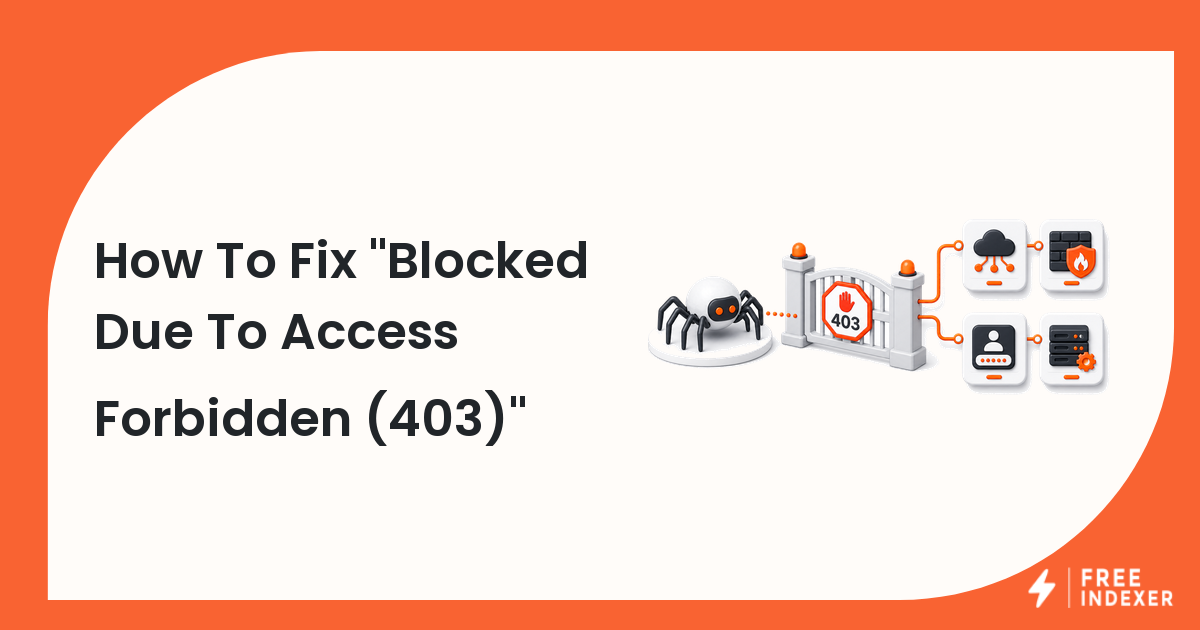
Find why Googlebot receives a 403 response by auditing firewalls, CDNs, authentication, bot rules, rate limits, and environment controls.
For webmasters, the practical goal is simple: Restore safe public access for intended pages and verify requests before indexing follow-up.
Related FreeIndexer reading:
The Operating Rule
A 403 tells crawlers that access is forbidden. Check the response from the same URL across CDN, firewall, application, and origin layers, then use logs to identify which rule denied the request.
Technical Signals To Review
- 403 responses are 4xx errors, so Google does not use the returned content for indexing.
- Bot protection can block legitimate crawlers when rules rely only on user-agent strings or aggressive rate limits.
- Authentication, IP allowlists, geo rules, maintenance modes, and signed URLs can create environment-specific failures.
- Verifying real Google crawler requests is safer than broadly allowing every bot-like user agent.
Implementation And Audit Table
| Step | Control | Evidence | Implementation Decision |
|---|---|---|---|
| 1 | Reproduce the response | Browser, command-line, and live inspection results | Confirm whether the 403 is universal or bot-specific. |
| 2 | Locate the blocking layer | CDN, WAF, server, or application logs | Identify the exact rule and request attributes. |
| 3 | Verify legitimate crawlers | Reverse and forward DNS or supported verification | Avoid trusting user-agent text alone. |
| 4 | Adjust the narrow rule | Path, rate, country, token, or bot policy | Allow intended public pages without weakening private areas. |
| 5 | Monitor recovery | 2xx responses and crawl activity | Reinspect important URLs after stable access returns. |
Apply the rule consistently at template or system level. A clean implementation should make the intended page state obvious to users, crawlers, sitemaps, internal links, and reporting tools.
Practical Scenario
A CDN's managed bot rule starts challenging all requests without browser cookies. Users pass the challenge, but Googlebot receives 403 on product pages. Logs reveal the rule, and the team creates a verified crawler exception limited to public GET requests.
Failure Modes To Avoid
- Whitelisting any request that claims to be Googlebot.
- Disabling the entire firewall instead of fixing the narrow rule.
- Using 403 as a crawl-rate control.
- Testing only from an authenticated administrator browser.
Where FreeIndexer Fits
FreeIndexer belongs after access is restored. Keep 403 URLs out of the queue until logs and live tests confirm that crawlers can fetch them.
Implementation Notes For Each Step
1. Reproduce the response
Capture browser, command-line, and live inspection results before making a conclusion. Confirm whether the 403 is universal or bot-specific.
Keep the evidence tied to the exact canonical URL and the date of the check. If the issue affects a shared template or URL pattern, record the pattern as well so the team fixes the system instead of repeating the same manual task.
2. Locate the blocking layer
Capture cdn, waf, server, or application logs before making a conclusion. Identify the exact rule and request attributes.
Keep the evidence tied to the exact canonical URL and the date of the check. If the issue affects a shared template or URL pattern, record the pattern as well so the team fixes the system instead of repeating the same manual task.
3. Verify legitimate crawlers
Capture reverse and forward dns or supported verification before making a conclusion. Avoid trusting user-agent text alone.
Keep the evidence tied to the exact canonical URL and the date of the check. If the issue affects a shared template or URL pattern, record the pattern as well so the team fixes the system instead of repeating the same manual task.
4. Adjust the narrow rule
Capture path, rate, country, token, or bot policy before making a conclusion. Allow intended public pages without weakening private areas.
Keep the evidence tied to the exact canonical URL and the date of the check. If the issue affects a shared template or URL pattern, record the pattern as well so the team fixes the system instead of repeating the same manual task.
5. Monitor recovery
Capture 2xx responses and crawl activity before making a conclusion. Reinspect important URLs after stable access returns.
Keep the evidence tied to the exact canonical URL and the date of the check. If the issue affects a shared template or URL pattern, record the pattern as well so the team fixes the system instead of repeating the same manual task.
Turn The Findings Into An Action Queue
A diagnostic result is useful only when it changes what the team does next. Move each URL into one of four clear queues:
- Ready: the URL is useful, canonical, public, technically accessible, and ready for submission or normal monitoring.
- Fix: the URL has a correctable technical, content, linking, rendering, or reporting problem with an assigned owner.
- Exclude: the URL is intentionally redirected, noindexed, removed, duplicate, private, or otherwise outside the indexing target set.
- Escalate: the issue affects infrastructure, templates, migrations, security controls, or a large URL cohort and needs engineering or product input.
For this topic, the release rule is: Restore safe public access for intended pages and verify requests before indexing follow-up. Do not leave a URL in a vague pending state. Give it an owner, one next action, and a review date based on the evidence available.
Evidence Log To Keep
| Field | What To Record | Why It Matters |
|---|---|---|
| Canonical URL | The final normalized URL checked by the operator | Prevents variants and redirects from splitting the investigation. |
| Cohort | Page type, template, campaign, locale, or backlink group | Reveals whether the issue is isolated or systemic. |
| Evidence source | Live response, URL Inspection, crawl, log, sitemap, or provider record | Makes the conclusion reproducible. |
| Change made | The exact technical, content, link, or workflow update | Separates action from assumption. |
| Owner and review date | Who is responsible and when the URL will be checked again | Stops the queue from becoming passive reporting. |
Keep submission dates in their own field. A submitted URL has completed an operational step; it has not automatically completed crawling, indexation, ranking, traffic, or conversion milestones. That separation makes the report more accurate and makes failed outcomes easier to diagnose.
Final Action Checklist
- [ ] Reproduce the response: Confirm whether the 403 is universal or bot-specific.
- [ ] Locate the blocking layer: Identify the exact rule and request attributes.
- [ ] Verify legitimate crawlers: Avoid trusting user-agent text alone.
- [ ] Adjust the narrow rule: Allow intended public pages without weakening private areas.
- [ ] Monitor recovery: Reinspect important URLs after stable access returns.
- [ ] Confirm the final URL and evidence date in the tracking sheet.
- [ ] Remove excluded or unresolved URLs from the active submission batch.
- [ ] Schedule one follow-up review instead of repeating untracked checks.
Primary Sources
FAQ
Does a 403 page get indexed?
Google does not index the content returned with a 403 response, and previously indexed URLs can eventually be removed.
Can robots.txt fix a 403?
No. Robots.txt controls crawling preferences; it does not grant server access.
What should I submit after the fix?
Submit the public final URL only after repeated tests return a stable 2xx response.
Next Step
Restore safe public access for intended pages and verify requests before indexing follow-up.
Keep the final report honest: document what was fixed, what was submitted, what evidence changed, and what still requires time or a separate SEO decision.