A URL can be discovered, crawled, or indexed. Those states sound similar, but they mean different things and require different next actions.
For the full foundation, start with the indexing education hub. This guide is for website owners who see confusing Search Console messages and want to know whether they should wait, fix the page, improve links, or submit the URL.
The Short Answer
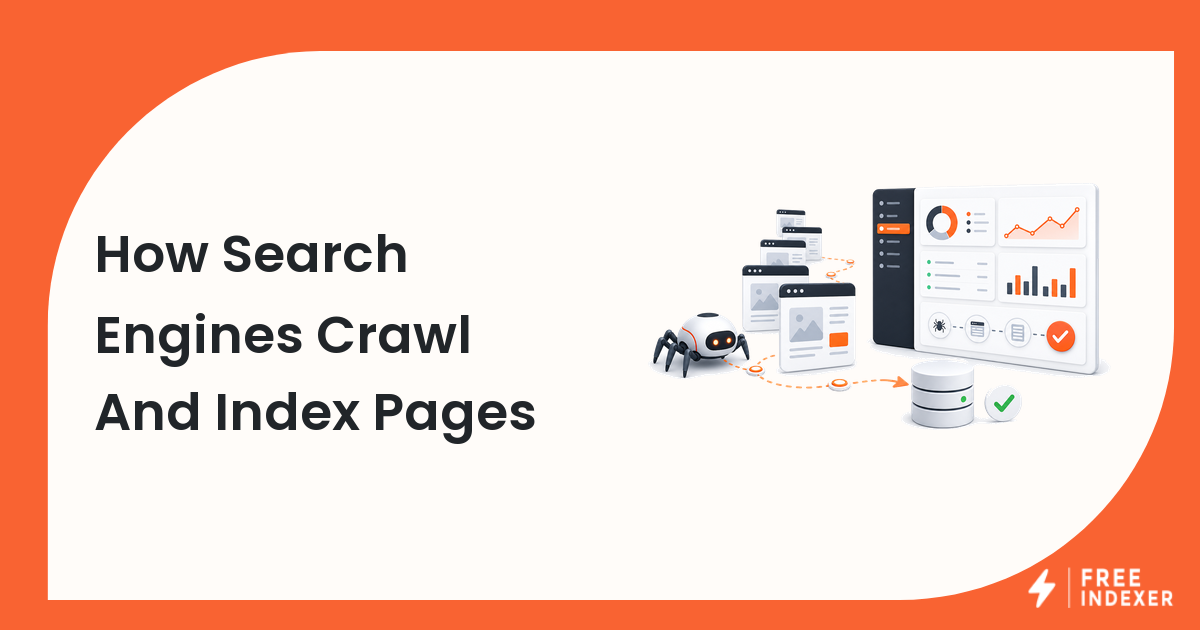
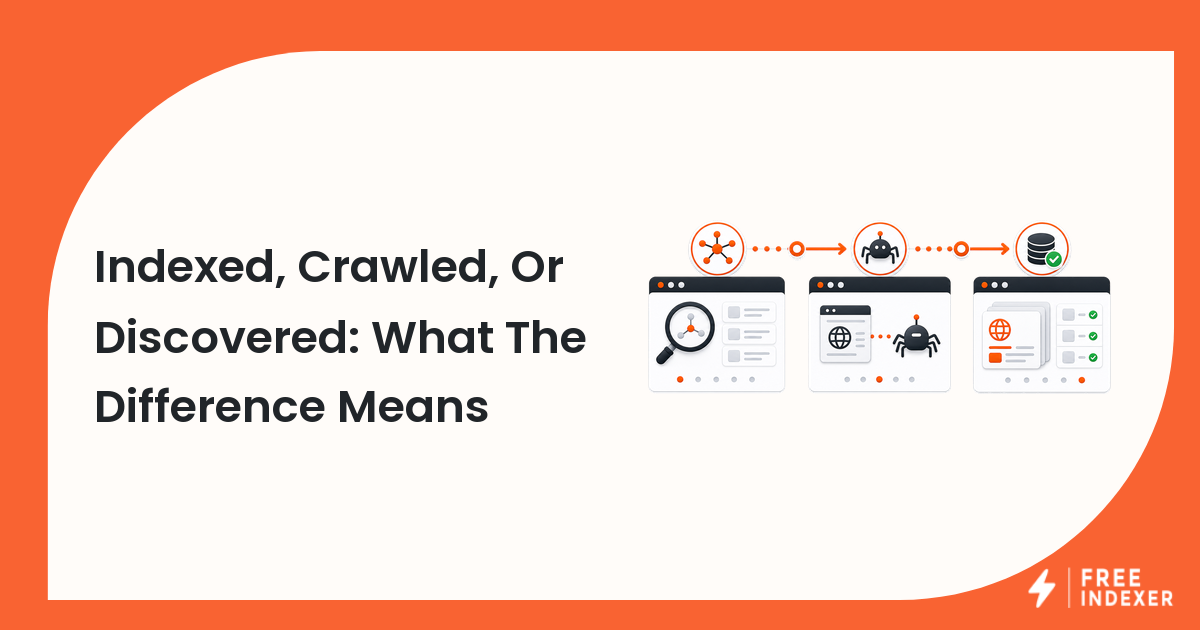
Discovered means a search engine knows the URL exists. Crawled means the search engine visited the URL. Indexed means the URL was processed and stored in the search index so it can be eligible to appear in search results.
Being crawled does not guarantee indexing. Being indexed does not guarantee ranking. This distinction matters because the wrong diagnosis leads to the wrong action.
The Difference At A Glance
| State | Meaning | Example | Best next action |
|---|---|---|---|
| Discovered | The URL is known from a sitemap, link, or submission | A new blog post appears in your sitemap | Make sure the page is crawlable and internally linked |
| Crawled | The URL was visited by a crawler | Search Console shows a last crawl date | Check indexing signals, content quality, and canonical status |
| Indexed | The page is in the search index | Search results can show the page for some queries | Improve relevance, internal links, and ranking signals |
| Not known | The search engine has no record of the URL | A private landing page has no links or sitemap entry | Add discovery paths and submit only if the page is ready |
Google's own help documentation defines indexing as a page being visited by Googlebot, analyzed, and stored in the Google index. The practical takeaway is simple: indexing is later in the chain than discovery.
How A URL Moves Through The Process
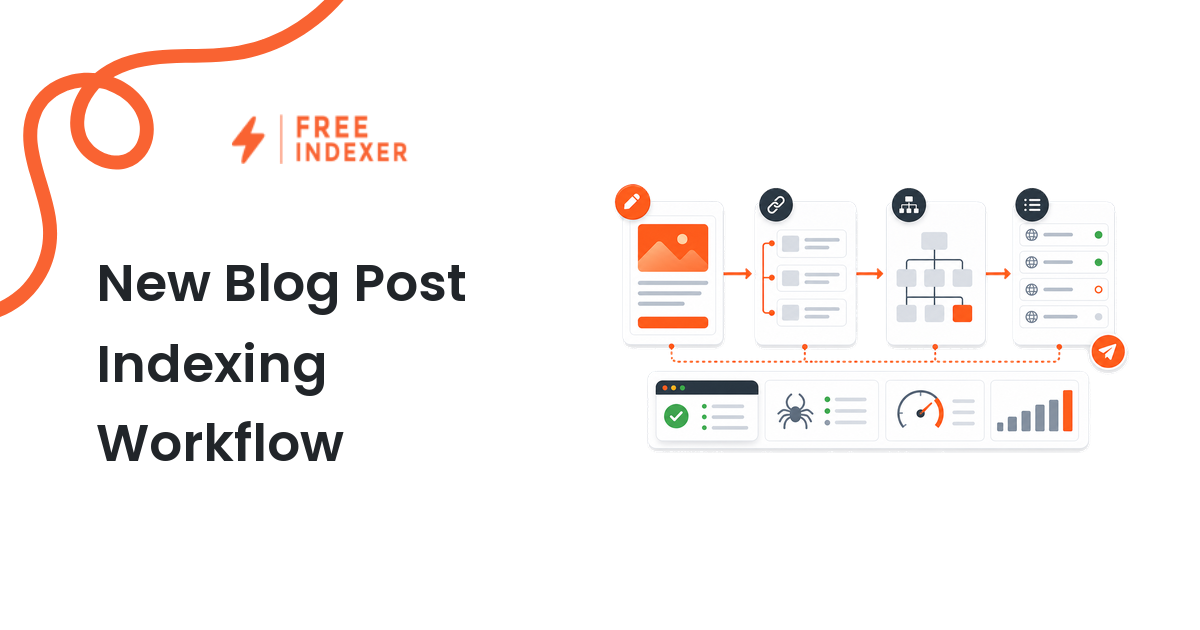
A typical page might move like this:
- You publish
https://example.com/guides/roof-maintenance/. - The URL appears in your sitemap.
- The page is linked from your blog hub.
- A crawler discovers the URL.
- The crawler visits the page.
- The search engine evaluates canonical, indexability, content, and quality signals.
- The page may be indexed.
- The page may or may not rank well for a query.
For the discovery step, read how Google discovers new URLs. For the crawl and index stage, read how search engines crawl and index pages.
Diagnostic Steps
If the URL is not discovered
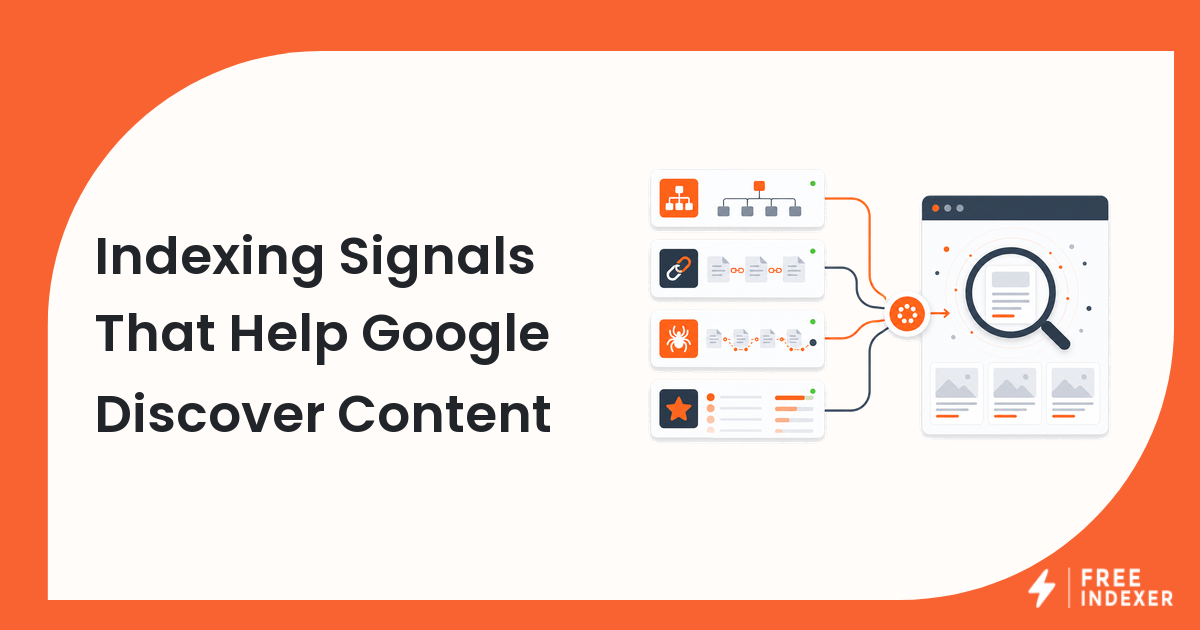
Check whether the URL is in the sitemap, linked from another page, blocked behind login, or hidden in a script-only experience. A page with no sitemap entry and no internal links can sit unseen.
If the URL is discovered but not crawled
Check crawl demand and crawl paths. Is the page important enough? Is it buried ten clicks deep? Does the site publish many low-value URLs that compete for attention?
If the URL is crawled but not indexed
Check whether the page is canonical, indexable, useful, and distinct. A thin page, duplicate page, or page canonicalized elsewhere may be crawled without being indexed.
If the URL is indexed but gets no traffic
That is usually a ranking, relevance, or demand issue. Read URL indexing vs ranking before trying to solve a ranking problem with indexing tactics.
Example URL Scenario
A website owner publishes:
https://example.com/blog/new-office-opening/
The page is in the sitemap but not linked from the homepage, blog archive, location page, or related posts. Search Console eventually shows that the URL was discovered, but it has no strong internal path and very little unique information.
The useful next action is not to submit the page five times. Add relevant internal links, improve the page with useful details, make sure it is canonical and indexable, then request indexing or add it to a priority URL workflow if the page matters.
For a submitted page that still has issues, use submitted URL not indexed.
What To Do Next
| Current state | Do this first | Where FreeIndexer fits |
|---|---|---|
| Not discovered | Add sitemap and internal links | Use submission after the page is ready |
| Discovered only | Strengthen crawl paths and priority | Track priority URLs that deserve follow-up |
| Crawled, not indexed | Review canonical, noindex, duplication, and usefulness | Submit only after meaningful fixes |
| Indexed | Work on relevance, links, and conversion | Not usually an indexing problem |
FreeIndexer is useful when you have a ready URL that deserves submission or tracking. It is not the right first step when the page is blocked, duplicate, empty, or already indexed.
Common Mistakes
- Assuming "not ranking" means "not indexed."
- Submitting a URL before checking whether search engines can crawl it.
- Ignoring canonical tags when a page is crawled but not indexed.
- Treating sitemap inclusion as proof that a page has been crawled.
- Repeating the same submission without improving the page or its discovery paths.
FAQ
Is crawled the same as indexed?
No. Crawled means the URL was visited. Indexed means the page was processed and stored in the search index.
Can a page be discovered but not crawled?
Yes. A search engine can know about a URL from a sitemap or link before it decides to crawl it.
Can an indexed page still get no traffic?
Yes. Indexing only makes the page eligible to appear. Ranking depends on relevance, quality, competition, links, and search demand.
Should I submit a discovered URL?
Only if the URL is important, crawlable, indexable, internally linked, and useful. Fix obvious issues first.
Next Step
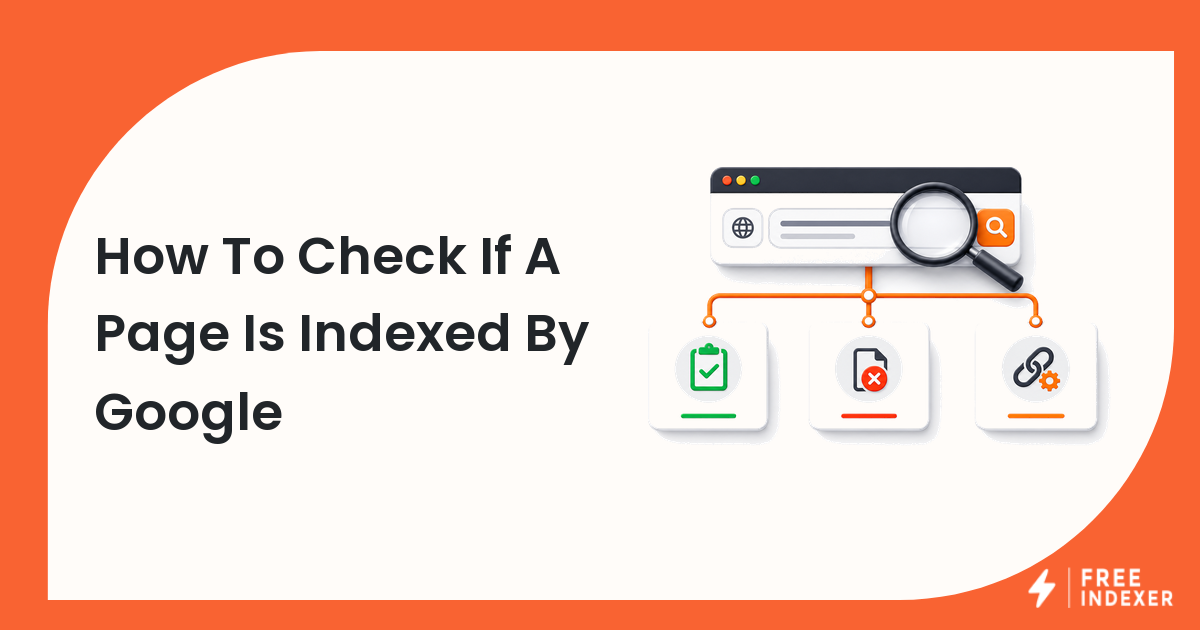
Match your next action to whether the URL is undiscovered, crawled, or indexed. Once you know the state, the right fix becomes much clearer.