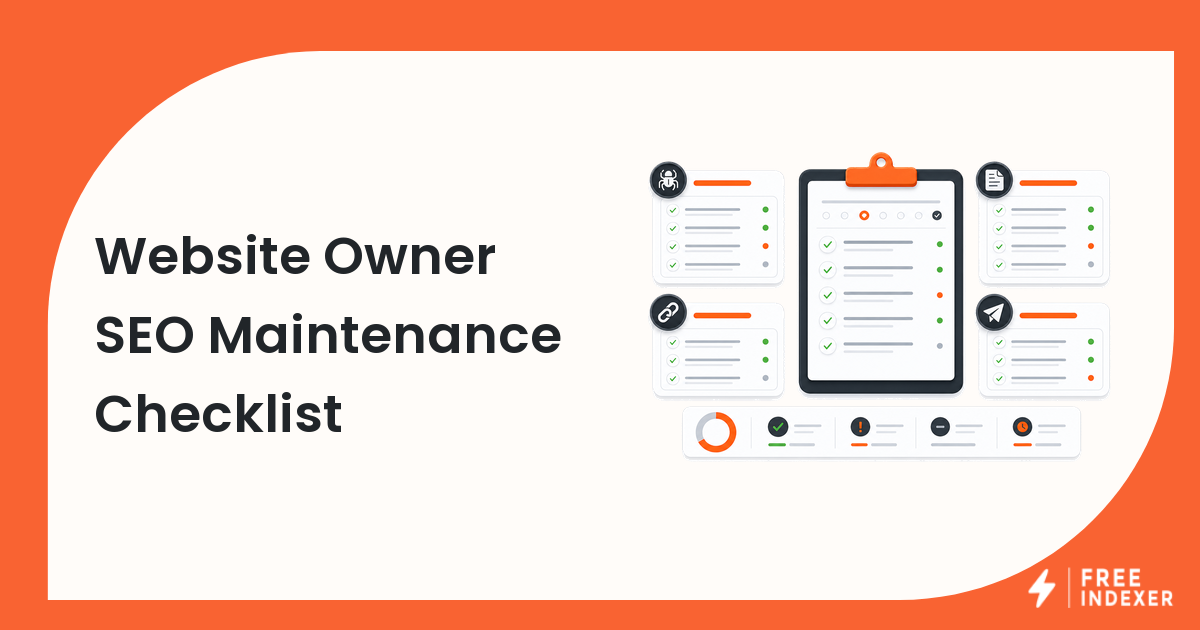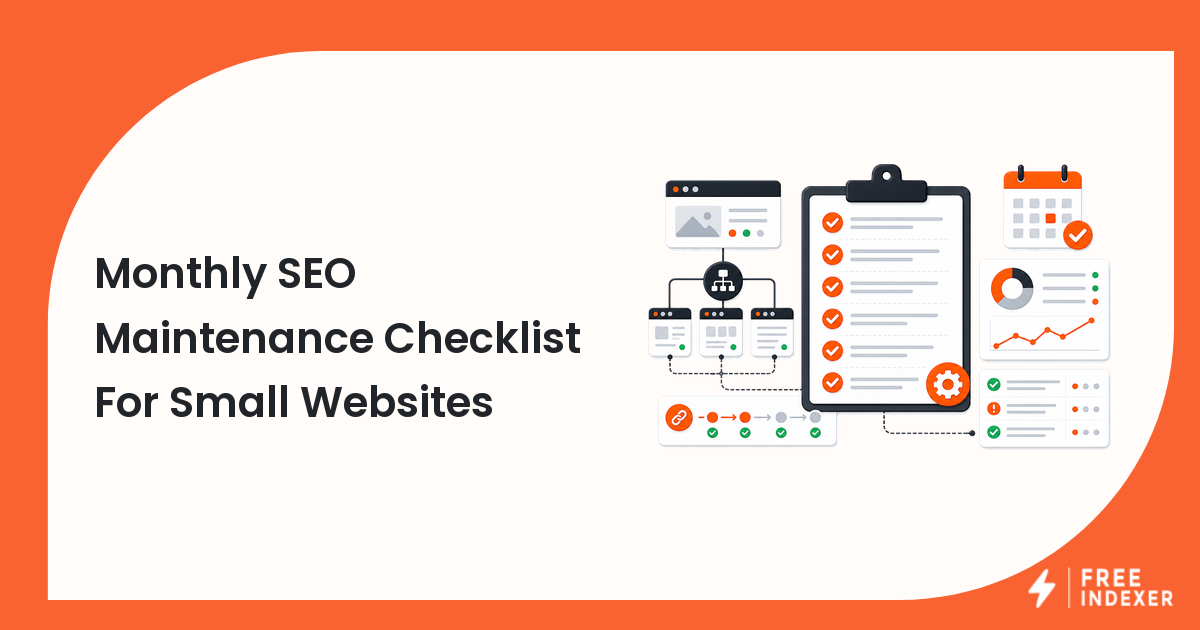
Small websites do not need a complicated SEO department. They need a monthly maintenance habit that catches broken pages, sitemap problems, missing internal links, and important URLs that deserve follow-up.
For the fundamentals, start with the indexing education hub. This checklist is written for website owners and hands-on webmasters who want a repeatable monthly routine without turning SEO into a full-time job.
The Short Answer
Once a month, review your important pages, Search Console reports, sitemap, internal links, recent content changes, and priority URL list. Fix obvious blockers before submitting or resubmitting anything.
The point is not to inspect every page forever. The point is to keep the site healthy enough that new and updated pages have a clear path to discovery.
The Monthly Checklist
1. Confirm the site is accessible
- Visit the homepage and a few important pages in a browser.
- Check that HTTPS works.
- Confirm important pages do not redirect unexpectedly.
- Look for obvious server, layout, or mobile issues.
2. Review Search Console
- Open the Pages or Page Indexing report.
- Look for new issue groups, not just total counts.
- Inspect examples for any issue affecting important pages.
- Check whether the sitemap is being read.
If you need a more frequent routine, use the weekly webmaster SEO workflow alongside this monthly review.
3. Check your sitemap
- Confirm the sitemap URL loads.
- Make sure it contains final canonical URLs.
- Remove deleted, redirected, or intentionally excluded pages.
- Add important new pages that are missing.
For setup details, read how to submit a sitemap in Google Search Console.
4. Review new and updated pages
- Did you publish new service, product, blog, or location pages?
- Did you update important pages after a migration or redesign?
- Are those pages linked from a relevant menu, hub, category, or older article?
- Are titles, headings, and page content complete?
5. Refresh internal links
Internal links help visitors and search engines find the right pages. Each month, choose two or three important pages and make sure they have links from relevant pages that already get traffic.
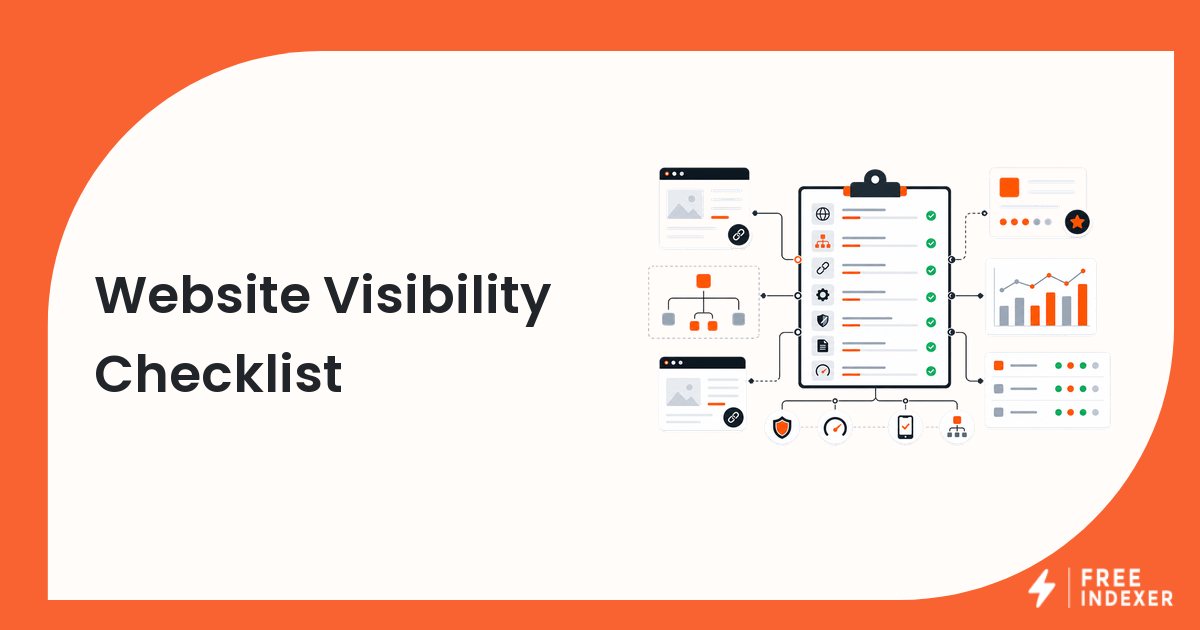
Use the content visibility checklist when a page is live but still difficult to find.
6. Build a priority URL list
Do not submit every URL you can find. Create a short list:
- new pages that are ready
- updated pages with meaningful changes
- important pages that Search Console still has not discovered
- pages fixed after a technical issue
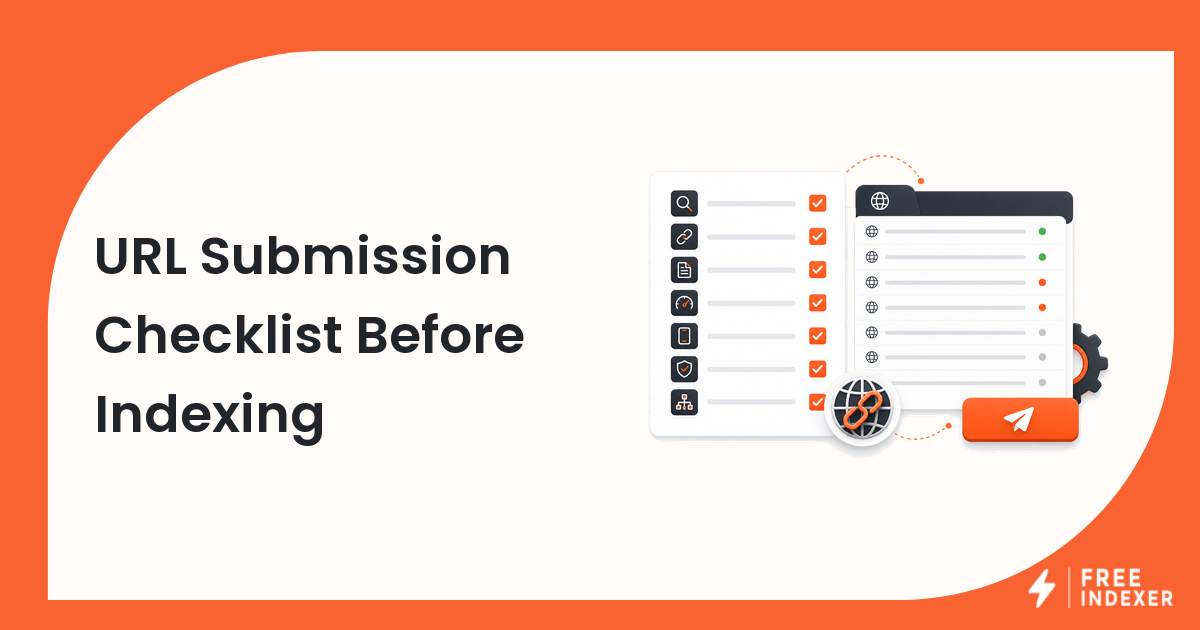
FreeIndexer can fit here if you want a repeatable way to submit and track priority URLs. It should come after the maintenance checks, not before them.
What To Do Next
| What you find | Meaning | Next action |
|---|---|---|
| Important page is missing from sitemap | Discovery signal is weak | Add the canonical URL and resubmit sitemap if needed |
Page is noindex by mistake |
Indexing is blocked | Remove the directive and inspect the live URL |
| Page has no internal links | Search engines and users may not reach it easily | Add links from relevant pages |
| Old page redirects to the wrong URL | Signals may be split or confusing | Fix the redirect target |
| New page is clean and important | It is ready for follow-up | Submit or track it as a priority URL |
Workflow Example
A local service business publishes three new pages:
/services/water-heater-repair//services/drain-cleaning//service-areas/mesa/
During the monthly review, the owner finds that the first two service pages are in the sitemap and linked from the services hub. The Mesa page is live but has no internal links and is missing from the sitemap. The correct sequence is simple: add the Mesa page to the service areas hub, include it in the sitemap, inspect the URL, then add it to the priority follow-up list.
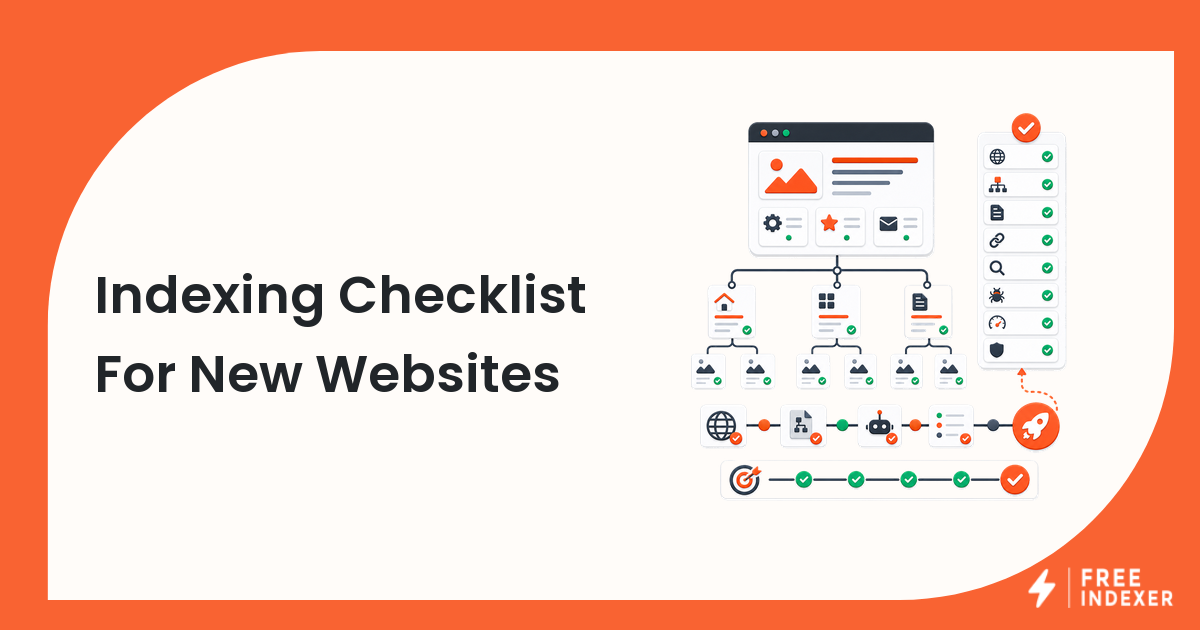
This is also the right moment to compare the site against an indexing checklist for new websites if the site is still young or recently rebuilt.
Common Mistakes
- Checking Search Console only when traffic drops.
- Submitting URLs before fixing sitemap or internal link problems.
- Forgetting old redirected URLs after a redesign.
- Publishing blog posts that are not linked from any hub or category page.
- Treating low-value tag, search, or filter pages as monthly priorities.
FAQ
How often should a small website do SEO maintenance?
Monthly is enough for many small sites. If you publish often, run a lighter weekly review and keep the monthly checklist for deeper cleanup.
Should I submit every new page?
No. Submit or track important pages that are complete, crawlable, internally linked, and useful. Let lower-priority pages rely on sitemaps and normal discovery.
What is the most important monthly check?
Check whether important pages are accessible, indexable, in the sitemap, and internally linked. Those basics solve many small-site visibility problems.
Can FreeIndexer replace Search Console?
No. Search Console is for diagnostics and reporting. FreeIndexer can support URL submission and tracking workflows after your checks are complete.
Next Step
Run the monthly checklist before submitting or resubmitting important URLs. A small site with clean maintenance habits is much easier to troubleshoot than a site that only reacts when something disappears from search.